
A $50,000 services agreement gets Finance sign-off on a Tuesday. On Thursday the vendor sends back a revised copy at $68,000 with a longer term, someone signs it, and nobody in Finance sees the new number until the first invoice lands.
The routing worked once, and then the contract changed. Contract approval software routes each agreement to the right reviewers in the right order, using rules such as contract value, type, and risk, and records every decision before signature.
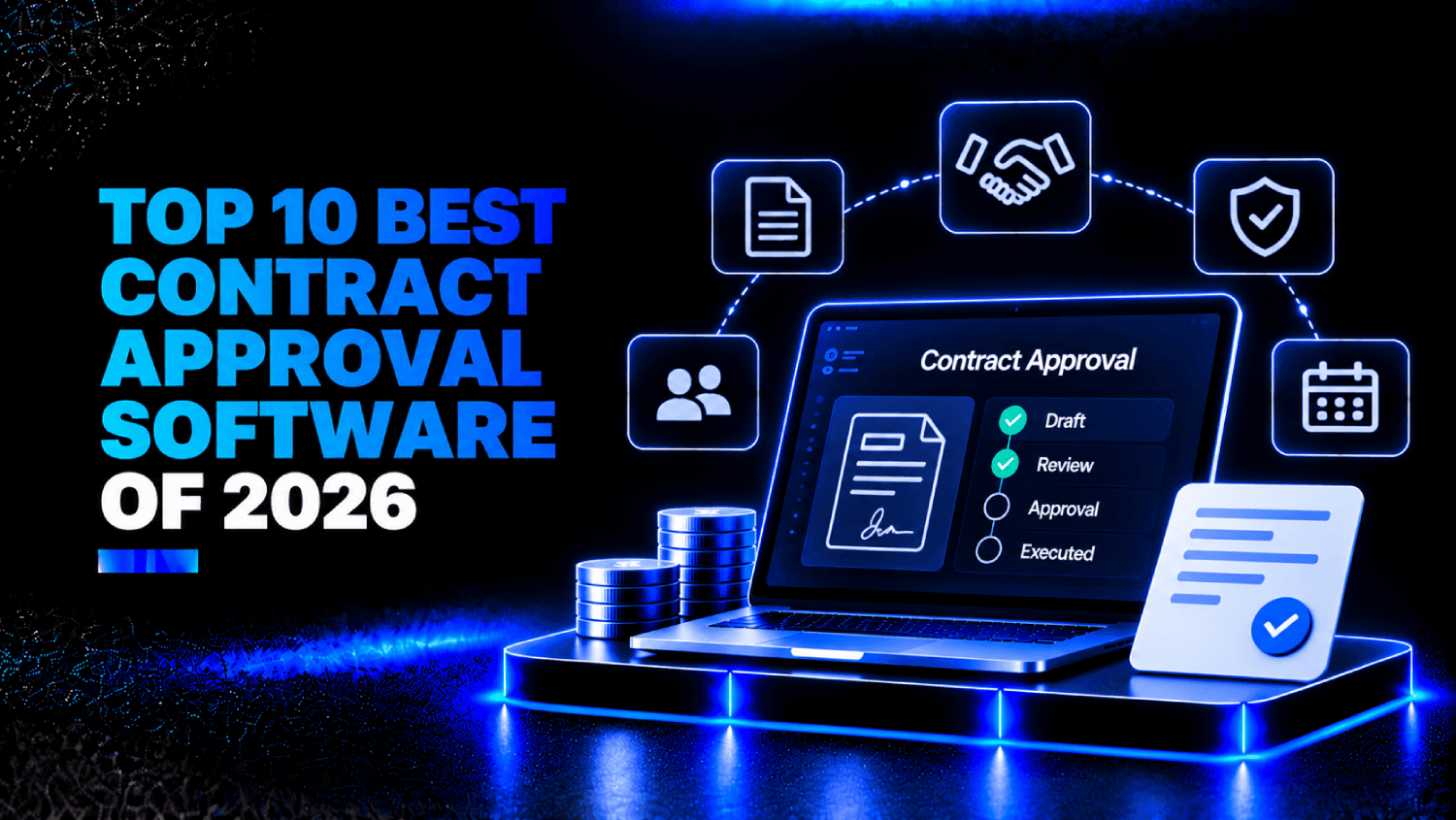
The best tools in 2026 split by where approvals start: legal-led CLMs such as Ironclad, procurement-led tools such as FlowForma Contract, and sales-led platforms such as DocuSign CLM.
The 10 platforms below each route approvals by rules instead of email threads, and the table compares them at a glance.
Key Takeaways
- Contract approval software routes each contract to the right approvers by rule and blocks signature until all have signed off.
- The 10 tools are split into three groups by where approvals start: legal review, a purchase request or tender, or a sales deal.
- Check how each vendor handles a contract that changes after approval, because reset rules differ.
- Test every shortlisted tool on five scenarios using your own contracts.
- A team with one approval path and no audit requirement may not need a dedicated tool.
What is Contract Approval Software and How Does it Work?
Contract approval software is a system that routes an agreement through designated reviewers and decision-makers before anyone signs it. It reads attributes such as value, contract type, and risk, applies routing rules, sends the contract to sequential or parallel approvers, chases overdue reviews, and blocks signature until every required approval is recorded.
The six stages of a contract approval
Most approvals pass through the same six stages:
- Intake: the requester submits the contract and its key fields.
- Routing: rules pick the approvers.
- Review: legal and finance check the terms.
- Approval: each sign-off is recorded against a specific version.
- Signature: it opens only after every approval is on record.
- Record: approvals, versions, and rule decisions are stored for audit.
A standard NDA on approved wording can skip stage 3 entirely, because no clause departs from the template.
Sequential, parallel, and conditional approvals
Sequential approvals run in a fixed order, so Finance sees the version legal has cleared. Parallel approvals go to several reviewers at once when none needs the others’ answer. Conditional approvals add a reviewer only when a rule fires, such as a value above a threshold or a nonstandard clause. Most real routes mix all three.
Some platforms let a contracts manager change a threshold in minutes, while others route that change through an administrator or a services engagement. Neither is wrong, but the difference shows up the first time your delegation of authority changes mid-quarter.
Signature gating is the check most buyers skip in demos. If someone can send a contract for signature while an approval is still pending, the routing is only advice.
The 10 Best Contract Approval Software Tools in 2026
The tools are grouped by where approvals start, from the purchase request to legal review to signature, and they aren’t ranked within the list. Vendor details reflect each vendor’s own published documentation as of October 2026.
| Software | Best for | How approval routing is set up | Key integrations | Pricing model (as of October 2026) |
| FlowForma Contract | Procurement, contracts, and sourcing teams | Team-owned rules; agents route by value, category, and delegation of authority | ERP and finance systems | Pricing on request |
| Gatekeeper | Procurement and vendor management teams | Intake portal routes submissions into approval workflows | NetSuite (two-way sync) | Quote based on third-party volume and workflows |
| Ironclad | In-house legal teams with high contract volume | No-code Workflow Designer with conditional approvers | Salesforce, Coupa, Box, Word | Custom quote |
| Juro | Legal teams that want business users to self-serve | Conditional approvers based on contract values | Salesforce, HubSpot, Slack, Word | Custom plan by contract volume |
| Agiloft | Teams whose approval chains need deep configuration | No-code configuration of approval chains | Salesforce, SAP, Oracle | Quote on request |
| Icertis | Global enterprises contracting through SAP | Rule-based approval workflows | SAP Ariba, SAP Fieldglass, Salesforce, Microsoft | Pricing on request |
| DocuSign CLM | Organizations already standardized on DocuSign | 100+ preconfigured workflow steps with conditional paths | Salesforce, SAP Ariba, Coupa | Contact sales |
| Conga CLM | Revenue teams working inside Salesforce | Approval rules by value, region, or clause change | Salesforce | Pricing on request |
| PandaDoc | Sales teams sending proposals and standard agreements | Internal approval workflow before a document is sent | HubSpot, Salesforce, Microsoft Teams | Published per-user plans; Enterprise custom |
| Concord | Smaller teams that want published pricing | Intake forms and approval workflows | Salesforce, HubSpot, Google Drive, Box, Dropbox, Zapier | Published plans, billed annually |
Procurement-led contract approval tools
1. FlowForma Contract
Best for: Procurement, contracts, and sourcing teams that want each approval tied to the request or tender that created the contract.
FlowForma Contract treats approval as part of the purchase. Its routing agent sends each request to the right budget holder and buyer by value, category, and delegation of authority, and its approvals agent applies policy rules and approves low-risk items automatically.
Routine contracts are checked against the legal playbook, so only risky clauses reach legal, and multi-level approvals and e-signature run in one flow that connects to ERP and finance systems.
FlowForma Contract is an AI-native product from FlowForma that runs procurement, contract, and tender management in one system, with AI agents applying an organization’s own approval rules and every approval, rule decision, and agent action on record, and it does not need Microsoft 365.
FlowForma holds ISO/IEC 27001:2022 certification, and pricing is on request. The tender module is built for organizations running tenders, so suppliers writing bid responses need a bid-writing tool.
2. Gatekeeper
Best for: Procurement and vendor management teams that want contracts and supplier records on one system.
Internal teams submit requests through a self-service portal, where AI agents pull metadata from uploaded documents and route each submission to the matching approval path.
Gatekeeper syncs vendor records, contracts, and spend both ways with NetSuite. Plans are quoted by third-party volume and the number of workflows, with every user included, so the cost grows with the size of your supplier base.
Legal-led CLM platforms
3. Ironclad
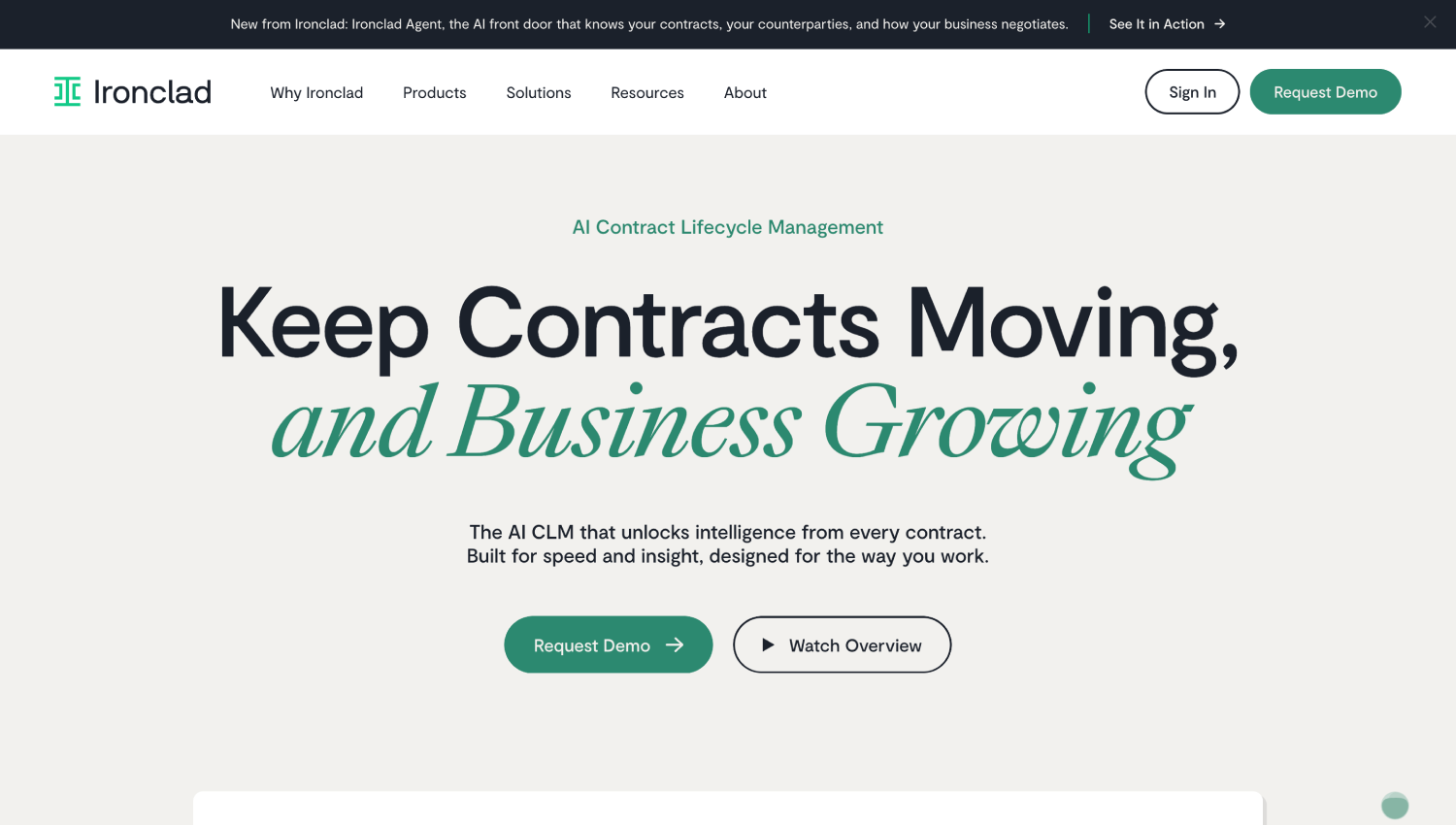
Best for: In-house legal teams handling a high volume of commercial contracts.
Ironclad’s Workflow Designer is no-code. Conditions read launch-form answers and other contract data to decide which approvers and signers a contract needs, and Ironclad’s help center shows conditional role assignments for approvers, signers, and archivers.
Contracts can launch from Salesforce, through a managed package installed from AppExchange, as well as from Coupa and Word. Ironclad says it was built by legal professionals for everyone, and its pricing page notes that sales, procurement, and operations teams can create, review, and store contracts in it.
Per Ironclad’s documentation, if an edit changes the conditions, conditional roles revert to the default user, so test edits made mid-approval.
Ironclad prices by custom quote, shaped by the products, users, workflows, and growth you plan for. Its pricing FAQ says some integrations are included and some are add-ons, so price the integrations you need before you compare totals.
4. Juro
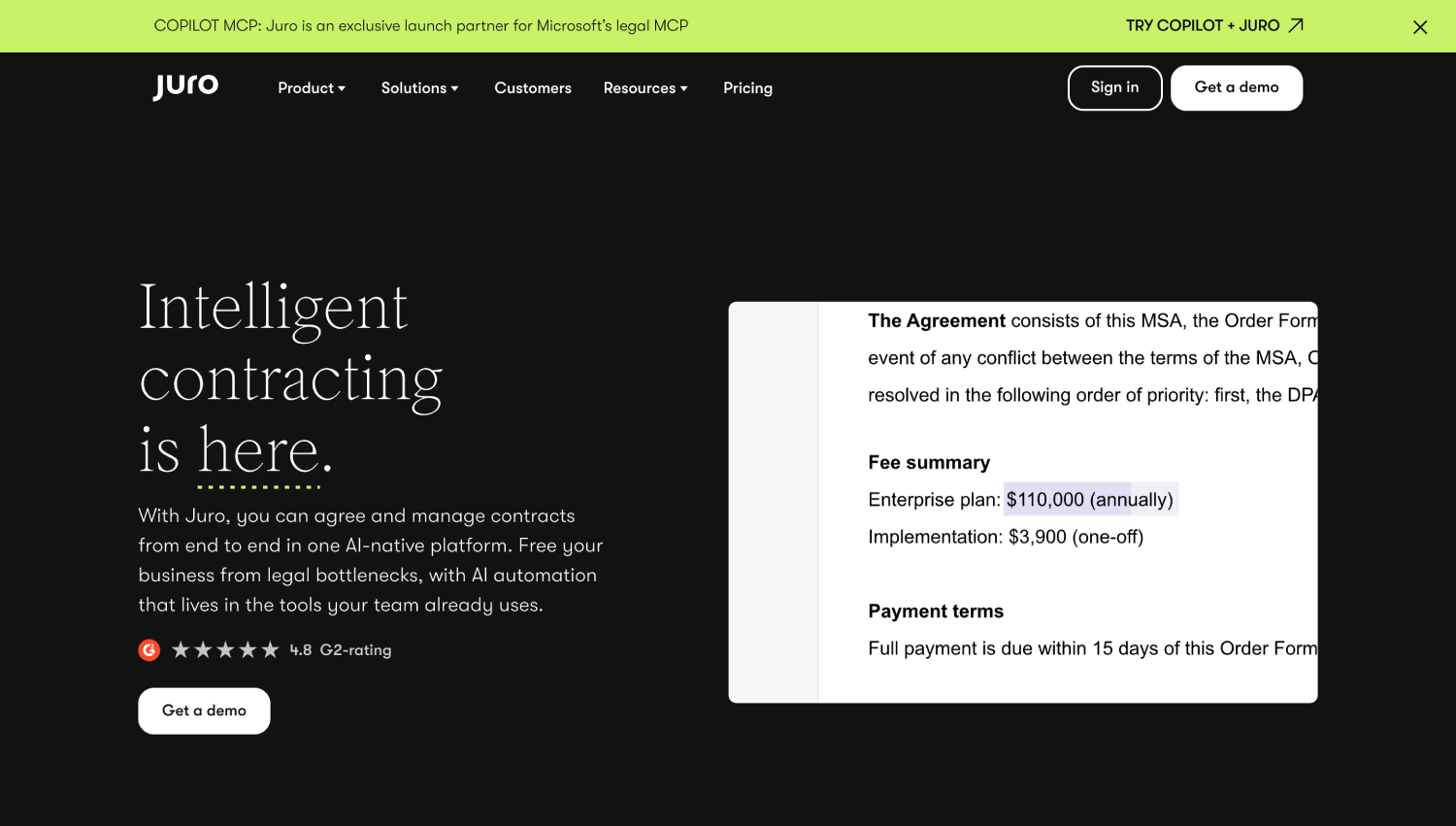
Best for: Legal teams that want sales and operations to self-serve on standard contracts.
Juro sets conditional approvers from values in the contract and runs an approval waterfall built without code. Its help center states that all approvals must finish before a document can go for signing.
Plans are custom, priced by contract volume and integration complexity, with every user included. Deeper integrations such as Salesforce, HubSpot, and Workday cost extra.
5. Agiloft
Best for: Legal and procurement teams whose approval chains don’t fit a standard template.
Agiloft’s pitch is configurability. The company says approved team members can configure contracts, approval chains, and processes without writing code or opening a support request. Its Integration Hub connects to Salesforce, SAP, Oracle, and, by Agiloft’s count, more than 1,000 other systems. Signing runs through built-in DocuSign and Adobe Sign connections.
Astra, its AI layer, handles contract review before and after signature. Agiloft markets the platform by function to both procurement and legal, so it fits where both teams work from the same contract record and neither has to give up its own approval rules.
That flexibility has a cost in setup. Agiloft sells implementation services and support plans separately, and pricing is by quote only. Budget for the configuration work alongside the license, and ask who on your side will own the rules after go-live.
6. Icertis
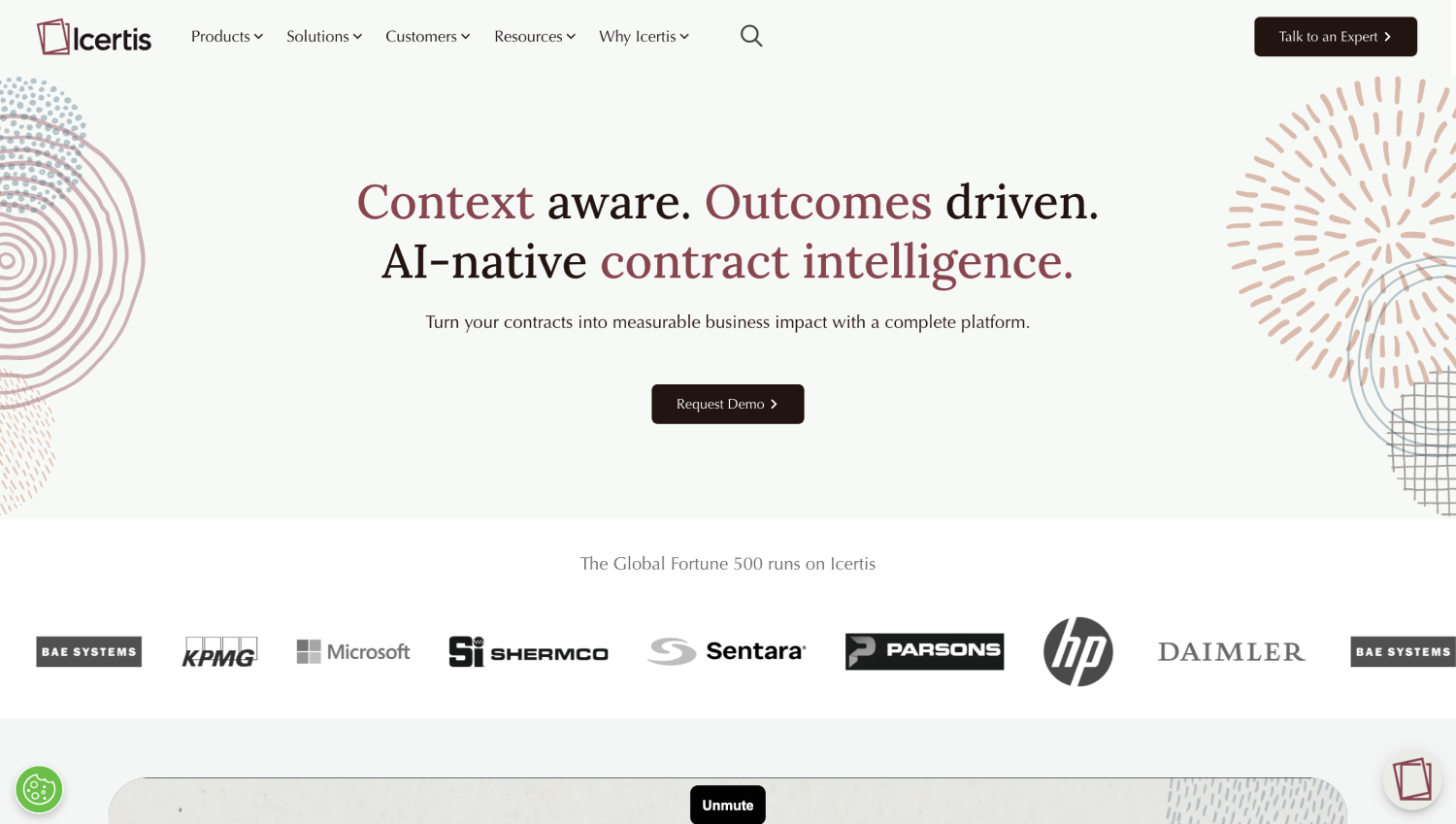
Best for: Global enterprises whose procurement and contracting run through SAP.
Icertis Contract Intelligence (ICI) is built for large contract portfolios. Icertis’s own SAP store listing describes dynamic rule-based approval workflows, redline insights, version management, risk scoring, and obligation tracking across the contract lifecycle.
It connects to SAP Ariba and SAP Fieldglass, and Icertis names Salesforce and Microsoft alongside SAP on its homepage. The SAP Fieldglass listing explains why that matters to procurement. Commercial terms negotiated in ICI are enforced downstream during the procurement and payables processes, so the approved price is the price that gets paid.
Icertis doesn’t publish pricing; buyers request a demo. Its packaged integrations center on SAP Ariba, SAP Fieldglass, and SAP S/4HANA, so the value is clearest where the contract is one record among many in an SAP procurement estate. The S/4HANA buy-side integration syncs master data in real time or in batches, so supplier and contract records match on both sides.
Signature-first and sales-led platforms
7. DocuSign CLM
Best for: Organizations already standardized on DocuSign eSignature.
DocuSign CLM extends the signing platform into the steps before signature. DocuSign says it ships more than 100 preconfigured workflow steps to generate, review, approve, send for signature, and store contracts, and it can drive workflows conditionally using analytics, risk scores, and contract content.
Legal can define a library of pre-approved clauses, AI flags non-compliant clauses and suggests approved language, and routing for internal and external review keeps version control intact. It keeps an audit trail of who did what and when, and connects to Salesforce, SAP Ariba, and Coupa.
Pricing goes through DocuSign’s sales team. The value is clearest when your teams already sign everything in DocuSign. Without that, it competes as a CLM alongside Ironclad, Juro, and Agiloft. In a demo, ask to see a conditional path built from scratch, because prebuilt steps only save time when your process resembles the template.
8. Conga CLM
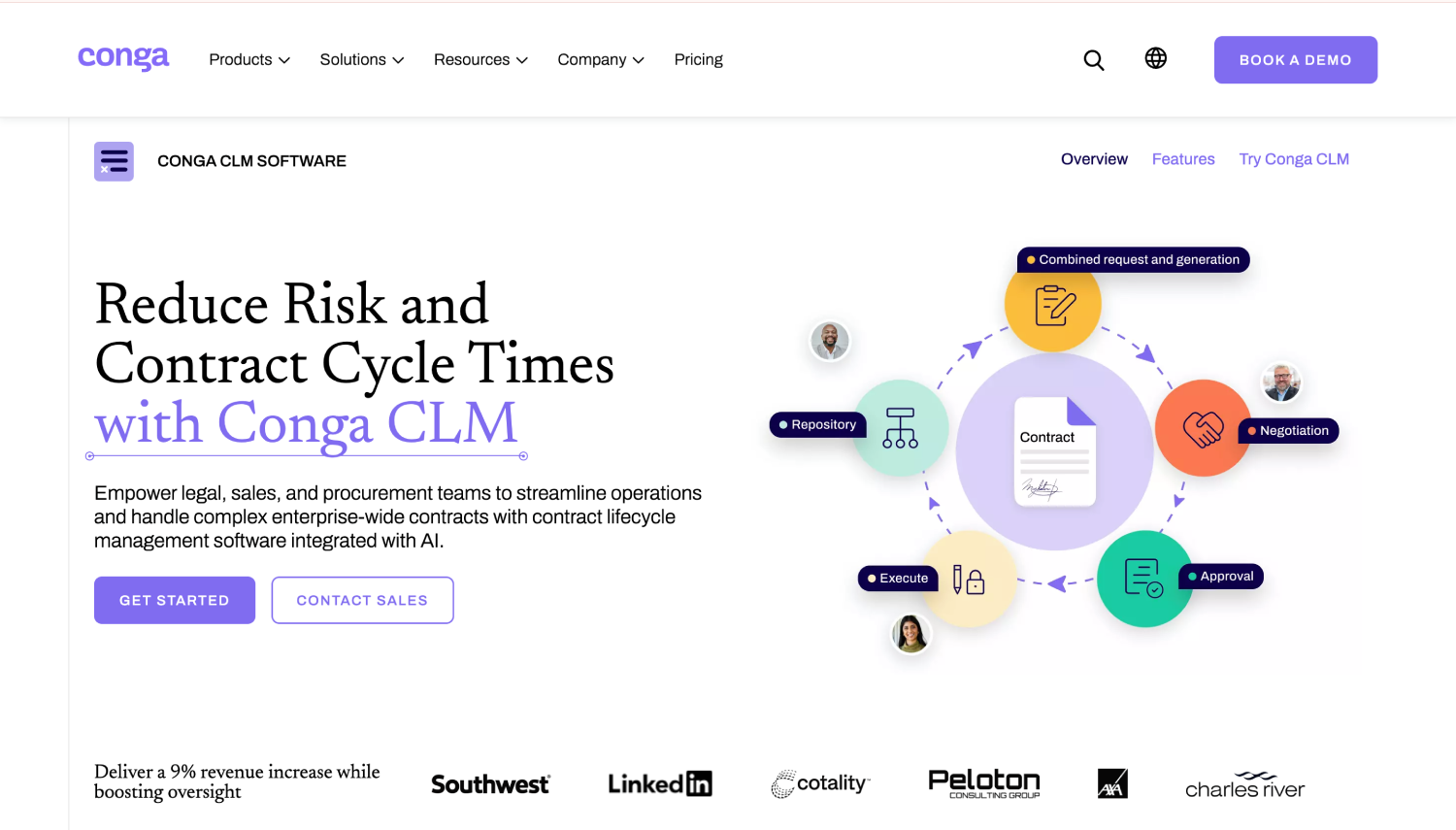
Best for: Revenue teams that manage contracts inside Salesforce.
Conga CLM runs on Salesforce or on Conga’s own platform. Its documentation shows approval rules triggered by contract value, region, clause changes, or custom criteria, with sequential or parallel dependencies and a central Approval Center.
Clause-level approvals are available in Conga Contracts for Salesforce. Conga doesn’t publish CLM pricing on conga.com, so pricing is on request (checked October 2026). Conga’s own implementer documentation advises keeping general automation and approval logic separate to avoid double triggers.
9. PandaDoc
Best for: Sales teams sending proposals, quotes, and standard agreements.
PandaDoc’s approval workflow handles internal sign-off before a document goes to the customer. It runs natively inside HubSpot CRM, connects to Salesforce through the AppExchange, and has an app for Microsoft Teams, so reps can draft, approve, and send without leaving the tools they live in. Every document carries an audit trail.
PandaDoc publishes per-user plans. According to PandaDoc’s own guide to its pricing, approval workflows start at the Business plan, and Enterprise is custom. That guide positions Enterprise for companies coordinating document workflows across multiple teams, systems, or approval structures, which is a fair signal of where the lower plans stop.
For a sales team that already lives in HubSpot, the path from quote to approved, signed order is short. If your approvals begin at procurement intake rather than a sales deal, it’s the wrong starting point for that workflow.
10. Concord
Best for: Smaller teams that want to see the price before the first call.
Concord publishes its plans, billed annually with five users included. Intake forms, approval workflows, and the CRM and storage integrations sit in the Business plan, and viewers and guests are free on every plan.
The entry Essentials plan doesn’t include approval workflows, so check which tier you’re quoting.
How Does an Automated Contract Approval Work, Step by Step?
An automated approval starts when someone submits a request, before legal ever opens a draft. Take a $75,000 software agreement. The system routes it to the budget owner, sends nonstandard clauses to legal and anything over the finance threshold to the controller, and releases it for signature only after all three approvals are on record.
With illustrative thresholds, the request moves through four steps.
- Intake: An IT manager submits the request with the vendor, the $75,000 annual value, a three-year term, and the software category. The form refuses to submit without a budget code.
- Routing: Rules read those fields. The budget owner always approves. Anything over $50,000 adds the controller. A data processing clause adds legal.
- Review: The budget owner and legal review in parallel, because neither needs the other’s answer. The controller goes last, so Finance approves the version legal has already cleared.
- Signature: Signature opens only when all three approvals are on record against the same version.
What happens when a contract changes after approval
Suppose the vendor on a $75,000 software agreement comes back after Finance signs off and asks for $90,000 and a longer notice period. A sound rule says any change to value, term, or liability invalidates the approvals that depended on it and sends the contract back through those steps. The earlier approvals stay in the log, marked as superseded, so the audit trail shows both rounds.
Vendors draw that line in different places. Juro’s help center says internal changes after approval retrigger the approval process, and since July 2026 an approver tied to a smartfield is notified again only when that smartfield changes.
Conga’s documentation describes configurable automatic re-approvals for records whose approval criteria haven’t changed. The setting you choose decides whether a price increase reaches Finance or rides on the original approval.
When is a Dedicated Approval Tool Unnecessary?
You may not need a dedicated approval platform if you sign a few dozen contracts a year, follow one approval path, and face no audit requirement. Shared documents and email can work at that scale. Once approvals branch by value or risk, a workflow tool or a dedicated platform becomes the safer record.
The middle option gets overlooked. A general process or forms tool can handle a single approval chain with a threshold or two, and many teams own one. Form builders, e-signature-only tools, and work management apps sit in this tier.
They start to strain when contracts need clause-level review, version control, and an approval record your auditor will accept.
A dedicated platform earns its cost when three things are true together:
- Approvals cross departments
- Contract value varies widely
- Someone outside the team will eventually ask to see the trail
If only one of those is true, start smaller. A dedicated tool brings license fees, implementation work, and someone to maintain the rules, and for a team signing 30 contracts a year on one template, that overhead can outweigh the time it saves.
The signals that you’ve outgrown email are easy to spot. Approvers ask which version they’re approving. A contract waits a week because the one person who can sign off is on leave.
Then the auditor’s request arrives on a Friday, and rebuilding the approval history takes the whole weekend. Two of those in a quarter is usually enough to justify the switch.
How Should You Test a Tool Before Buying?
Test with your own contracts and thresholds. Run five scenarios in every demo: a standard NDA, a high-value vendor contract, a contract revised after approval, an absent approver, and an overdue approval. Ask the vendor to show the routing, the reminder, and the audit record each one produces.
- Standard NDA on your template: It should skip legal entirely. Ask to see the rule that lets it through.
- High-value vendor contract: It should add Finance and, above your threshold, an executive. Ask for the approval record with names, timestamps, and the version each person saw.
- Contract revised after approval: Change the value after Finance approves. The approvals that depended on it should reset, and the log should show both rounds.
- Absent approver: Mark the controller as ‘out of office’. The request should go to a named delegate, and the delegation should appear in the record.
- Overdue approval: Let a step sit past its deadline. A reminder should go out, then an escalation to whoever you’ve defined.
Before the demo, write down your current approval paths and your yearly contract volume. Then list the systems the tool must connect to, such as your ERP, your CRM, Microsoft 365 or Google Workspace, and your e-signature provider.
For security, ask for the vendor’s ISO/IEC 27001 certificate or SOC 2 report, confirm SSO support, and check that the audit log can be exported.
Which Approval Tool Fits Your Team?
Choose by where your approvals start. Legal-owned review fits a legal-led CLM, approvals that begin with a purchase request or tender fit a procurement-led tool, and approvals triggered by a sales deal fit a sales-led platform. Company size changes how much configuration you can support, not which group you belong in.
- If legal review starts your approvals, choose a legal-led CLM such as Ironclad, Juro, or Agiloft, because review is where your cycle time sits.
- If a purchase request or tender starts them, choose a procurement-led tool such as FlowForma Contract or Gatekeeper, because routing depends on spend, category, and delegation of authority.
- If a CRM deal starts them, choose a sales-led tool such as Conga CLM, DocuSign CLM, or PandaDoc, because deal terms trigger the approval.
| Buyer | Where approvals start | Typical contract | Bottleneck | Platforms that fit |
| Head of Procurement or sourcing lead | Purchase request or tender | Supplier agreements and tender awards | Budget and delegation-of-authority checks | FlowForma Contract, Gatekeeper |
| In-house legal team | Contract review and redlines | Commercial agreements on company paper | Redline review queue | Ironclad, Juro |
| Legal operations with complex policy | Multi-stage, policy-driven review | Nonstandard and high-risk agreements | Chains that vary by contract type | Agiloft |
| Global enterprise on SAP | Procurement inside SAP | Services statements of work | Terms drifting from purchase orders | Icertis |
| Company standardized on DocuSign | Signature workflow | Agreements sent through DocuSign eSignature | Review steps before sending | DocuSign CLM |
| Salesforce revenue team | Opportunity or quote | Order forms and quotes | Discount and clause approvals | Conga CLM |
| Sales team sending proposals | Customer-facing document | Proposals and standard agreements | Internal sign-off before sending | PandaDoc |
| Small team with a fixed budget | Simple internal sign-off | Standard agreements on one template | Tracking who approved what | Concord |
Small, mid-size, and enterprise teams
A 150-person manufacturer with multi-level purchase approvals has a harder routing problem than a 2,000-person software company signing order forms on one template. Match the tool to the routing, then check that your team can maintain it without a consultant.
Frequently asked questions
1. How is approval software different from CLM software?
Approval software controls who signs off on a contract and in what order, while contract lifecycle management (CLM) software covers the whole life of a contract, from drafting and negotiation to obligations and renewal. Most CLMs include approval routing as one stage. If sign-off is your bottleneck and renewals aren’t, buy for approval first.
2. How much does it cost to automate contract approvals?
The cost of automating contract approvals depends on contract volume, the number of users, the integrations you need, and how much configuration the vendor does for you. Most enterprise CLM vendors quote individually, and implementation is often priced separately from the license. The first-year total, not the annual subscription, is the number to compare.
3. Can AI approve a contract without a human?
AI can approve some contracts automatically when the rule is explicit, such as a low-value purchase from an approved supplier on standard terms. Nonstandard liability, high financial exposure, and regulatory terms should still need a named human approver. The safe pattern is rule-based automatic approval for the routine cases and AI-assisted review that flags everything else for a person.
4. What should an approval audit trail record?
An approval audit trail should record who approved, when they approved, which version of the contract they saw, and the rule that sent it to them. It should also export in a format your auditors can read. A trail without version history can’t prove the signed copy was the approved one.
5. How do you stop people approving their own contracts?
Separation-of-duties rules stop a requester from approving their own contract by excluding the submitter from every approval step on that request. Pair them with role-based permissions, value thresholds that require senior sign-off, and delegation rules that record who stood in for whom. The block should cover delegates too, so a requester can’t approve through a stand-in.
Closing Thoughts
Most teams need contract approval software that matches where their approvals start and keeps working when a contract changes after sign-off.
Start with that question, then run the five demo scenarios against your own contracts. A demo shows a vendor’s best path, while a trial shows yours. FlowForma Contract, for example, offers a 30-day free trial, which is enough time to test scenario three on a live approval rule.