
- Most BI tools can connect to financial data. Few are built to answer “who saw what, when, and why” , which is what auditors and regulators actually ask.
- At Series C, the risk shifts from “can we access our data” to “can we prove our data wasn’t misused.” Audit logs and row-level permissions become table stakes, not nice-to-haves.
- The tools below are evaluated on four dimensions: granular role-based permissions, immutable audit logs, data lineage tracing, and compliance-friendly export formats.
- Several popular tools (Metabase, Redash) have meaningful gaps in enterprise permissioning that will create friction during SOC 2 Type II or a financial audit.
- The right tool depends on your data stack, not your dashboard preferences. A Snowflake-native team has different options than a team running on BigQuery or Redshift.
For a Series C fintech evaluating BI tools for audit logs and granular permissions, the strongest options are Looker, Tableau, Power BI, ThoughtSpot, Sigma Computing, Metabase Enterprise, Omni, Mode, Domo, Sisense, Qlik Sense, MicroStrategy, and Redash Enterprise. Each handles permissioning and audit logging differently. The right choice depends on your cloud data warehouse, compliance requirements (SOC 2, PCI-DSS, SOX), and whether your team needs self-serve analytics or governed semantic modeling.
Why Generic BI Tools Break Down in Fintech Compliance Audits
A Series A team running Metabase on a shared admin login works fine. A Series C company preparing for a SOC 2 Type II audit or fielding questions from institutional investors cannot operate that way. Auditors want timestamps, user identities, and a chain of access that proves data wasn’t altered or misrouted.
The gap between “BI tool” and “compliant BI tool” comes down to three things most tools handle inconsistently: row-level security (RLS) that actually enforces permissions at query time rather than the dashboard layer, audit logs that are immutable and exportable rather than internal system logs you cannot hand to an external auditor, and data lineage that traces a metric back through transformations to the source table. When those three capabilities are shallow or missing, your BI layer becomes a compliance liability.
If you’re still building out your broader compliance posture, the Fintech Product and Compliance Readiness Checklist covers the full infrastructure stack, not just analytics.
The FintechSpecs Audit-Ready BI Scorecard: Four Criteria That Actually Matter
Before the tool list, it helps to name the framework used to evaluate every entry. The FintechSpecs Audit-Ready BI Scorecard rates each tool on four dimensions specifically relevant to regulated fintech environments.
Permissioning depth measures whether the tool supports row-level security, column-level masking, and folder or workspace-level access controls independently. A tool that only restricts at the dashboard level leaves the underlying data exposed to anyone with a SQL editor. Audit log quality distinguishes between operational logs (used internally by the vendor for debugging) and compliance-grade logs (timestamped, user-attributed, exportable to SIEM or CSV, and ideally write-once). Data lineage coverage tracks whether you can trace a KPI on a CFO dashboard back through dbt models to raw transaction tables, which matters when regulators ask how a number was derived. Compliance integrations captures whether the tool has documented support for SOC 2, PCI-DSS, SOX, or GDPR workflows, including features like data masking on PII, SSO enforcement, and role synchronization with your identity provider.
The 13 Best BI Tools for Fintech Audit Logs and Granular Permissions
1. Looker (Google Cloud)
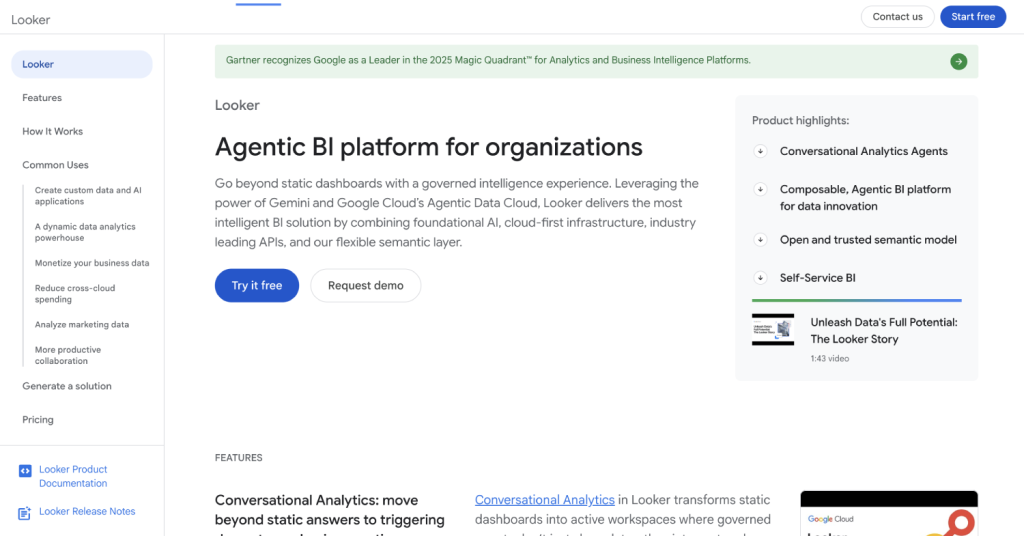
Looker is the most governance-native BI tool at this price tier. Its LookML semantic layer means permissions and metric definitions are version-controlled in code, not set by a dashboard admin who leaves the company. Access controls operate at the model, explore, field, and row level simultaneously.
Audit logs are captured via Google Cloud’s Audit Logs infrastructure when deployed on Google Cloud Platform, giving you Admin Activity and Data Access logs that integrate with Chronicle or BigQuery for SIEM forwarding. Data lineage flows naturally from LookML’s explicit field dependencies. Best for teams already on GCP or deeply invested in dbt.
2. Tableau (Salesforce)
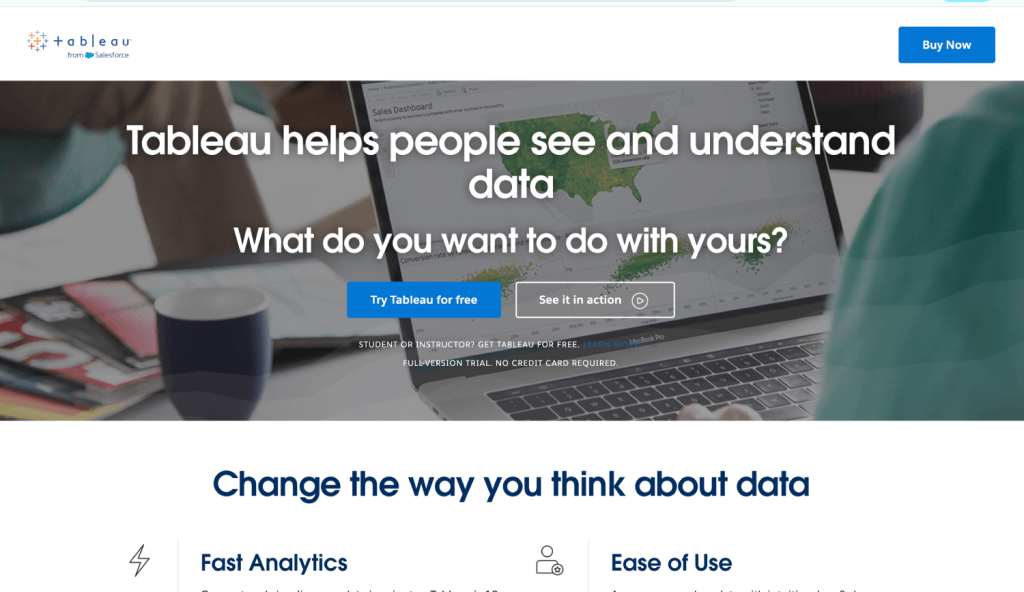
Tableau with Tableau Server or Tableau Cloud offers enterprise-grade permissions at the site, project, workbook, and view level, plus row-level security via user filters or data source filters in published data sources. Its audit logs on Tableau Server are stored in a PostgreSQL repository, and Tableau provides a dedicated Admin Insights project with pre-built views of user activity, login history, and content access.
The main trade-off is complexity. Getting RLS right in Tableau requires deliberate data source architecture and is easy to misconfigure. Teams without a dedicated Tableau admin tend to drift toward overly permissive setups. Tableau Cloud (SaaS) handles infrastructure compliance certifications; self-hosted Tableau Server places that burden on your team.
3. Microsoft Power BI (Microsoft Fabric)
Power BI inside Microsoft Fabric has the most granular dataset-level permissions of any tool in this list when deployed correctly. Workspace roles (Viewer, Contributor, Member, Admin), per-dataset Build permissions, row-level security defined in DAX, and object-level security for column masking give fintech security teams the controls they need. The Microsoft Purview integration adds data cataloging and lineage that traces Power BI report elements back to source tables in Azure Synapse or Fabric Lakehouses.
Audit logs feed into Microsoft 365 Unified Audit Log, which is queryable via the Microsoft Purview compliance portal or exportable to Azure Monitor Logs and Sentinel. For a fintech already in the Microsoft stack, Power BI Premium or Fabric gives the most complete compliance story of any tool under $30 per user per month.
4. ThoughtSpot
ThoughtSpot handles permissioning through a combination of group-based access, row-level security via RLS rules and security filters, and column-level security that can mask or exclude fields by group. Its audit logs record search queries, pinboard views, user management changes, and data source access with timestamps and user attribution.
The case for ThoughtSpot at Series C is its natural language search layer, which lets finance and ops teams self-serve without writing SQL, while security controls remain enforced at the data layer below. ThoughtSpot Everywhere also allows embedding governed analytics into your own product, which matters for fintechs building customer-facing dashboards over sensitive financial data.
5. Sigma Computing
Sigma Computing is warehouse-native, meaning queries always push down to Snowflake, BigQuery, or Redshift rather than caching data in Sigma’s infrastructure. Permissions in Sigma inherit from the warehouse connection and layer on top with workspace-level and document-level access controls. Row-level security is applied via warehouse-side policies, which keeps your security model consistent regardless of which tool touches the data.
Sigma logs user activity including document edits, query executions, and sharing events. For teams that want spreadsheet-style exploration with the security guarantees of a cloud warehouse, Sigma fills a specific gap. Its audit log forwarding to external SIEM platforms is less mature than Looker’s GCP-native integration or Power BI’s Microsoft Sentinel pipeline , tools that have deeper log infrastructure built into their underlying cloud platforms. Teams with strict SIEM integration requirements should verify Sigma’s current log export capabilities during a trial before committing.
6. Metabase Enterprise
Metabase Enterprise differs meaningfully from Metabase’s open-source version. The Enterprise tier adds sandboxing (row-level filtering per user or group), column-level permissions, SAML/SSO enforcement, audit logging of user activity and query history, and the ability to restrict native SQL query access entirely. Open-source Metabase does not have most of these controls. Metabase publishes Enterprise pricing on request rather than on a public pricing page, so teams should factor in a vendor conversation before budgeting. Deployment is straightforward for teams already self-hosting Metabase, which keeps migration friction low.
For a Series C team that adopted Metabase early and wants to stay on it, the Enterprise upgrade path is worth evaluating. The biggest gap relative to Looker or Power BI is data lineage , Metabase does not natively trace metric definitions through dbt or transformation layers, so you need a separate tool (dbt Cloud, Atlan, Alation) to cover that dimension.
7. Omni Analytics
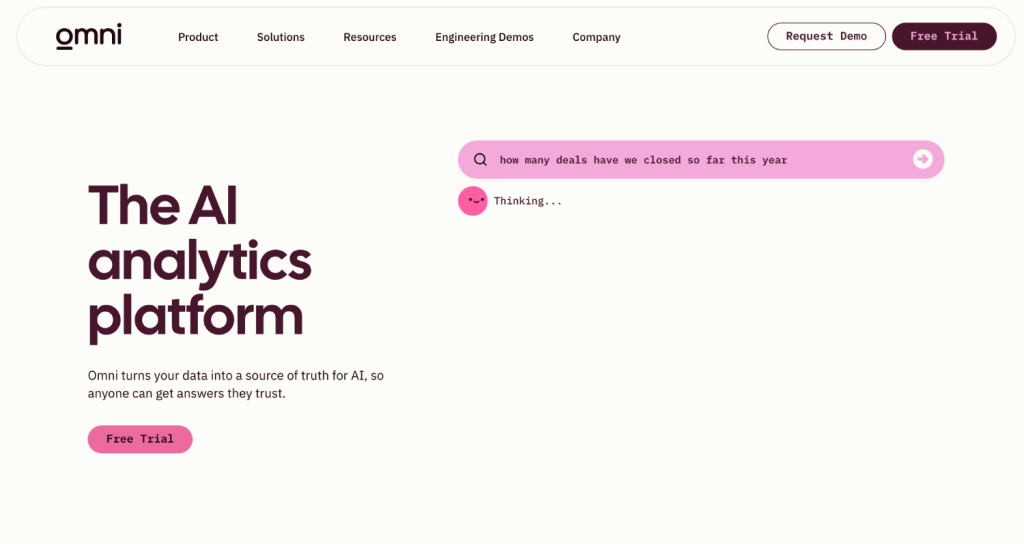
Omni is a newer entrant built by former Looker team members, which shows in its semantic layer architecture. Access controls operate at the model, field, and row level, and Omni enforces permissions consistently whether a user is writing SQL directly or using the visual explorer. Audit logging captures query execution, dashboard access, and schema changes.
Omni is worth evaluating specifically for Snowflake-native teams that want Looker-style governance without Looker’s pricing and deployment complexity. The product is maturing rapidly, and teams should verify specific compliance certifications (SOC 2 Type II, etc.) directly with Omni before committing.
8. Mode Analytics
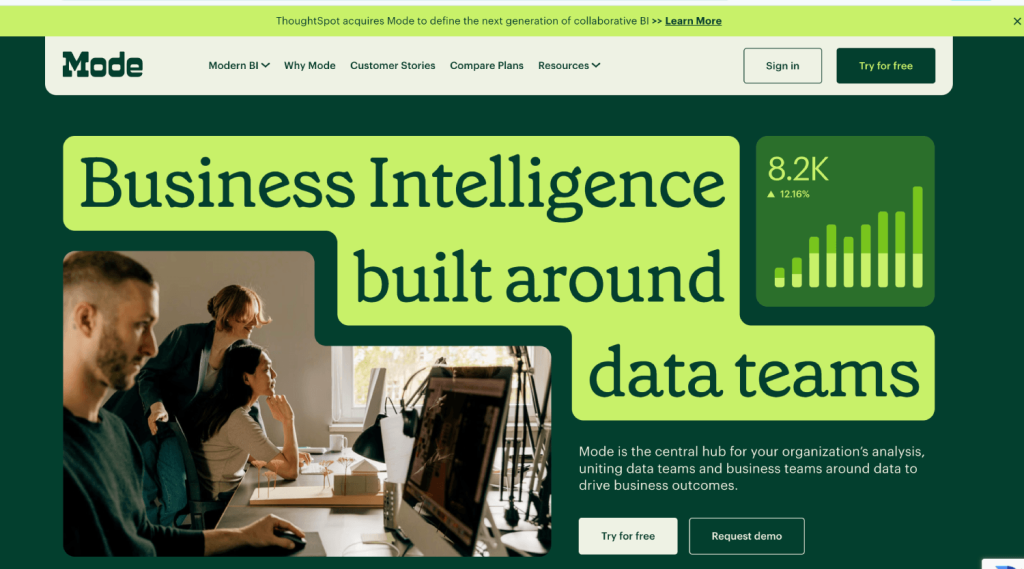
Mode targets data and analytics teams with SQL, Python, and R notebooks combined with a reporting layer. Workspace-level access controls, report-level sharing settings, and database credential management allow tiered access between data engineers and business users. Mode’s audit logs record user queries, report views, and workspace membership changes.
Mode is strongest for analytical teams that want code-first workflows with a governed sharing layer on top. It is not the right choice for self-serve finance users who cannot write SQL. For a fintech with a dedicated data team serving internal stakeholders, Mode handles the analyst workflow well while maintaining access controls that satisfy basic compliance reviews.
9. Domo
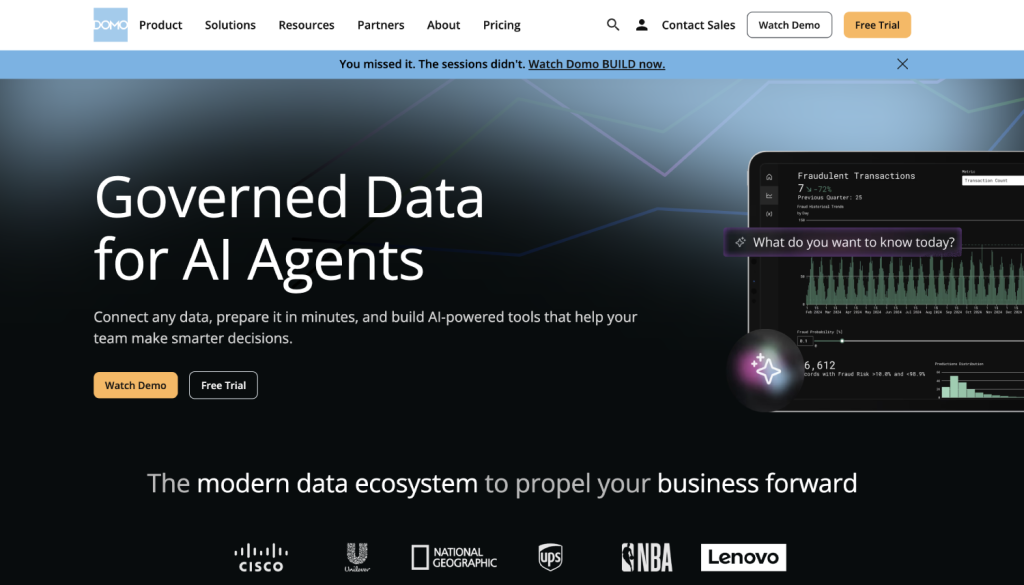
Domo bundles data integration, transformation, and BI into a single platform with an emphasis on executive dashboards. Domo’s Personalized Data Permissions (PDP) system applies row-level filtering across reports dynamically based on the viewing user’s attributes. Role-based access controls operate at the card, dashboard, dataset, and app level.
Domo maintains an activity log that captures user logins, data access, and content changes. The platform holds SOC 2 Type II certification. The trade-off is cost and lock-in: Domo is one of the more expensive options on a per-seat basis, and its proprietary data pipeline architecture makes it harder to move away from than warehouse-native tools.
10. Sisense
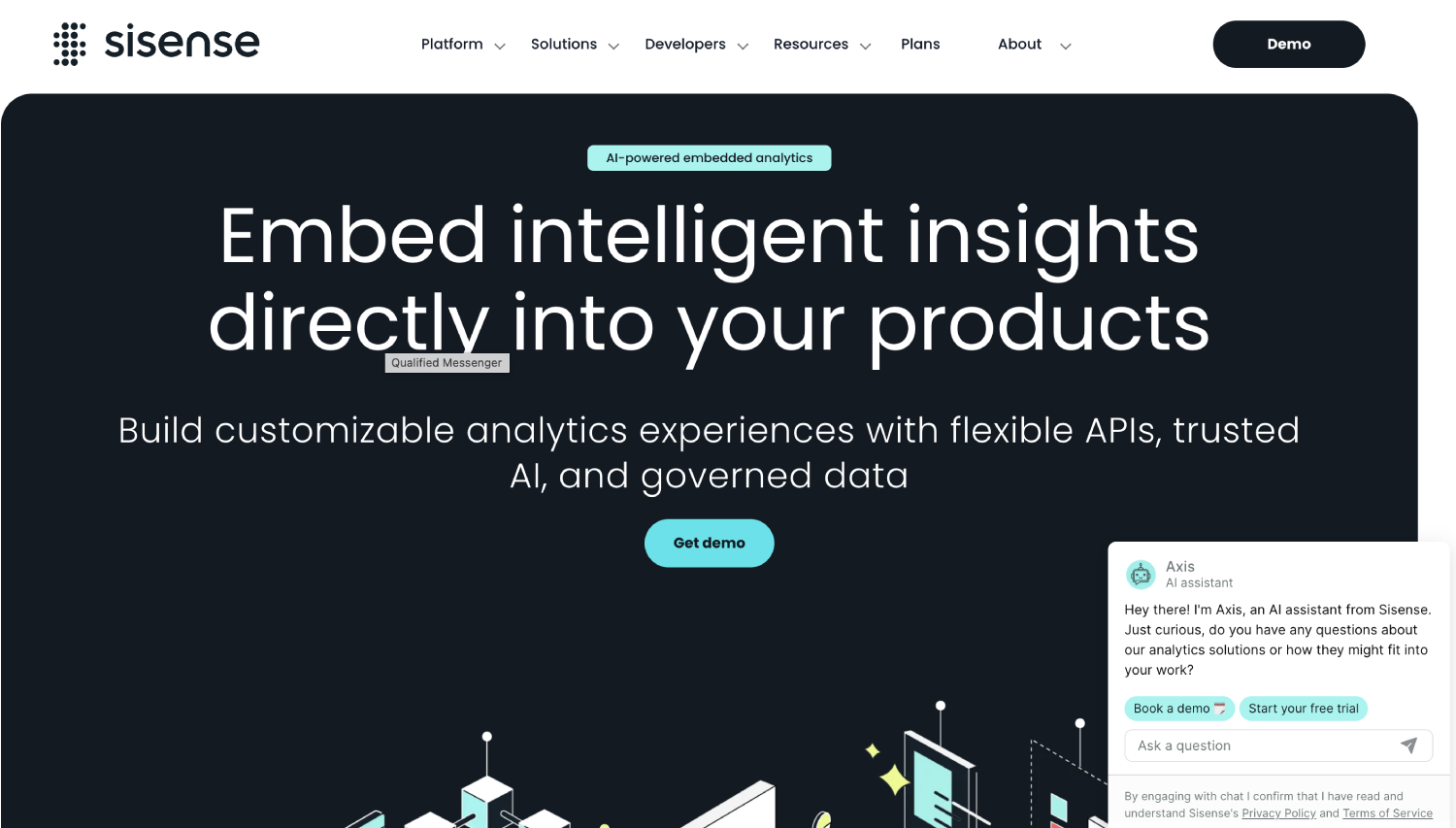
Sisense supports role-based access, data security rules at the row and column level, and workspace-level permissions. Its audit trail captures user actions including login events, dashboard access, and data model changes. Sisense holds SOC 2 Type II certification and GDPR compliance documentation.
Sisense’s strongest use case in fintech is embedded analytics , building governed, white-labeled dashboards into your own product. If your Series C roadmap includes customer-facing reporting (portfolio dashboards, transaction summaries, financial health views), Sisense competes directly with ThoughtSpot Everywhere and Looker Embedded. For internal-only analytics, its cost is harder to justify against Looker or Power BI.
11. Qlik Sense
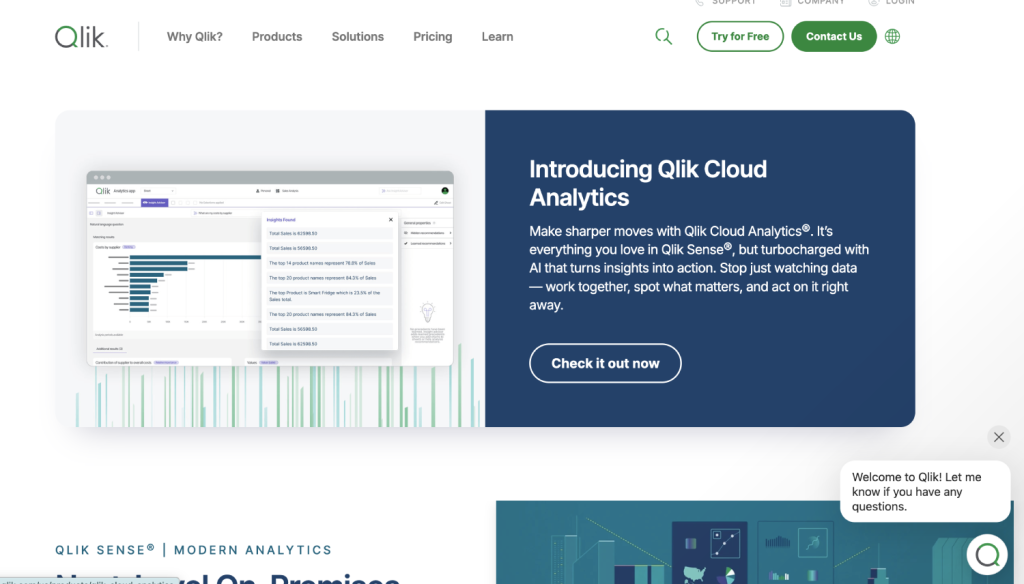
Qlik Sense has a well-documented section-access module that controls data visibility at the row level within the Qlik data model. Qlik’s audit logging covers user activity, reload tasks, and security rule changes, with integration paths to external SIEM systems via REST API or log file export. Qlik holds SOC 2 Type II and ISO 27001 certifications.
Qlik’s associative data model is genuinely different from the SQL-push-down approach most modern tools use, which gives faster in-memory exploration of complex relational financial data but creates a more opaque lineage story. For teams that need to trace metrics to warehouse tables, that opacity requires compensating controls elsewhere in the stack.
12. MicroStrategy
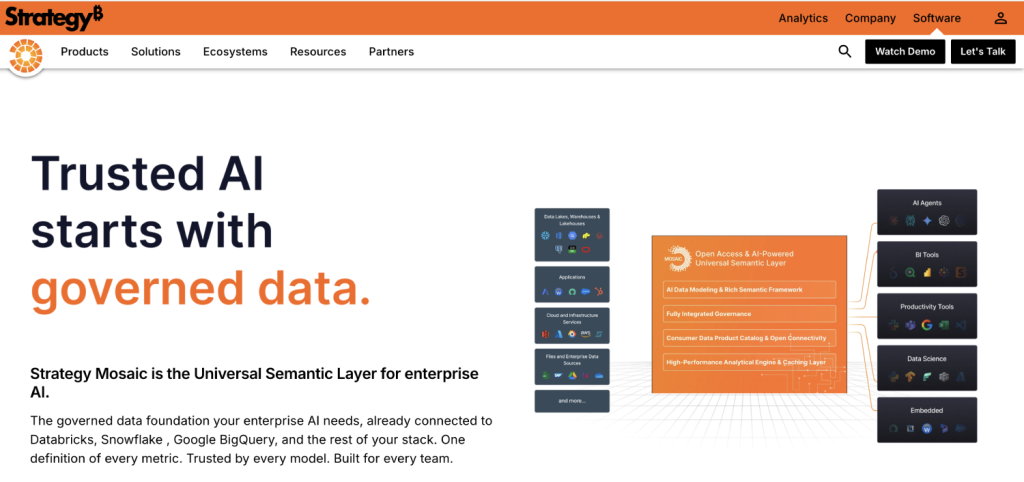
MicroStrategy is the oldest enterprise BI vendor on this list and has the deepest permissioning model as a result. Security filters, user-level access controls, privilege-based report access, and object-level security can be configured at a granularity that satisfies even Fortune 500 financial services compliance teams. Audit logs in MicroStrategy record user sessions, object access, and administrative changes, exportable to external logging systems.
MicroStrategy is not for early-stage teams. Implementation is complex, licensing is expensive, and the product assumes a dedicated BI admin. For a Series C fintech preparing for regulated banking partnerships or an IPO, MicroStrategy’s compliance depth may be warranted. For everyone else, Looker or Power BI gets there faster.
13. Redash (Hosted/Enterprise)
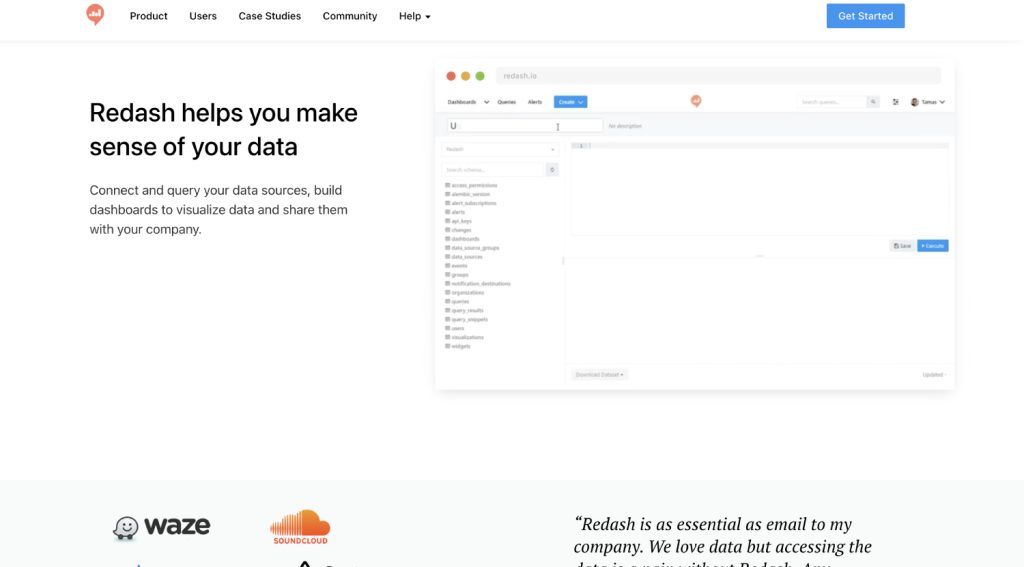
Redash in its open-source form has limited permissioning , group-based access to data sources and query visibility settings, but no row-level security or column masking. Self-hosted enterprise deployments can layer additional controls, but that engineering burden belongs to your team, not the vendor.
Redash earns its place on this list for fintech teams that need a lightweight SQL query tool with basic access controls for internal analyst use, not for handling sensitive customer financial data. If your analysts need to query production data with appropriate guardrails, use it behind a read-only replica and pair it with database-level row security policies applied at the Postgres or Snowflake level.
Granular Permissions Matrix: What Each Tool Actually Supports
| Tool | Row-Level Security | Column-Level Masking | Immutable Audit Logs | Data Lineage | SSO/SAML Enforcement | SOC 2 Type II |
|---|---|---|---|---|---|---|
| Looker | Yes (LookML model) | Yes | Yes (GCP Audit Logs) | Yes (LookML dependencies) | Yes | Yes |
| Tableau | Yes (user filters) | Limited (data source level) | Yes (Admin Insights) | Partial (Tableau Catalog) | Yes | Yes |
| Power BI | Yes (DAX RLS) | Yes (OLS) | Yes (M365 Unified Audit) | Yes (Purview integration) | Yes | Yes (Microsoft) |
| ThoughtSpot | Yes (security filters) | Yes (column-level security) | Yes | Partial | Yes | Yes |
| Sigma Computing | Yes (warehouse-side) | Yes (warehouse-side) | Partial | Partial | Yes | Yes |
| Metabase Enterprise | Yes (sandboxing) | Yes | Yes | No (external tool needed) | Yes (SAML) | Yes |
| Omni | Yes | Yes | Yes | Yes (semantic layer) | Yes | Yes (verify directly) |
| Mode | Limited (DB credential level) | No (native) | Partial | No | Yes | Yes |
| Domo | Yes (PDP) | Limited | Yes | Partial | Yes | Yes |
| Sisense | Yes | Yes | Yes | Partial | Yes | Yes |
| Qlik Sense | Yes (section access) | Yes | Yes (SIEM export) | Partial | Yes | Yes |
| MicroStrategy | Yes (security filters) | Yes | Yes | Yes | Yes | Yes |
| Redash | No (native) | No | No | No | Limited | No |
Which BI Tool Is Right for Your Fintech Stack?
Stack compatibility often decides this before feature comparisons do. Consider a Series C payments company running Snowflake as its data warehouse, dbt for transformations, and Fivetran for ingestion. In that environment, Looker, Sigma, or Omni will integrate at a structural level that Domo or MicroStrategy cannot match cleanly. The warehouse becomes the single source of truth, and the BI tool enforces permissions against Snowflake roles rather than duplicating a separate access model.
For a fintech inside the Microsoft stack , Azure, Entra ID, Fabric , Power BI is not just convenient. It is demonstrably more compliant because audit logs flow into the same Microsoft Purview and Sentinel infrastructure your security team already monitors. Splitting audit trails across vendors creates reconciliation work that grows exponentially before a SOC 2 audit.
Embedded analytics is a separate decision tree entirely. If your product roadmap includes customer-facing reporting dashboards, Looker Embedded, ThoughtSpot Everywhere, and Sisense are purpose-built for that use case in ways that Tableau and Power BI are not. The permissioning model for embedded analytics must also isolate each customer’s data at query time , not just at the dashboard layer , which is a non-trivial implementation challenge. For a deeper look at how infrastructure decisions compound at scale, the piece on critical mistakes when choosing fintech infrastructure covers patterns that show up repeatedly after Series B.
What Does Audit Log Data Actually Need to Contain for a Fintech?
An audit log that records “user logged in” is not useful to a compliance officer or an external auditor. A compliance-grade audit log for a fintech BI environment needs to capture: the user identity (tied to an SSO identity, not a shared service account), the specific object accessed (dashboard ID, dataset, report), the query or action executed, the timestamp in UTC, the IP address or device identifier, and whether the result was exported or shared externally.
The export detail matters more than most teams realize. A dashboard export that moves sensitive payment data into a personal Google Drive creates a data residency issue that the BI audit log is the only tool positioned to flag. If your audit log does not distinguish between “viewed” and “exported,” you have a gap. Looker and Power BI both capture export events explicitly. Sigma and Metabase Enterprise log them, though with varying granularity depending on configuration.
Audit logs also need a retention policy that matches your regulatory obligations. SOC 2 Type II typically requires 12 months of audit log history. Some financial licenses require longer retention. Make sure the tool either stores logs long enough or provides a documented export path to your SIEM or cloud storage before you commit.
How Do Row-Level Security and Column-Level Security Work in Practice?
Row-level security (RLS) restricts which rows of data a user sees when querying a dataset. In a lending fintech, an RLS rule might mean that a loan officer in the Northeast region only sees applications from that region, even when accessing the same shared dashboard as a national ops team member. The filter applies at query time, meaning the user cannot extract the hidden rows through any interface the tool exposes.
Column-level security (CLS), sometimes called object-level security, restricts which fields are visible or returns masked values (like showing “****5678” instead of a full account number). This is the control that prevents a business analyst from seeing full SSNs, bank account numbers, or unmasked PII in a reporting tool while still allowing them to run analysis on aggregated metrics. Power BI calls this Object Level Security. Looker handles it through field-level access grants in LookML. Tableau implements it through calculated fields that return masked values based on user attributes.
Getting either control wrong creates audit findings. The most common mistake is setting RLS at the dashboard or visualization layer rather than the data source layer. If a user can connect their own SQL editor to the same data source the dashboard uses, dashboard-level filtering provides no protection at all. Warehouse-native tools like Sigma sidestep this by pushing the security policy to the warehouse itself, where it applies regardless of which tool queries the data.
A Worked Scenario: Series C Fintech Preparing for SOC 2 Type II Review
Say a 120-person Series C payments company is 90 days from its SOC 2 Type II audit. Their current BI setup is Metabase Community Edition running against a Snowflake warehouse. Their auditor asks for: a list of every user who accessed the revenue dashboard in the past 12 months, evidence that PII fields in the transaction table are not visible to the marketing team, and a log of any data exports from the BI tool in the same period.
Metabase Community Edition cannot answer the first or third question. It does not maintain queryable audit logs, and its access logging is minimal. The second question depends on whether the Snowflake table has column masking policies applied at the warehouse level, not anything Metabase controls. The team has three options: upgrade to Metabase Enterprise (which adds audit logging and field permissions), migrate to a tool with native compliance logging (Looker, Power BI), or instrument Snowflake’s access history and query history views as a compensating control for the audit. The third option buys time but does not address the BI layer gap permanently.
This scenario is not unusual. Many Series C fintechs arrive at their first major compliance review with a BI stack chosen for speed and convenience rather than governance. The cost of retrofitting is real, both in engineering time and the contract switch. Choosing a compliance-ready tool earlier is cheaper than auditing your way backward through a tool that was never designed for it. For a full picture of what these compliance costs look like across company stages, the real cost of compliance in fintech SaaS broken down by stage is a useful reference.
Frequently Asked Questions
What are BI tools for fintech audit logs, and why do they need special compliance features?
BI tools for fintech audit logs are software platforms that connect to financial data sources , payment processors, databases, data warehouses , and allow teams to query, visualize, and report on that data while maintaining a verifiable record of who accessed what. In regulated fintech environments, these tools need compliance-specific features because they sit on top of sensitive financial data: transaction records, customer PII, lending data, and payment flows. Without row-level security, audit logs, and access controls, the BI layer becomes a vector for data exposure that creates regulatory liability under SOC 2, PCI-DSS, or applicable financial licenses.
What is granular role-based access control in a BI tool?
Granular role-based access control (RBAC) means a BI tool can assign different levels of data access to different user roles, enforced at multiple layers simultaneously. A basic RBAC system might restrict which dashboards a user sees. A granular one restricts which rows appear in a query result, which columns are visible or masked, which data sources a user can connect to, and whether they can export or share data externally. In fintech, granular RBAC prevents a marketing analyst from seeing raw customer PII while allowing the same analyst to see aggregated engagement metrics from the same underlying dataset.
What makes an audit log “compliance grade” for a fintech BI tool?
A compliance-grade audit log captures the user identity (linked to SSO, not a shared account), the specific object accessed, the action taken (view, edit, export, share), a UTC timestamp, and the source IP or device. It must be immutable , users should not be able to delete or modify log entries , and it must be exportable to an external SIEM or log management system. Retention should meet or exceed the requirements of your compliance framework: typically 12 months minimum for SOC 2 Type II. Logs that only record login events, without capturing what data was accessed or exported, do not satisfy most compliance audits.
Which BI tool has the best audit logging for fintech?
Looker (via Google Cloud Audit Logs), Power BI (via Microsoft 365 Unified Audit Log), and MicroStrategy have the most mature compliance-grade audit logging. All three integrate with enterprise SIEM systems, capture export and sharing events, and maintain logs with user attribution tied to SSO identity providers. Looker and Power BI are better choices for most Series C fintechs because their audit infrastructure is built into cloud platforms (GCP and Azure respectively) that your security team likely already monitors. MicroStrategy is more complete but significantly more complex to deploy and maintain.
Can open-source BI tools like Metabase or Redash handle fintech compliance requirements?
Metabase’s open-source version and Redash’s community edition have meaningful gaps in audit logging, row-level security, and SSO enforcement that create problems in SOC 2, PCI-DSS, or financial services audits. Metabase Enterprise closes most of those gaps with sandboxing, SAML enforcement, and audit logging. Redash in open-source form does not have a clear enterprise upgrade path that adds these controls, making it suitable only for internal analyst tooling against non-sensitive data. Teams running open-source BI tools on top of sensitive financial data should budget for an upgrade or migration before their first major compliance review.
What is data lineage and why does it matter for fintech BI?
Data lineage traces a metric or report value back through every transformation and data source that produced it. In a fintech BI context, it means being able to answer “where does this revenue number come from?” all the way from a CFO dashboard back to raw transaction records in your data warehouse. Regulators and auditors ask this question during examinations. Without documented lineage, a discrepancy between two reports of the same metric becomes very difficult to explain. Looker’s LookML, Power BI’s Purview integration, and MicroStrategy’s metadata repository all provide lineage. Tools like Sigma and Metabase Enterprise require pairing with a dedicated data catalog tool like Atlan or dbt Cloud to achieve the same result.
How should a Series C fintech evaluate BI tools before signing a contract?
Run four checks before signing. First, request a live demo of the audit log export and confirm it captures query execution and data export events with user attribution. Second, test RLS by creating two user accounts with different access policies and verifying that a restricted user cannot see excluded rows through any available interface, including direct SQL access. Third, ask the vendor directly which compliance certifications they hold and request their most recent SOC 2 Type II report. Fourth, confirm how the tool handles your existing identity provider , Okta, Azure AD, Google Workspace , and whether SSO enforcement can prevent password-based login entirely. Vendors that hesitate on any of these four checks during a presales process are telling you something about their compliance readiness.
Is Power BI a good BI tool for fintech audit requirements?
Power BI is one of the strongest options for fintech teams already in the Microsoft stack. Its audit logs flow into Microsoft 365 Unified Audit Log and integrate with Microsoft Sentinel for SIEM-level monitoring. Row-level security via DAX and object-level security for column masking are well-documented and widely deployed in regulated financial services environments. The Microsoft Purview integration provides data lineage from Power BI reports back to Azure-based data sources. The main limitation is that Power BI’s most complete compliance features require Premium capacity or a Fabric license, not just Power BI Pro, which raises the per-seat cost meaningfully for larger teams.
What the Right Tool Actually Signals to Investors and Regulators
A Series C fintech that can produce a complete access log for its data warehouse and BI layer within 24 hours of an audit request is operationally different from one that needs two weeks to piece it together from fragmented system logs. The difference is not just compliance optics , it reflects whether your data governance is a designed system or a series of workarounds.
The tools in this list are not interchangeable. Looker or Power BI for a Snowflake or Azure shop. MicroStrategy if you are preparing for IPO-level scrutiny and have the budget and team to support it. Metabase Enterprise if your team lives on it and you are willing to add an external data catalog for lineage. Sigma if you want warehouse-native permissioning with a spreadsheet-style interface for finance users. The decision flows from your data stack, your compliance timeline, and whether your BI tool needs to serve internal teams, customers, or both.