
- AR automation is not the same as dunning. Dunning retries failed subscription card charges. AR automation chases B2B invoices, handles cash application, and syncs with your ERP, which are entirely different problems requiring different tools.
- DSO reduction comes from three compounding levers: faster invoice delivery, systematic follow-up cadences, and accurate cash application. Most finance teams only address the first one.
- ERP sync quality is the most important buying criterion. A tool that does not reconcile cleanly with NetSuite, QuickBooks, or Sage creates more manual work than it eliminates.
- The nine tools below split into two categories: purpose-built AR platforms (HighRadius, Versapay, Billtrust, Upflow, Quadient AR) and broader finance tools with strong AR modules (BILL, Sage Intacct, Invoiced, Centime). Each fits a different company stage and ERP environment.
- A SaaS company billing 80 customers on net-30 terms can realistically drop DSO from 42 days to under 30 with the right tool and a disciplined follow-up cadence. The tool does not do it alone.
The best accounts receivable automation software for B2B SaaS combines automated invoice delivery, rule-based collections sequences, and two-way ERP sync. For most mid-market companies, the strongest options are HighRadius for enterprise-grade cash application, Versapay for collaborative AR with a customer portal, Upflow for CRM-connected collections, and BILL for teams under 100 employees who need a fast setup with QuickBooks or NetSuite sync. Tool selection comes down to ERP environment, team size, and whether your biggest problem is collections workflow or cash application accuracy.
Why a “Reminder Email” Is Not an AR Strategy
A single follow-up email on day 32 of a net-30 invoice is not a collections process. It is a hope. B2B SaaS companies billing on net terms carry real cash flow exposure when a handful of enterprise customers slip 15, 30, or 60 days past due.
Days Sales Outstanding (DSO) measures the average number of days it takes to collect payment after a sale. High DSO means cash is tied up in unpaid invoices instead of funding payroll, product development, or your next growth hire. Finance teams that track DSO carefully know that manual collections, relying on an AR clerk remembering to send follow-ups, rarely holds DSO below 35 days at any meaningful invoice volume.
AR automation software replaces that memory-dependent process with rule-based workflows: invoices go out automatically, follow-up sequences trigger on schedule, exceptions get flagged for human attention, and payments reconcile back to the ledger without manual entry. That last step, cash application, is where a surprising amount of AR time disappears, and it is where the gap between a reminder email and real automation becomes obvious.
One thing worth clarifying before diving in: AR automation and dunning tools solve different problems. If you run a subscription business and your pain is failed credit card retries, that falls under dunning. For a complete picture of that category, the best dunning tools for SaaS payments and failed renewals covers it separately. This article is specifically about B2B invoice collections on net terms.
What Does AR Automation Software Actually Do?
The core workflow spans four stages: invoice generation and delivery, collections sequencing, payment acceptance, and cash application. Good AR software automates all four. Most manual processes only cover the first one.
Invoice delivery sounds trivial until you are billing 200 enterprise customers with different AP portal requirements, some needing a PDF emailed to three addresses, others requiring EDI or a Coupa supplier portal upload. AR automation tools handle those delivery variations without manual routing.
Collections sequencing is where DSO actually moves. The software assigns each invoice to a rule-based cadence: a friendly reminder at day 25, a firmer notice at day 35, an escalation at day 45. Cadences can be segmented by customer tier, invoice size, or region so your best enterprise account does not receive the same tone as a long-overdue mid-market customer.
Payment acceptance covers the channels customers use to pay: ACH, wire, credit card, and increasingly virtual cards. The tool should present a branded payment portal that logs the payment and timestamps it against the invoice.
Cash application is the process of matching incoming payments to open invoices. In a manual world, this involves downloading bank statements, cross-referencing remittance advice, and updating the ERP by hand. It is slow, error-prone, and largely invisible to leadership until month-end close collapses. AI-driven cash application, available in HighRadius and Billtrust among others, reads remittance data from email attachments, portal uploads, and bank feeds and applies payments automatically, often with match rates above 80% before human review.
The FintechSpecs AR Fit Matrix: How to Match a Tool to Your Stage
Rather than ranking these nine tools in a single list, it is more useful to frame selection around what FintechSpecs calls the AR Fit Matrix, four axes that determine which tool actually reduces DSO for your specific situation: ERP dependency, collections complexity, payment volume, and customer portal need.
A seed-stage SaaS company on QuickBooks billing 30 customers has almost no overlap in needs with a Series C company running NetSuite, billing 500 accounts across five currencies. The tools that rank highest on generic “best of” lists often serve the latter company. Founders in the former situation end up paying for complexity they will never use.
Run through these four questions before evaluating any vendor: Which ERP are you running today and in the next 18 months? How many distinct customer billing situations do you manage (custom terms, partial payments, multi-entity)? What is your monthly invoice volume? Do customers need a self-service portal to view invoices, dispute line items, and pay online?
Which AR Automation Tools Actually Reduce DSO?
| Tool | Best For | Key Strength | ERP Sync | Pricing Transparency |
|---|---|---|---|---|
| HighRadius | Enterprise, high invoice volume | AI cash application, deduction management | SAP, Oracle, NetSuite | Custom, not public |
| Versapay | Mid-market collaborative AR | Customer portal, dispute resolution | NetSuite, SAP, Sage | Custom, not public |
| Billtrust | Established mid-market, high SKU billing | Business Payments Network, cash app | NetSuite, SAP, Dynamics | Custom, not public |
| Upflow | Series A-B SaaS with CRM integration needs | CRM-connected collections, analytics | QuickBooks, NetSuite, Xero | Starts at published tiers |
| Quadient AR (YayPay) | Mid-market with complex reporting needs | Predictive cash forecasting | NetSuite, SAP, Dynamics | Custom, not public |
| BILL | SMB and early-stage SaaS | Fast setup, broad ERP sync, wide payment acceptance | QuickBooks, Xero, NetSuite, Sage | Published; see bill.com/pricing for current rates |
| Sage Intacct | Finance teams replacing legacy accounting + AR | Native multi-entity, GAAP reporting | Native (is the ERP) | Custom, not public |
| Invoiced | SaaS teams needing flexible billing + collections | Subscription billing + AR in one layer | QuickBooks, NetSuite, Xero | Published tiers available |
| Centime | SMB to mid-market needing AP+AR together | Combined cash flow visibility, AR + AP | QuickBooks, NetSuite | Published; see centime.com/pricing for current rates |
HighRadius
HighRadius positions itself as the category leader for enterprise AR automation, and for companies with complex cash application problems, that reputation holds. Its AI-powered cash application module reads remittance data from email, EDI, and portal uploads and auto-applies payments with minimal human review. For companies receiving hundreds of wire transfers weekly with inconsistent remittance formats, that is genuinely valuable.
The platform also covers credit risk management, deduction management, and payment forecasting. The trade-off is implementation complexity and cost. HighRadius is not a tool you set up in an afternoon. It targets companies with a dedicated AR team and an existing SAP, Oracle, or NetSuite environment. Pricing is custom and not publicly disclosed.
Versapay
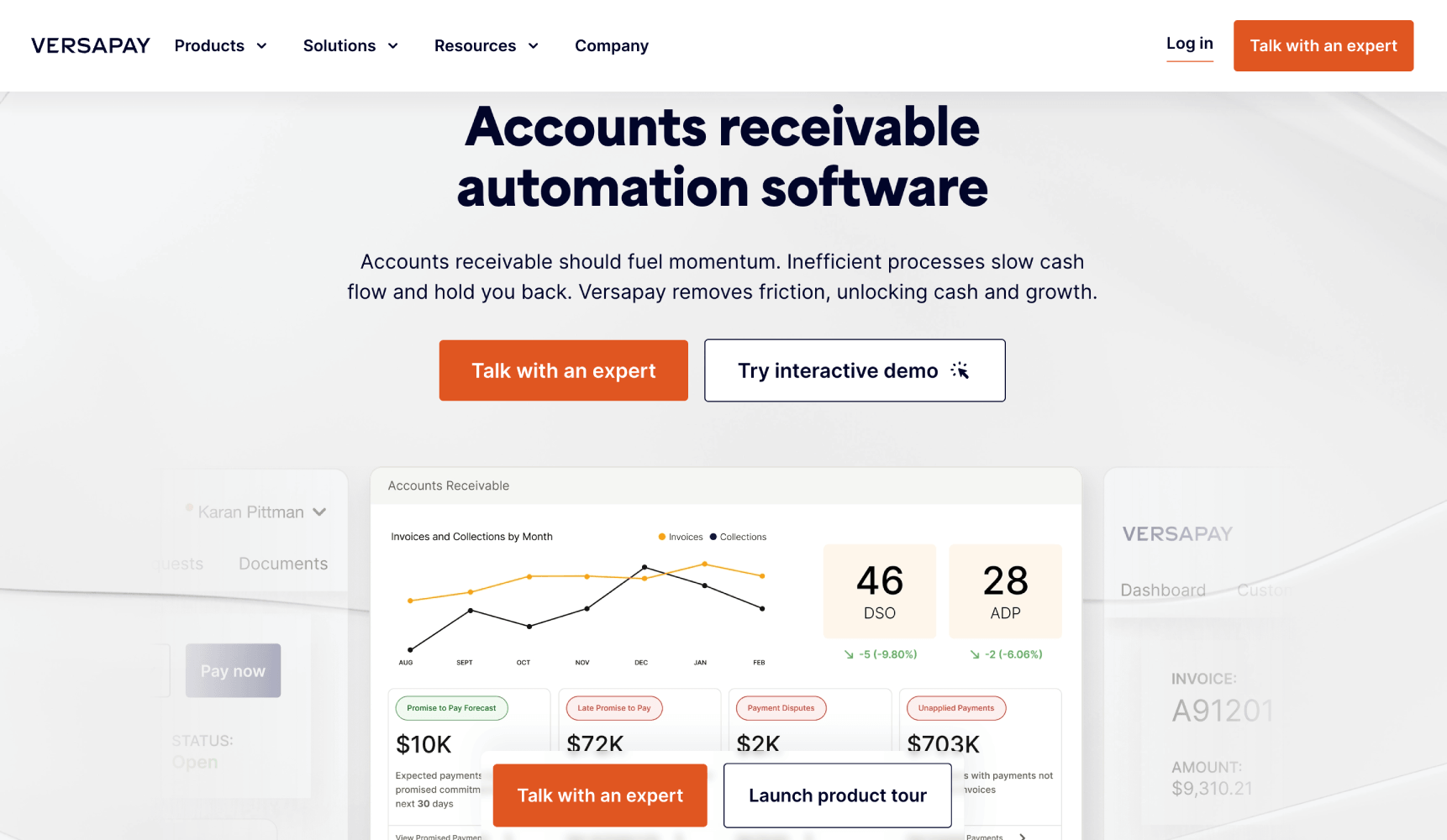
Versapay’s differentiating feature is its collaborative AR model. Rather than a one-way push of invoices and reminders, it gives customers a portal to view invoices, flag disputes, request credits, and pay in one place. That matters because unanswered disputes are one of the most common causes of extended DSO. When a customer holds a $40,000 invoice because one line item is wrong, a dispute portal with internal comment threads resolves that faster than a phone chain between two AR clerks and two AP clerks.
Versapay integrates with NetSuite, SAP, and Sage. It suits companies in the 50 to 500 employee range that bill enterprise customers and have enough disputes and partial payments to make the portal worth the setup. Pricing is custom.
Billtrust
Billtrust built its reputation in B2B payments by operating its own Business Payments Network, a connection layer between AR teams and the AP portals of major enterprise buyers. That means if your customer pays via Coupa, Ariba, or a proprietary AP system, Billtrust handles the format translation and delivery. For companies billing large enterprise procurement teams, this eliminates a significant manual burden.
Its cash application capabilities are strong, and the platform covers the full invoice-to-cash workflow from invoice delivery through collections and reconciliation. Like HighRadius, Billtrust is priced for companies with real AR volume and a formal finance operation.
Upflow
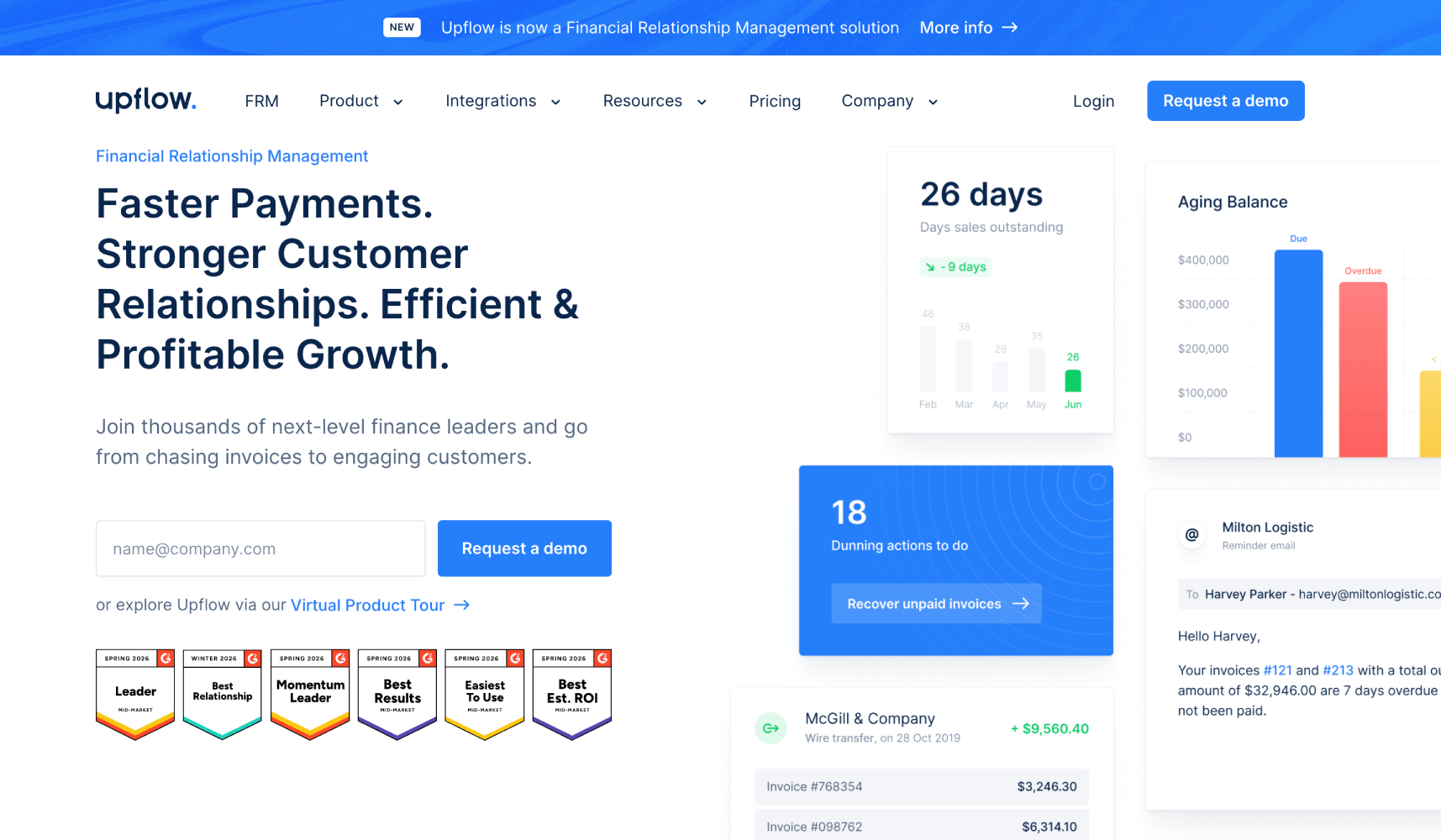
Upflow is the most SaaS-native tool on this list. It connects to CRM data from Salesforce and HubSpot, which lets AR teams factor in account health and relationship context when sequencing collections outreach. That approach matters for B2B SaaS, where an overdue invoice from a strategically important customer warrants a different tone than one from an account already at risk of churning.
Upflow integrates with QuickBooks, NetSuite, and Xero and provides an analytics dashboard that tracks AR aging, collection rates, and DSO trends. It publishes starting pricing tiers on its website, making it easier to evaluate without a sales call. It fits Series A to Series B SaaS companies well, particularly those where customer success and finance share responsibility for collections.
Quadient AR (formerly YayPay)
Quadient acquired YayPay and rebranded it as Quadient AR. The platform’s strongest feature is predictive cash flow forecasting, which uses payment history and customer behavior data to project when outstanding invoices are likely to be paid. For a CFO trying to model liquidity 60 days out, that predictive layer adds genuine planning value beyond what an AR aging report provides.
Collections workflows are rule-based and segmentable by customer profile. ERP integration covers NetSuite, SAP, Sage, and Microsoft Dynamics. Pricing is custom. It competes most directly with Versapay for the mid-market segment.
BILL
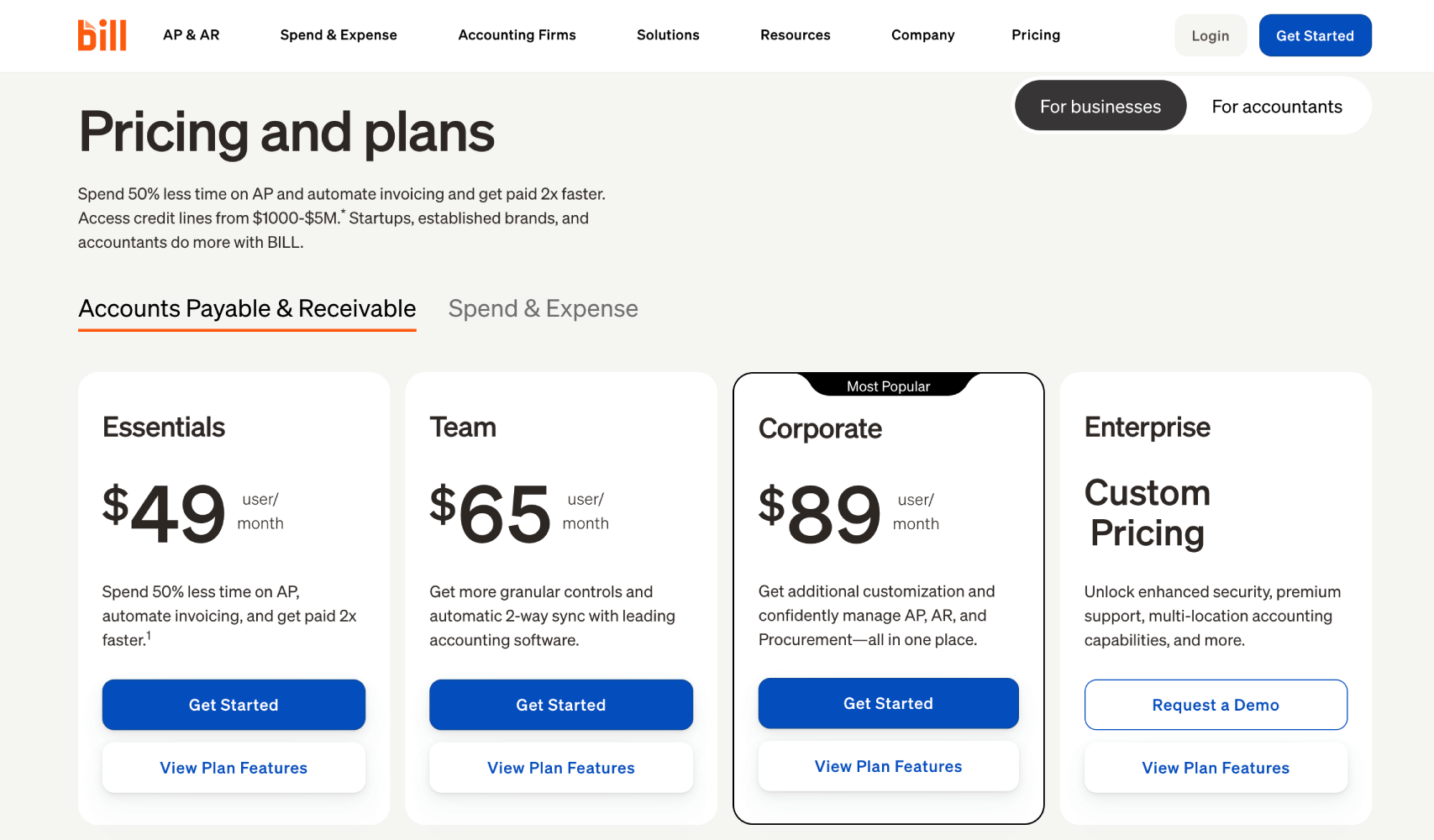
BILL (formerly BILL.com) is the most accessible entry point for smaller SaaS companies. Pricing is published on BILL’s public pricing page and should be verified there directly, as tiers are updated periodically. The AR module handles invoicing, automated reminders, and payment acceptance via ACH and credit card.
The ERP sync covers QuickBooks, Xero, NetSuite, and Sage Intacct, and the setup time is measured in days rather than weeks. The cash application is less sophisticated than HighRadius or Billtrust, but for a company billing under 150 customers without complex remittance situations, it does not need to be. BILL is a reasonable starting point before a company’s AR complexity justifies a purpose-built platform. It pairs well with early-stage finance stacks reviewed in the best accounts payable automation tools comparison, since some teams run BILL for both AR and AP at this stage.
Sage Intacct
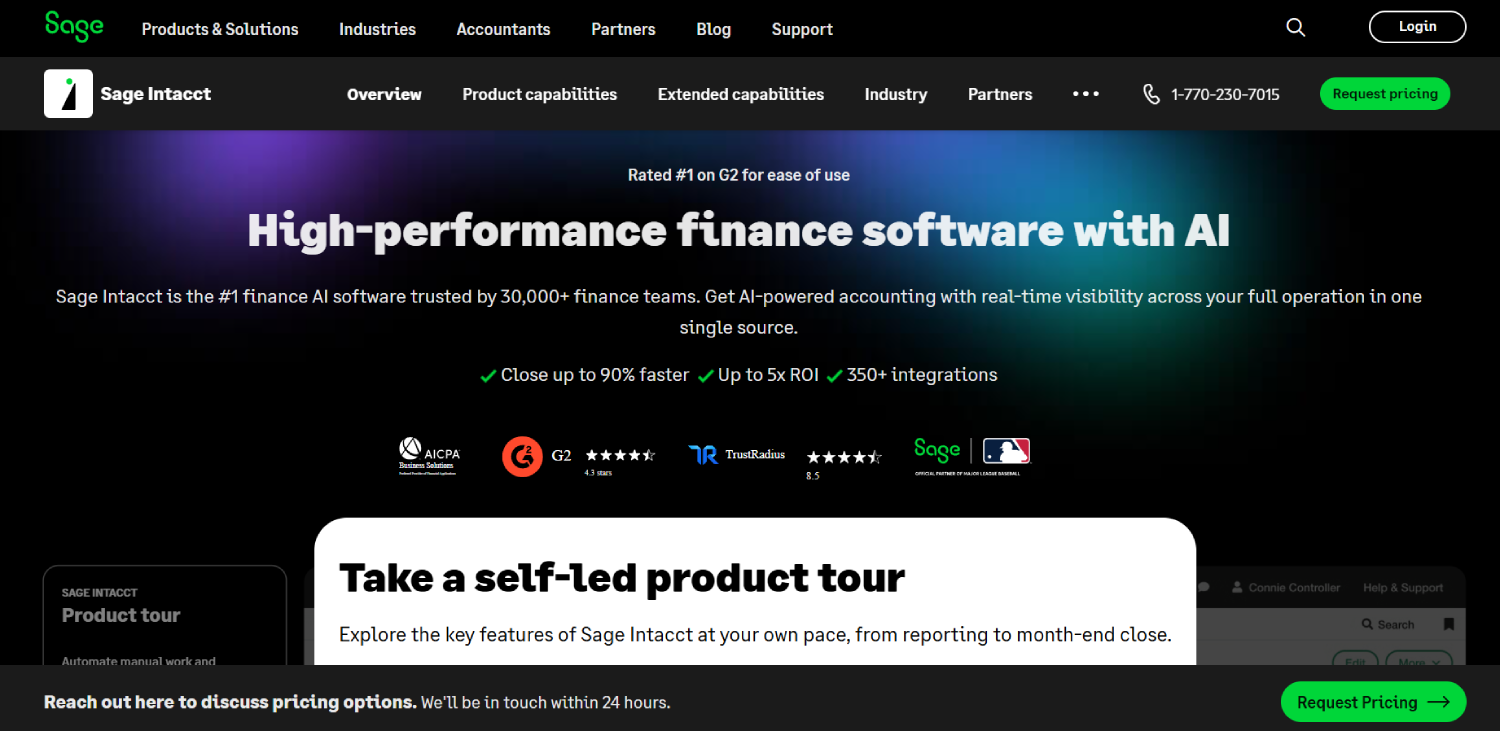
Sage Intacct is an ERP first and an AR tool second. For a finance team that has not yet standardized on an accounting system, it handles multi-entity consolidation, revenue recognition, and AR automation in one platform. The AR module automates invoice delivery, collections sequences, and payment processing, and because it is the system of record, there is no sync to worry about.
The meaningful consideration is whether you need a full ERP replacement or just an AR layer on top of your current accounting setup. If you are already on QuickBooks and not planning to move, a standalone AR tool is faster and cheaper. If your finance team is outgrowing QuickBooks anyway, Sage Intacct is worth evaluating as a combined solution. Pricing is custom.
Invoiced
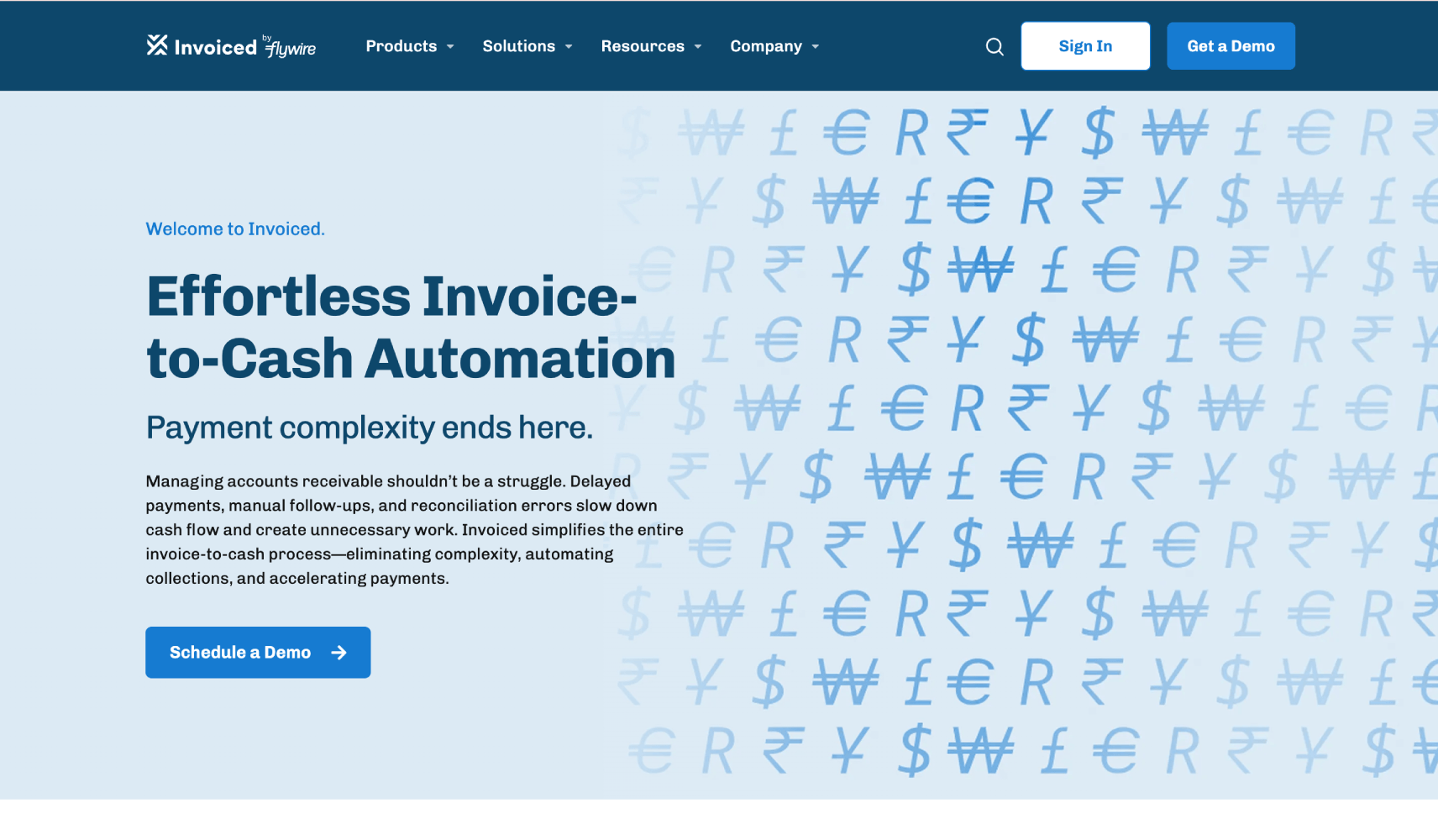
Invoiced occupies useful middle ground between a billing tool and a collections platform. It handles subscription billing, one-time invoicing, and automated collections in one product, which removes the integration overhead of stitching together a billing tool, an AR platform, and an ERP sync separately.
For SaaS companies billing a mix of subscription and project-based or usage-based invoices, that flexibility matters. Invoiced publishes pricing tiers on its website, and it integrates with QuickBooks, NetSuite, and Xero. It does not have the AI cash application depth of HighRadius, but for a company whose collections problem is workflow and follow-up rather than remittance matching, it is a solid fit.
Centime
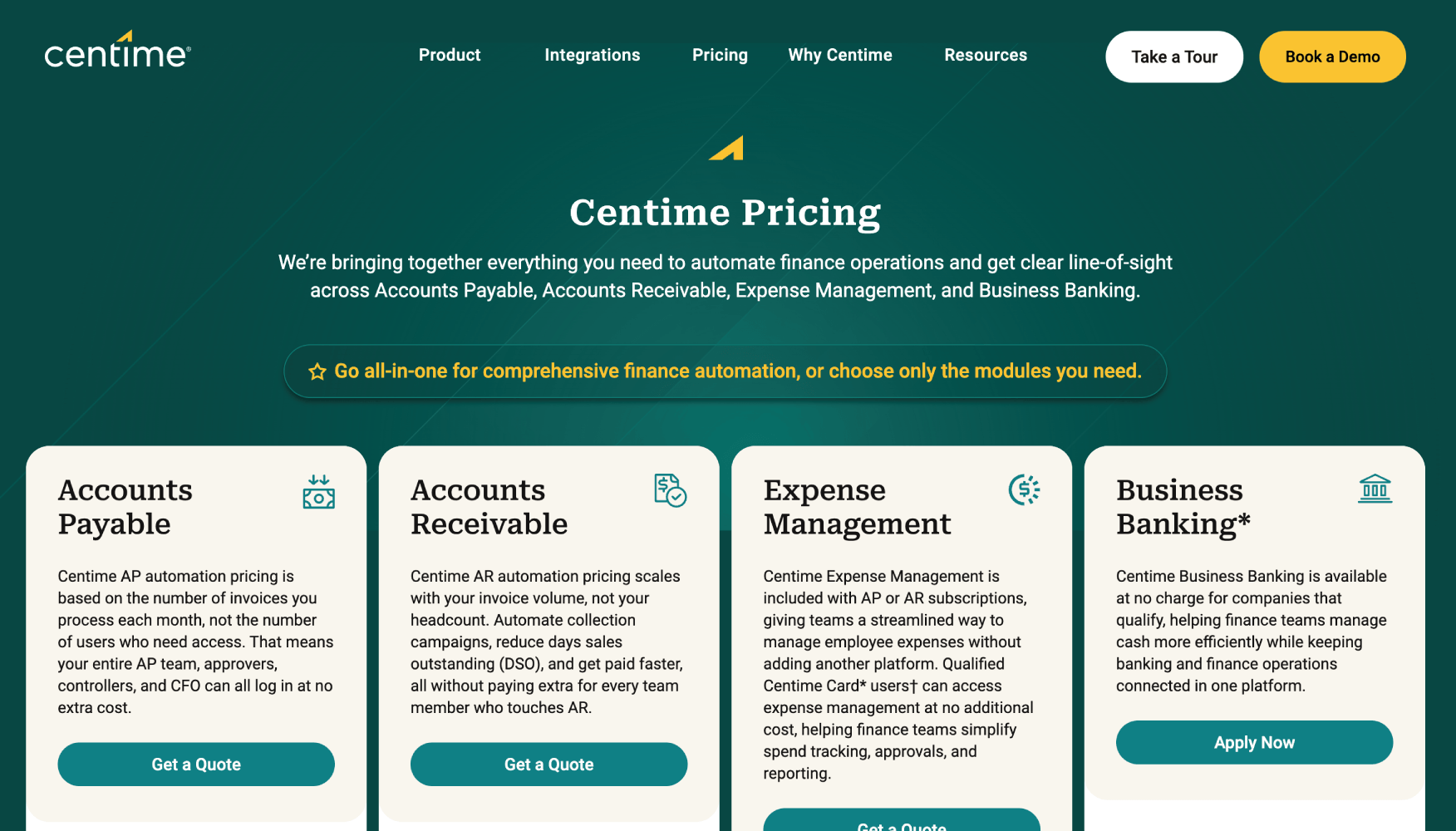
Centime is the only tool on this list that explicitly combines AR and AP under a single cash flow visibility layer. For a CFO who wants to see net cash position, not just receivables aging, in one dashboard, that combined view is genuinely useful. Current pricing is published on Centime’s pricing page and is worth checking directly before budgeting, as plans can change. Centime connects to QuickBooks and NetSuite.
The AR module includes automated invoicing, collections cadences, and payment acceptance. It is not the deepest AR platform on this list, but for a finance team where the primary problem is overall cash visibility rather than high-volume invoice complexity, the combined AP and AR view creates context that purpose-built AR tools do not offer on their own.
What Does a 12-Day DSO Reduction Actually Look Like in Practice?
Consider a B2B SaaS company with $3 million in annual recurring revenue, billing 80 enterprise customers monthly on net-30 terms. In this hypothetical, at a DSO of 42 days, the company is carrying roughly $350,000 in outstanding receivables at any given time. A finance team of two manages collections manually, sending reminders when they remember to.
After deploying an AR automation tool and configuring a three-touch collections sequence (day 25 reminder, day 33 follow-up, day 40 escalation with account manager CC), DSO drops to 30 days. Outstanding receivables at any given time fall to roughly $247,000. That is $103,000 in cash freed up, not from new revenue, just from collecting existing revenue faster.
The tool does not generate that outcome automatically. The outcome requires a configured cadence, clean ERP sync so invoices are accurate on delivery, and a payment portal that makes it easy for the customer’s AP team to pay without friction. The automation handles execution. The finance team still owns the strategy. This framing, automation as execution layer rather than strategy replacement, is the right mental model for evaluating any of the tools above.
How Does AR Automation Sync With QuickBooks and NetSuite?
ERP sync is the single biggest implementation risk in AR automation. A tool that cannot write back payment status, cash application results, and credit notes cleanly to your general ledger creates a reconciliation problem at month-end close that cancels out most of the efficiency gains.
The sync architectures vary. Some tools use direct API integrations maintained by the AR vendor. Others use middleware like Codat or Rutter, which abstract the connection layer. Direct integrations are generally more reliable for real-time sync. Middleware adds flexibility but introduces an additional dependency. For teams evaluating how data flows between their AR tool and accounting system, the top accounting integration APIs for B2B SaaS explains how these data bridges work in detail.
For QuickBooks Online, BILL, Upflow, Invoiced, and Centime all offer tested two-way sync. For NetSuite, HighRadius, Versapay, Billtrust, and Quadient AR each have documented NetSuite integrations. Sage Intacct is native. Before signing any contract, ask the vendor for a specific demo of the sync behavior for your ERP version, including how partial payments, credit memos, and multi-currency invoices are handled.
What Should You Actually Measure to Know If AR Automation Is Working?
DSO is the headline metric, but it hides important detail. A CFO who tracks only DSO can miss a deteriorating customer mix where DSO holds steady because new customers pay fast but legacy accounts keep slipping further past due.
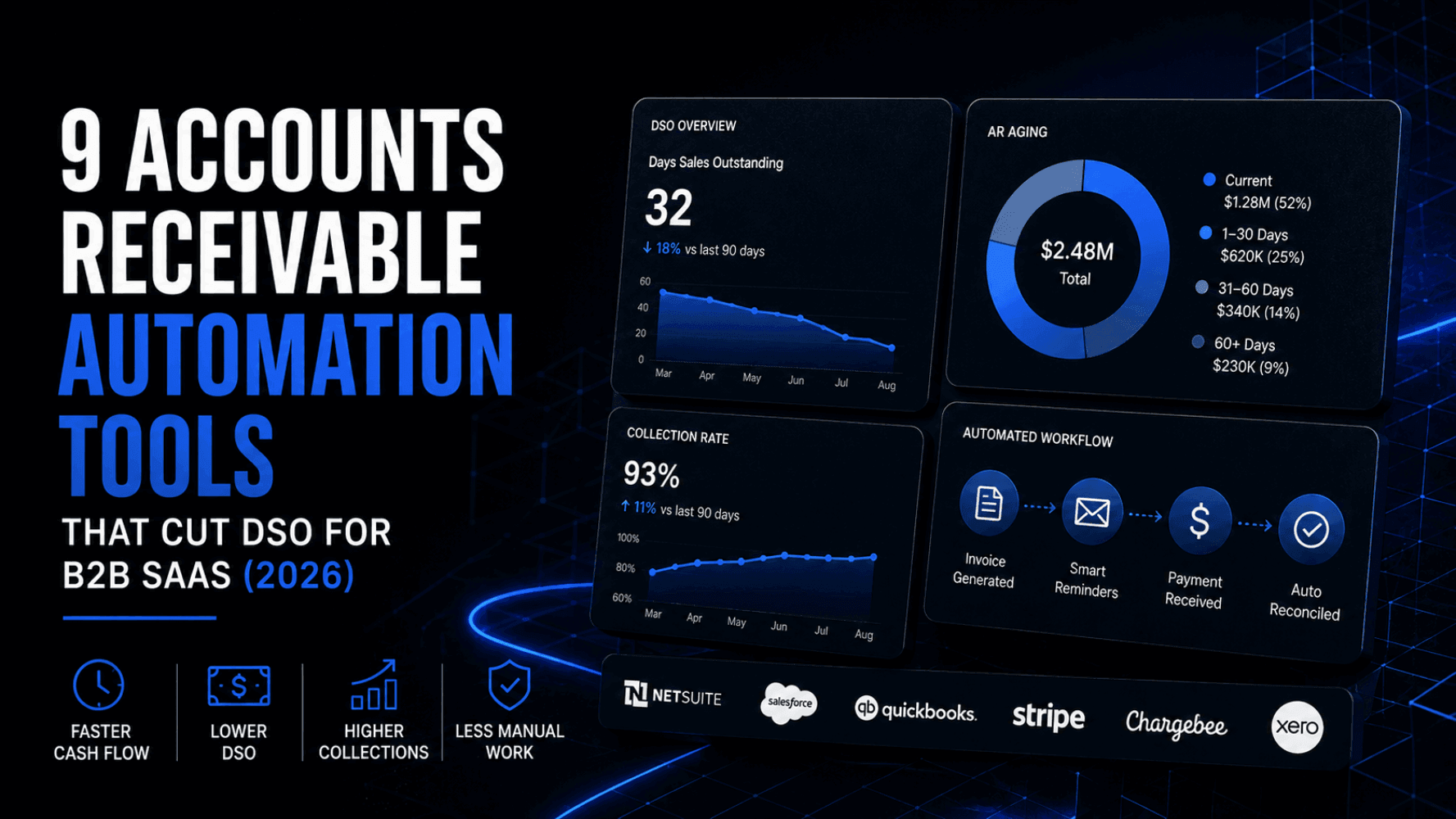
The four metrics worth tracking together are: DSO (trend over 90 days), collection effectiveness index (CEI), which measures what percentage of available receivables were collected in a period, AR aging distribution (what share of AR sits in the 0-30, 31-60, 61-90, and 90+ buckets), and cash application rate (what percentage of incoming payments are auto-matched without human intervention).
Good AR automation platforms surface all four in a dashboard. If you are evaluating a tool and the vendor demo does not show AR aging trends and CEI side by side, that is a signal the reporting layer is shallow. For finance teams tracking a broader set of operational metrics, the fintech metrics that actually matter beyond vanity growth offers useful framing for building a metrics stack around unit economics rather than surface numbers.
What Are the Most Common Mistakes When Deploying AR Automation?
The most expensive mistake is launching automation with inaccurate contact data. If the billing email for 30% of your accounts is wrong or outdated, automated reminders go nowhere and DSO does not move. Clean your CRM and billing contact data before go-live, not after.
The second mistake is using a single collections cadence for every customer. An enterprise account paying $200,000 per year deserves a different tone and escalation path than a small customer on month-to-month terms. Most tools support segmented cadences. Use them from day one.
The third mistake is not closing the loop with the sales or customer success team. Collections outreach that surprises a customer already in a renewal conversation with your AE creates friction. Build a handoff workflow so AR escalations trigger a notification to the account owner before the customer receives a firm collections notice.
Frequently Asked Questions
What is AR automation software?
AR automation software replaces manual accounts receivable tasks, including invoice delivery, follow-up reminders, payment acceptance, and cash application, with rule-based workflows and AI-assisted matching. It connects to an ERP or accounting system to keep payment status synchronized without manual data entry. The goal is to reduce the time between invoice issuance and cash receipt, measured as Days Sales Outstanding.
How is AR automation different from dunning software?
Dunning software handles failed subscription card charges in a SaaS billing context: it retries declined cards, updates payment methods, and prevents involuntary churn. AR automation handles B2B invoice collections on net terms, where customers pay by ACH, wire, or check after receiving an invoice. The workflows, integrations, and customer communication strategies are fundamentally different. A subscription-first SaaS business needs dunning tools. A company billing enterprise clients on net-30 or net-60 needs AR automation.
Which AR automation tool works best with NetSuite?
HighRadius, Versapay, Billtrust, and Quadient AR all have documented NetSuite integrations and are purpose-built for companies with mid-market to enterprise AR complexity. Upflow and Invoiced also support NetSuite at a lighter integration depth, which suits smaller teams. The key question is whether the tool supports two-way sync, including write-back of cash application results and credit memos, not just invoice pull.
How do I reduce DSO without annoying my best customers?
Segment your collections cadences by customer tier and invoice age. Enterprise accounts that typically pay within terms should receive a single friendly pre-due reminder, not an aggressive collections sequence. Reserve firmer follow-ups for accounts already past due and escalate through an account manager rather than a generic AR email for your highest-value customers. AR automation tools make this segmentation easy to configure. The tone of the communication stays human. The consistency of execution is what the software provides.
What is cash application and why does it matter?
Cash application is the process of matching incoming payments to open invoices and posting that match to the general ledger. In a manual workflow, this requires an AR clerk to cross-reference bank statements, remittance emails, and the accounting system by hand. Errors and delays in cash application inflate DSO artificially, because cash is in the bank but not yet reflected as collected in the AR system. AI-driven cash application, available in HighRadius and Billtrust, automates most of this matching.
Is BILL good enough for a Series A SaaS company?
For a Series A company billing under 150 enterprise customers on straightforward net-30 terms, BILL provides enough AR functionality, including automated reminders, ACH and card payment acceptance, and ERP sync, at a predictable published price. It starts to show limitations when invoice volume scales, when complex remittance matching becomes common, or when multi-currency billing enters the picture. At that point, a purpose-built AR platform like Upflow or Versapay becomes worth the added cost and implementation effort.
How long does it take to implement an AR automation tool?
Setup time varies significantly by tool and ERP complexity. BILL and Centime can be configured in under a week for a company already on QuickBooks or NetSuite. Upflow typically takes one to two weeks for initial setup and cadence configuration. Enterprise platforms like HighRadius and Versapay involve multi-week implementations with dedicated onboarding teams, particularly when the ERP environment includes custom fields, multi-entity structures, or complex billing hierarchies. Budget twice the time the vendor estimates for data migration and contact list cleaning.
Do AR automation tools handle disputed invoices?
Dispute management varies by tool. Versapay’s collaborative portal is explicitly designed around invoice disputes, letting customers flag line items and communicate with AR teams in a structured thread. HighRadius includes deduction management as a dedicated module. Most other tools on this list handle disputes through exception workflows: disputed invoices are flagged and routed to manual review rather than continuing through the automated collections sequence. For companies with high dispute rates, this distinction is worth probing in vendor demos.
How to Build a Collections Process That Stays Human
The best AR automation does not feel like automation to the customer receiving it. A well-configured cadence sends a reminder that reads like a person wrote it, addresses the customer by name, references the specific invoice number and amount, and includes a direct link to pay or flag a question. That is achievable with every tool on this list. What separates companies that reduce DSO from those that just install software is the discipline to configure cadences thoughtfully, review them quarterly, and adjust based on what the data shows.
Finance teams that scale well, the kind documented in the fintech SaaS scale checklist, tend to treat AR as a cash flow lever, not a back-office chore. That reframing, from “we send invoices and wait” to “we have a systematic process for collecting every dollar we are owed,” is what AR automation makes possible. The software handles execution. The judgment about tone, escalation paths, and customer relationship management stays with the team.
Choose the tool that fits your ERP, your invoice volume, and the complexity of your customer base today, knowing you may graduate to a more sophisticated platform in 18 to 24 months. Getting 60% of the way there with BILL or Centime in the next 30 days beats a six-month evaluation of HighRadius while DSO keeps drifting upward.