
- Spreadsheets work fine until you have more than one data source, more than one scenario, or more than one person editing the forecast at the same time.
- The real cost of spreadsheet forecasting is not the time building models. It is the errors you do not catch until a board meeting or a cash crunch.
- Most FP&A tools now sync directly with QuickBooks, Xero, NetSuite, and Salesforce, so live actuals flow in without manual entry.
- The right tool depends on your team size, modeling complexity, and whether you need audit-ready reporting or just a cleaner budget process.
- Subscription analytics tools like ChartMogul are not FP&A software. They measure revenue. FP&A software models it forward.
The best FP&A software for most Series A and Series B companies commonly includes Mosaic, Cube, or Runway, depending on how much modeling flexibility versus ease of setup the finance team needs. Mosaic and Runway are purpose-built SaaS-native platforms with strong scenario planning. Cube sits inside Excel and Google Sheets, so it fits teams that are not ready to leave the spreadsheet environment entirely. Larger or more complex organizations should evaluate Workday Adaptive Planning, Anaplan, or Vena.
When Does a Spreadsheet Actually Stop Working for FP&A?
The honest answer is that a well-built spreadsheet can handle FP&A for a company doing under $3M ARR with one person managing the model. At that stage, the complexity does not justify the cost or migration time of a dedicated tool. Most founders and early finance hires are right to start in Excel or Google Sheets.
The break point arrives at one of four moments: the model gets too large to version reliably, actuals from the accounting system require manual copy-paste each month, a second person needs to work in the same file at the same time, or the board asks for scenario comparisons that require rebuilding the whole model. Any one of these is a signal. All four at once means you are already losing hours to debt that a $500/month tool would eliminate.
There is also the error problem. A mislinked cell in a forecast that runs for twelve months compounding wrong assumptions does not announce itself. It shows up when the CEO presents runway to investors and a sharp CFO asks why the model does not match the GL. That is a hard conversation to have.
FP&A software addresses this by pulling actuals directly from your accounting system, locking the historical numbers, and letting the team model forward from a clean baseline. That single feature, live actuals sync, is what separates a purpose-built FP&A tool from a well-formatted spreadsheet.
What Separates FP&A Software From Subscription Analytics and Close Tools?
This distinction matters because buyers confuse the categories constantly. Subscription analytics tools, like ChartMogul or Baremetrics, measure what already happened to your revenue. They calculate MRR, churn rate, LTV, and cohort retention. They look backward. FP&A software looks forward: it takes those numbers and builds a model of what the business will look like in three months, six months, or two years under different assumptions.
Financial close tools, like FloQast or Numeric, help accounting teams close the books faster and with fewer errors. They are about the accuracy and speed of the accounting process itself. FP&A software consumes the output of that process and turns it into a forward-looking plan. You might use both. They do not replace each other.
If you are evaluating subscription analytics tools for SaaS finance teams, that comparison lives in a different decision than the one this article covers. FP&A is planning, forecasting, scenario modeling, and board reporting. Keep those lanes separate before you start pricing anything.
The FintechSpecs FP&A Threshold Test: Four Checks Before You Buy
Before evaluating any specific tool, run what we call the FP&A Threshold Test. It is four yes/no checks that tell you whether you actually need dedicated FP&A software or whether a better-structured spreadsheet is the right answer for now.
Check 1: Manual actuals. Do you spend more than two hours per month copying data from your accounting system into your forecast? If yes, any tool with a native accounting integration pays for itself in time recovered.
Check 2: Scenario paralysis. When a board member or investor asks “what happens to runway if growth slows to 5% month-over-month instead of 10%,” do you have a scenario toggle or do you have to rebuild the model? If rebuilding, that is a structural problem, not a spreadsheet problem. But most spreadsheets do not have a scenario layer. FP&A tools do.
Check 3: Collaboration friction. Is more than one person editing the forecast regularly? Shared Google Sheets degrade fast under two editors. Version control in a spreadsheet is a naming convention, not a system.
Check 4: Board-ready output. Does producing a board deck from your model take more than half a day of formatting? If the output requires manual chart-building every time, the model and the presentation are not connected. That is a problem FP&A tools solve directly.
If you answered yes to two or more, the software cost is justified. One yes means you are close to the threshold. Zero means stay in spreadsheets and save the budget.
The 9 FP&A Tools Worth Evaluating
1. Mosaic
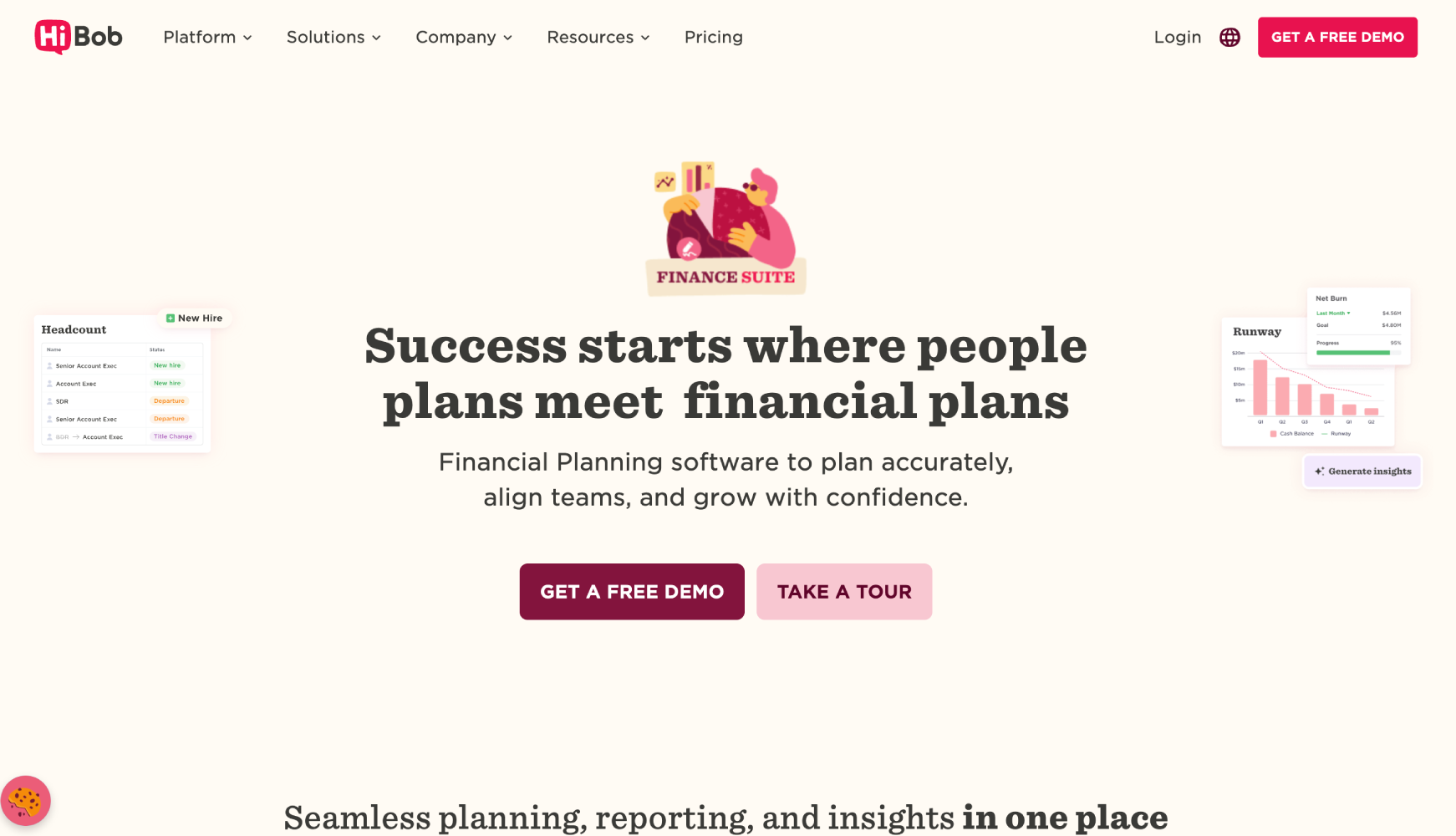
Mosaic (acquired by HiBob) is a purpose-built FP&A platform aimed at high-growth SaaS companies, typically Series A through Series C. It connects to QuickBooks, NetSuite, Salesforce, and several other systems to pull actuals automatically, then lets the finance team build P&L models, headcount plans, and scenario analyses on top of live data. The reporting layer is strong enough to generate board-ready decks without exporting to PowerPoint.
Mosaic’s biggest strength is its SaaS metrics modeling. ARR, bookings, churn, and headcount-to-revenue ratios are first-class objects in the model, not workarounds. For a company where SaaS metrics drive the forecast, that saves significant setup time. Mosaic does not publish pricing publicly; the company uses sales-led demos and quotes based on ARR and team size.
The trade-off: Mosaic has an opinionated data model. It is excellent if your business looks like a recurring-revenue SaaS company. It is harder to use if you have complex multi-entity structures, significant services revenue, or unusual billing arrangements.
2. Cube

Cube takes a different philosophy than most tools on this list. Rather than replacing Excel and Google Sheets, it layers on top of them. The finance team keeps working in the spreadsheet environment they know, while Cube handles the data syncing, version control, and workflow that spreadsheets cannot do alone.
This is the right choice for a team that has invested years building a model in Excel and is not ready to migrate. Cube connects to QuickBooks, Sage Intacct, NetSuite, Salesforce, and others, and pushes actuals into the existing spreadsheet structure. Board reporting and scenario planning happen inside the same Excel or Google Sheets environment, just with live data underneath.
The limitation is that Cube inherits whatever structural weaknesses exist in your spreadsheet. If the model is poorly built, Cube cannot fix that. It makes a good model better. It does not rescue a broken one. Cube’s pricing is not listed publicly; the company uses sales-led pricing based on company size.
3. Runway
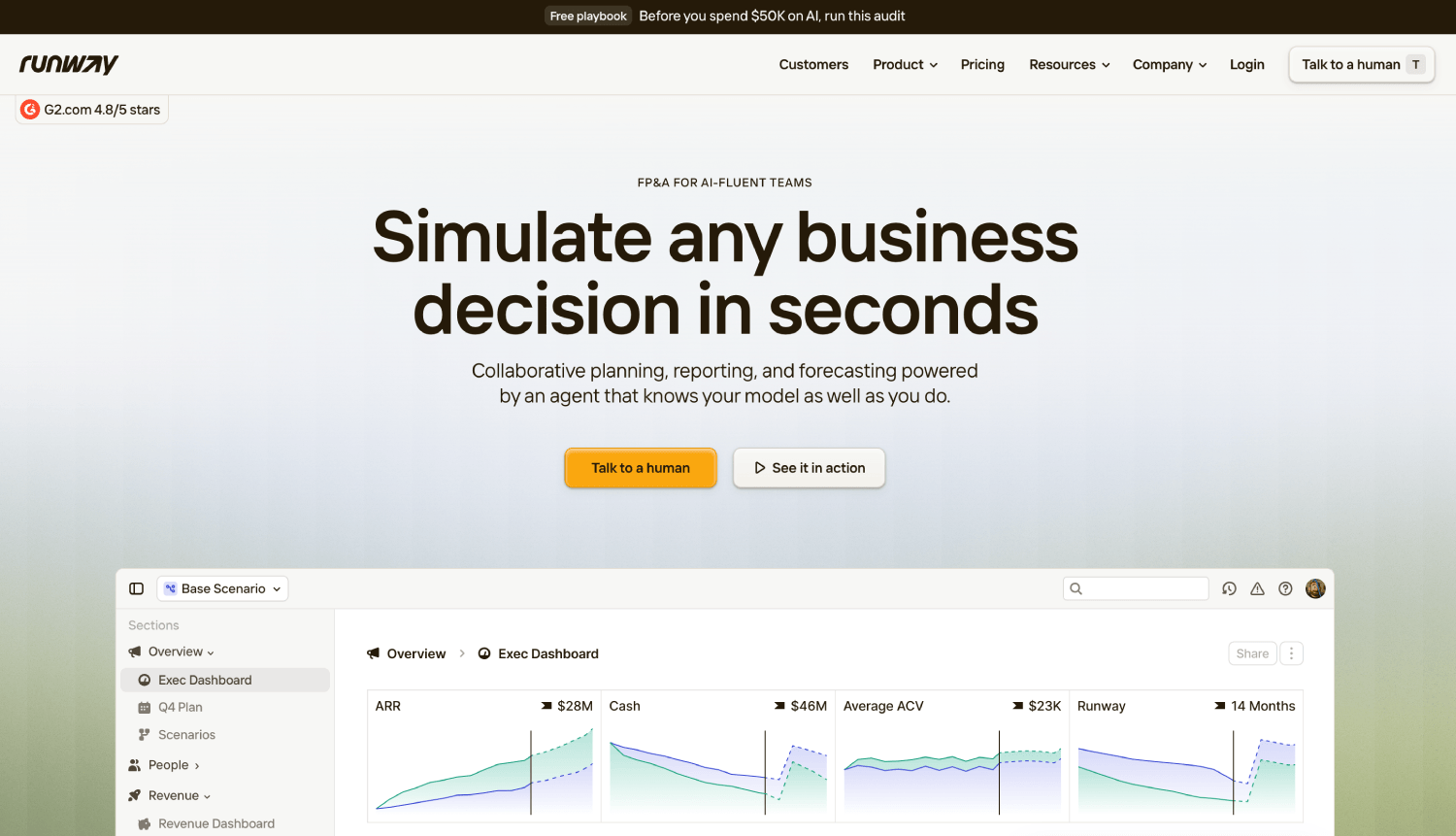
Runway targets founders and early finance hires who want cash flow visibility above everything else. The product is built around the idea that a startup’s single most important financial question is “when do we run out of money, and under what assumptions does that change.” Scenario planning is the central feature, not an add-on.
Runway syncs with bank accounts, QuickBooks, Xero, and Stripe, which means the cash model updates automatically as transactions clear. For a pre-Series B company managing runway to a fundraise, this is often more immediately useful than a full P&L modeling tool. The interface is designed to be used by non-finance operators, including founders and COOs, without requiring a dedicated FP&A hire to maintain it.
Runway is less suited to companies that need deep departmental budgeting, complex headcount modeling, or multi-entity consolidation. It is a strong cash forecasting and scenario tool, not a full-featured FP&A platform. Pricing is available through their site after a demo.
4. Workday Adaptive Planning
Workday Adaptive Planning is the institutional-grade option on this list. It handles multi-entity consolidation, workforce planning, complex driver-based models, and deep integrations with ERP systems including Workday itself, SAP, Oracle, and NetSuite. The modeling flexibility is genuinely broad: companies can build almost any planning structure they need.
The trade-off is implementation time and cost. Adaptive Planning is not a tool you configure in a weekend. A typical deployment involves a professional services engagement, data mapping work, and training. For a Series A startup with one finance person, this is almost certainly overkill. For a Series C company with 15+ finance team members, multiple business units, and an ERP already in place, it starts to make sense.
Workday does not publish pricing for Adaptive Planning. Enterprise software pricing applies: multi-year contracts, per-seat components, and negotiated terms.
5. Vena Solutions
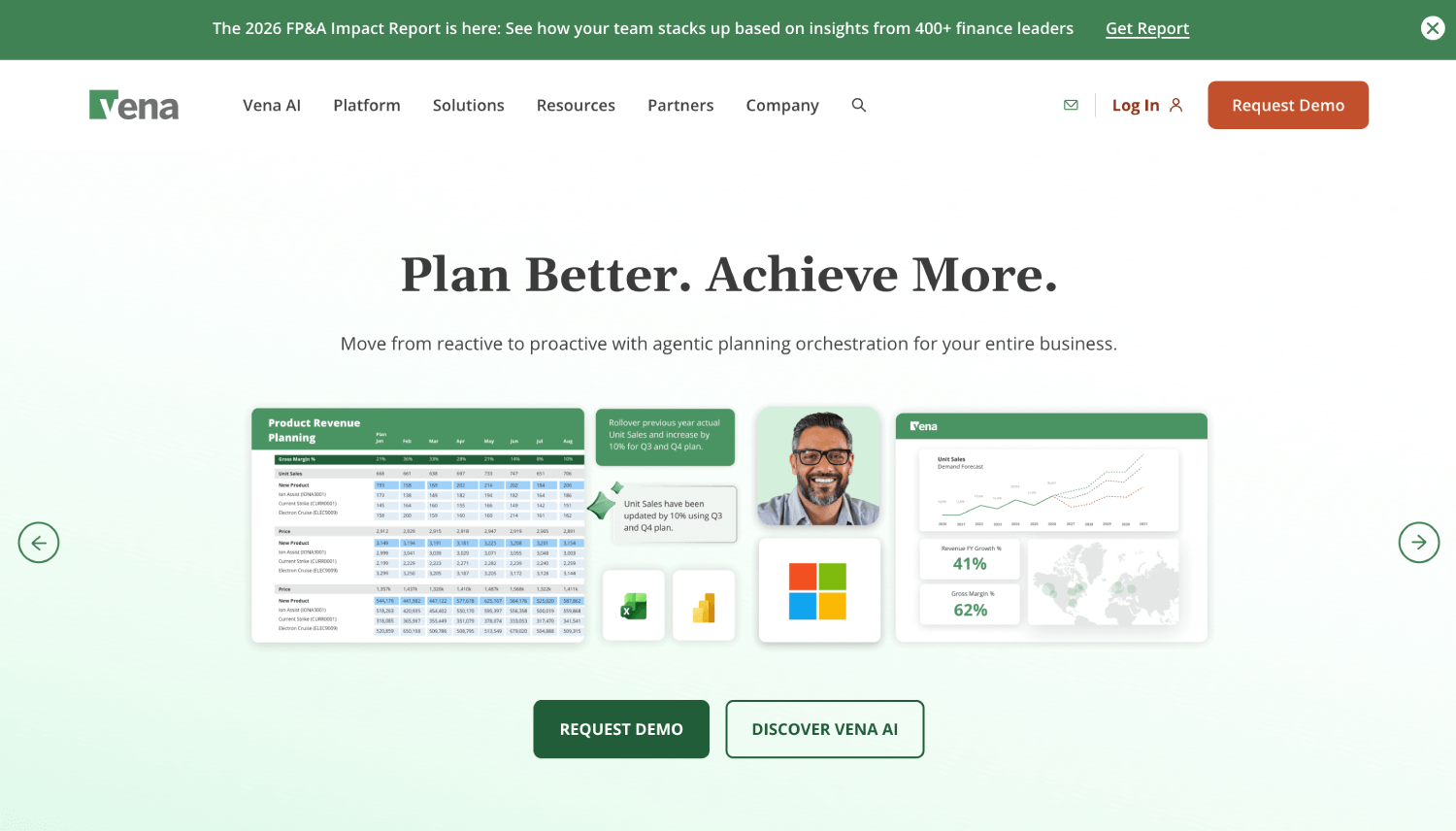
Vena occupies similar philosophical ground to Cube: it keeps Excel as the user interface while adding a centralized database, workflow, and audit trail underneath. The key difference is that Vena is more fully featured as an enterprise planning platform, with workflow approvals, role-based permissions, and a deeper template library built for mid-market and enterprise finance teams.
Vena is a better fit than Cube for companies that need formal budget approval workflows, multiple reviewers, and audit-ready versioning. It is also better for companies with complex operational planning beyond just the financial model, like capacity planning or capital expenditure tracking. Smaller teams may find the setup complexity more than they need.
6. Anaplan
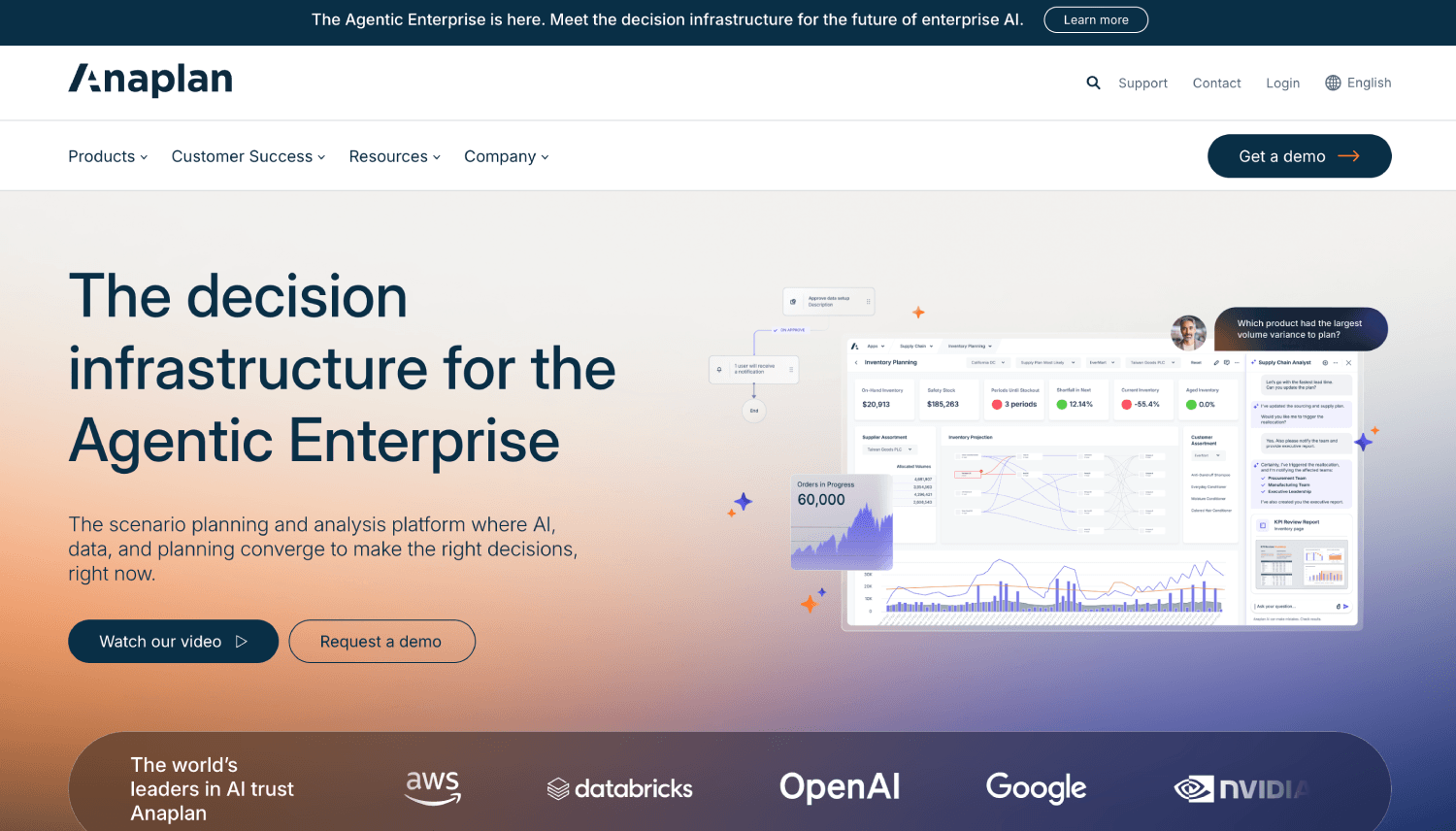
Anaplan is the most powerful tool on this list and the hardest to implement. It is a connected planning platform used by large enterprises to model financial, supply chain, workforce, and sales plans in a single system. The modeling engine, called Hyperblock, handles genuinely complex multi-dimensional data that would break any spreadsheet or lighter FP&A tool.
The reality for startup finance teams is that Anaplan is not a realistic option below Series C or Series D. The platform requires dedicated model builders (often called “Anaplan Masters”), significant implementation budget, and ongoing maintenance. For companies that need enterprise-scale connected planning, it is a serious contender. For everyone else, it is a distraction to evaluate.
7. Datarails
Datarails follows the Excel-native approach, consolidating data from multiple spreadsheet sources and accounting systems into a central model while letting the finance team stay in Excel. It includes a reporting module called FP&A Genius that generates automated reports and variance analyses without manual chart building.
Datarails is strong for mid-market companies where the finance team has invested heavily in Excel-based models and the main problem is consolidation across multiple business units or entities. If you have ten regional managers all submitting Excel files, Datarails consolidates those automatically. The setup is faster than Vena or Adaptive Planning for this specific use case.
8. Prophix
Prophix is a cloud-based FP&A and consolidation platform aimed at mid-market companies, roughly 100 to 2,000 employees. It covers budgeting, forecasting, financial close, and consolidation in one platform, which makes it a fuller-stack option than tools that focus only on planning. The consolidation capability is genuinely useful for companies with multiple legal entities or subsidiaries that need to roll up to a consolidated P&L.
The interface has improved significantly in recent years, but Prophix still has a steeper learning curve than Mosaic or Runway. Teams that need close and consolidation alongside planning will find the integrated approach valuable. Teams that just need better forecasting should look at lighter options first.
9. Aleph
Aleph is an AI-native FP&A tool that connects financial data from accounting systems, spreadsheets, and operational sources into a single planning environment. The product emphasizes reducing the time finance teams spend on data gathering so they can spend more time on analysis. Aleph supports Excel and Google Sheets as an interface layer, similar to Cube, but with a more aggressive AI-driven analysis layer on top.
Aleph is newer and less proven at scale than Mosaic or Workday Adaptive Planning, but it is worth evaluating for finance teams that are investing in AI-driven analysis and want to reduce the manual data work involved in closing and forecasting. The company does not publish pricing publicly.
Head-to-Head: Mosaic vs Cube vs Runway for FP&A
These three tools generate the most comparison searches among startup finance teams, so a direct comparison is worth running explicitly. The fundamental difference is philosophy, not just features.
| Criteria | Mosaic | Cube | Runway |
|---|---|---|---|
| Primary use case | SaaS FP&A, board reporting | Spreadsheet-native FP&A | Cash forecasting, scenario planning |
| Best stage | Series A to Series C | Seed to Series B | Pre-seed to Series B |
| Interface | Dedicated web platform | Excel / Google Sheets | Dedicated web platform |
| Accounting integrations | QuickBooks, NetSuite, Xero | QuickBooks, NetSuite, Sage, Xero | QuickBooks, Xero, Stripe, banks |
| Scenario planning | Yes, multi-scenario | Yes, spreadsheet-based | Yes, core feature |
| Headcount modeling | Strong | Depends on spreadsheet build | Basic |
| Learning curve | Moderate | Low (if you know Excel) | Low |
| Pricing | Not public, sales-led | Not public, sales-led | Not public, demo required |
| Ideal for | SaaS-native finance team | Teams keeping Excel workflows | Founders tracking runway |
Mosaic is the strongest all-around choice for a SaaS company that has hired its first dedicated finance hire and needs a complete planning environment. Runway is the better choice if the immediate problem is cash visibility and scenario modeling for a fundraise or a hiring pause decision. Cube makes sense when the team has a working spreadsheet model and wants to add live data sync without rebuilding from scratch.
Full Comparison: All 9 FP&A Tools by Team Size and Complexity
| Tool | Best Team Size | Modeling Flexibility | Accounting Integrations | Multi-Entity | Pricing Model |
|---|---|---|---|---|---|
| Mosaic | Series A to C | High (SaaS-native) | QuickBooks, NetSuite, Xero, Salesforce | Limited | Sales-led |
| Cube | Seed to Series B | High (Excel-dependent) | QuickBooks, NetSuite, Sage, Xero | Yes | Sales-led |
| Runway | Pre-seed to Series B | Moderate (cash-focused) | QuickBooks, Xero, Stripe, banks | Limited | Sales-led |
| Workday Adaptive Planning | Series C+, enterprise | Very high | Workday, SAP, Oracle, NetSuite | Yes | Enterprise contract |
| Vena | Mid-market (100-2,000) | High (Excel-native) | NetSuite, Sage, Dynamics | Yes | Sales-led |
| Anaplan | Enterprise | Extremely high | SAP, Oracle, Salesforce, custom | Yes | Enterprise contract |
| Datarails | Mid-market | High (Excel-native) | QuickBooks, NetSuite, Sage | Yes | Sales-led |
| Prophix | Mid-market | High | NetSuite, Sage, Dynamics | Yes | Sales-led |
| Aleph | Seed to Series B | Moderate to high | QuickBooks, Xero, spreadsheets | Limited | Sales-led |
What Integration Depth Actually Means for FP&A Software
Every vendor on this list claims to integrate with QuickBooks, NetSuite, or Xero. The meaningful question is what “integration” actually does. There are three levels, and they are not equivalent.
Level 1: Import. The tool pulls a CSV or connects via a basic API to import chart of accounts data on demand. You initiate the sync. Actuals are as fresh as the last time someone clicked “import.”
Level 2: Scheduled sync. The tool connects via an accounting API and refreshes actuals on a daily or weekly schedule automatically. Still a lag, but no manual work. Most tools on this list operate at Level 2 for their core accounting integrations.
Level 3: Near-real-time bidirectional sync. The tool pushes and pulls data continuously, and changes in either system flow back. Very few FP&A tools reach this for all integrations. Mosaic and Workday Adaptive Planning get closest for their primary ERP integrations.
When evaluating any tool, ask specifically: how frequently do actuals sync, who initiates the sync, and can you trace a variance back to the source transaction in the GL? That last question filters out tools with shallow integrations fast. If the answer is “you can see the variance but not the underlying transactions,” you still have a workflow gap. Finance teams scaling through a Series B or Series C stage will want to understand how the accounting integration APIs underlying these platforms actually handle data flow.
Is FP&A Software Worth the Cost for a Small Finance Team?
Consider a company at $5M ARR with one full-time finance hire. The CFO spends roughly eight hours per month on actuals-to-forecast reconciliation, three hours building the board deck, and two hours answering ad hoc scenario questions from the CEO. That is 13 hours of high-cost labor every month on tasks that FP&A software automates or reduces dramatically.
At $150/hour fully loaded cost (a conservative estimate for an experienced finance hire in a US city), that is $1,950 per month in finance time spent on process, not analysis. Most FP&A tools in the startup range cost between $500 and $2,000 per month depending on seat count and features. The time math frequently favors the software even before accounting for the error reduction benefit.
The calculation shifts if your company is at $1M ARR and the founder is doing their own financial modeling. At that stage, a well-structured Google Sheet with a discipline around actuals imports is probably the right answer. The overhead of onboarding and maintaining an FP&A tool is real. Do not pay for complexity you do not have.
For teams watching their unit economics closely, the hidden costs that compress SaaS margins often show up precisely in finance operations overhead that founders undercount.
What FP&A Software Does Not Solve
A recurring mistake is buying FP&A software to fix a messy chart of accounts or an inconsistent revenue recognition policy. The tool is only as good as the data it pulls. If your QuickBooks is miscategorized, if revenue and deferred revenue are not clearly separated, or if multiple entities are commingled in one account, FP&A software surfaces a polished version of a broken model. Garbage in, board deck out.
Before migrating to any dedicated FP&A tool, the finance team should audit the accounting structure. Categories should map cleanly to the way the business reports performance. Department codes should exist if you plan to do departmental P&Ls. This is not glamorous work, but skipping it means the FP&A tool spends its first six months fighting data quality instead of producing insights.
Also worth noting: FP&A software does not replace a fractional CFO or a finance hire. It replaces the manual process work those people do, which frees them to do actual analysis. A company buying Mosaic without someone who knows how to build a revenue model still has a revenue modeling problem.
How FP&A Tools Fit Into a Larger Finance Stack
FP&A software sits between the accounting system (QuickBooks, Xero, NetSuite) and the business intelligence or reporting layer. It consumes actuals from the GL and produces forward-looking plans and variance reports. For a SaaS company, it also connects to CRM data (Salesforce or HubSpot) to pull pipeline data into the bookings forecast.
The tools on this list do not replace billing systems, expense management platforms, or subscription analytics. If you are evaluating corporate card and spend management platforms for expense visibility, that is a separate decision from FP&A. Your spend management tool feeds data into your accounting system. Your accounting system feeds into your FP&A tool. The stack is sequential, not overlapping.
Teams that have reached a scale where the FP&A tool feeds a BI layer for cross-functional reporting should evaluate whether Workday Adaptive Planning or Anaplan’s connected planning model makes sense, or whether a lighter FP&A tool combined with a dedicated BI tool (like Looker or Tableau) is a better fit. The BI tool decision for Series C teams is a distinct evaluation from the FP&A tool decision, even though they consume similar data.
Frequently Asked Questions About FP&A Software
What is the best FP&A software for a Series A startup?
Mosaic and Runway are the two strongest options for most Series A companies. Mosaic is better if you have a dedicated finance hire and need full P&L modeling with board reporting. Runway is better if the primary problem is cash visibility and scenario modeling for runway extension. Both connect to QuickBooks, Xero, and Stripe. Cube is worth considering if the team has an existing Excel-based model they want to preserve. Avoid enterprise platforms like Anaplan or Workday Adaptive Planning at this stage. The implementation overhead exceeds the benefit.
Can I replace Excel with FP&A software entirely?
Most FP&A teams do not fully replace Excel. Tools like Mosaic, Runway, Prophix, and Aleph are standalone platforms with their own interfaces. Tools like Cube, Vena, and Datarails keep Excel as the primary interface and add a data and workflow layer underneath. Even companies using standalone platforms typically maintain Excel for ad hoc analysis, one-off models, and sensitivity analyses that do not fit the main model. The goal is not to eliminate spreadsheets but to eliminate the parts of spreadsheet work that create errors and inefficiency.
What accounting systems do FP&A tools typically integrate with?
Almost every tool on this list connects to QuickBooks Online, Xero, and NetSuite. Workday Adaptive Planning integrates natively with Workday Financials and also supports SAP and Oracle. Cube and Datarails both integrate with Sage Intacct, which matters for mid-market companies on that platform. Salesforce CRM integration is available in Mosaic, Cube, and Workday Adaptive Planning for pipeline-to-bookings modeling. Always verify specific integration versions before committing, since “supports NetSuite” can mean anything from a full bidirectional sync to a one-way daily import.
How much does FP&A software cost for a small team?
None of the major FP&A platforms on this list publish public pricing. All use sales-led processes with quotes based on company size, user count, and features. Based on publicly available buyer discussions and review sites, most startup-focused FP&A tools (Mosaic, Cube, Runway, Aleph) fall roughly in the $500 to $2,500 per month range for early-stage teams. Enterprise tools like Workday Adaptive Planning and Anaplan operate on annual contract terms that typically run into the five to six figure range annually. Request a quote from at least two vendors and negotiate, since initial quotes have flexibility.
Is FP&A software different from budgeting and forecasting software?
Budgeting and forecasting software is a subset of what FP&A platforms do. FP&A software covers the full planning and analysis cycle: budget creation, ongoing forecasting, actuals comparison, variance analysis, scenario planning, and board reporting. Some tools marketed specifically as budgeting tools (like certain modules within QuickBooks or Xero) do only the budget piece without the forecasting and scenario layers. When evaluating, confirm the tool handles multi-scenario forecasting and actuals-versus-plan variance reporting, not just budget entry.
Do FP&A tools handle multi-entity consolidation?
Several tools on this list handle multi-entity consolidation, including Cube, Vena, Datarails, Prophix, Workday Adaptive Planning, and Anaplan. Mosaic and Runway have limited multi-entity support, which is a real constraint for holding companies, multi-geography businesses, or companies with subsidiaries. If your business has more than one legal entity or reports in more than one currency, confirm consolidation support before committing to any tool. This is one of the main reasons companies with multiple entities move to Prophix or Vena over lighter startup-focused tools.
What is the difference between FP&A software and financial modeling software?
Financial modeling software is typically a spreadsheet environment with enhanced structure, such as Excel, Google Sheets, or a tool like Causal or Quantrix, where you build a model from scratch. FP&A software is a managed platform with pre-built planning structures, accounting integrations, workflow features, and reporting layers. The difference is setup versus customization. FP&A software deploys faster and produces board-ready output automatically. Financial modeling software is more flexible for less conventional business models but requires more maintenance. Most growth-stage finance teams need FP&A software, not a new modeling environment.
Should a founder manage FP&A before hiring a finance person?
Yes, but with limits. A founder can and should understand the business model well enough to build a basic cash flow forecast and a hiring plan. Tools like Runway are explicitly designed for non-finance operators. The constraint is time: FP&A done properly requires consistent attention to actuals, variance investigation, and model updates. Once a company crosses $2M to $3M ARR and is making significant hiring or capital decisions, the cost of a fractional CFO or a dedicated finance hire almost always exceeds the cost of the model being wrong. Tracking the metrics that matter most before scaling is where founder-led finance creates real value.
The Right Way to Think About This Decision
The spreadsheet versus FP&A software debate is often framed as a technology upgrade question. It is actually a data quality question. The core problem with spreadsheet forecasting is not the interface. It is that the actuals living in the accounting system and the projections living in the spreadsheet are separate documents maintained by separate humans on different schedules. Every time those two things drift apart, the model becomes fiction.
FP&A software solves that specific gap. The accounting system feeds the model automatically. The plan and the actuals live in the same environment. Variance is visible the moment the books update, not when someone runs a reconciliation at the end of the month. That is not a minor workflow improvement. For a company making headcount decisions, fundraising, or managing through a contraction, having real-time visibility into where the model diverged from reality is a material operational advantage.
The second thing to internalize is that tool selection is not permanent. A company that starts on Runway at $1M ARR, migrates to Mosaic at $10M ARR, and adopts Workday Adaptive Planning at $100M ARR is following a completely normal progression. The goal at each stage is to match the tool’s complexity to the business’s actual needs. Buying ahead of that curve creates overhead and confusion. Buying behind it costs you errors and time. If you are currently failing two or more checks on the FintechSpecs FP&A Threshold Test, you are already behind.