
- Most AP tools handle domestic ACH fine. The real differences show up in three-way PO matching, multi-entity approval routing, and how cleanly the tool writes back to your ERP on close day.
- Bill.com is the default choice for small teams under 50 vendors, but it hits a ceiling fast on international payments, approval complexity, and NetSuite hygiene.
- Tipalti is the clearest upgrade for mid-market companies paying international contractors or suppliers across multiple entities, but it costs more and takes longer to implement.
- Stampli, Ramp Bill Pay, and Airbase each offer distinct angles on the approval workflow problem. Which one wins depends on whether you need ERP-native intelligence, card-plus-AP consolidation, or a lightweight UI for a non-accountant approver.
- The tools that look cheapest up front often generate the most manual cleanup at month-end because they sync GL codes inconsistently or require remapping on every export.
The best accounts payable automation software for most growing companies is Tipalti for mid-market teams with international vendors, Bill.com for simple domestic AP under 200 invoices per month, Stampli for NetSuite-heavy environments where invoice intelligence matters, and Ramp Bill Pay for teams already on Ramp who want AP and spend consolidated. Choosing between them comes down to vendor geography, ERP, invoice volume, and how complex your approval chains actually are.
Why AP Automation Is Harder to Get Right Than It Looks
Most finance teams assume AP automation is a thin layer over bill payment. The vendor sends an invoice, someone clicks approve, the money moves. The actual problem is messier: duplicate invoices from the same vendor, approval chains that change depending on the invoice amount or cost center, PO matching across systems that don’t talk to each other, and GL coding that gets corrupted every time you export to your ERP.
Getting the payments out on time is the easy part. What finance teams actually lose hours to is the reconciliation work that happens after. An AP tool that posts journal entries cleanly to NetSuite or QuickBooks saves far more time per close cycle than one that saves two clicks on approvals but requires manual GL cleanup.
There is also a fraud exposure angle that rarely gets discussed in vendor demos. AP is the most common entry point for business email compromise and invoice fraud. Tools with role-based approvals, vendor bank account change alerts, and audit trails reduce that exposure directly. Teams that skip these controls because they seem like overhead tend to discover their importance after the first incident. You can find a broader treatment of fraud exposure in the FintechSpecs breakdown of fraud detection tools for fintech startups.
The FintechSpecs AP Stack Fit Matrix: How to Evaluate Before You Demo
Before booking demos, map your situation against four variables. This is what we call the AP Stack Fit Matrix, and it determines which category of tool you actually need versus which ones will create more work than they save.
Invoice volume and source type: Under 200 invoices per month, almost any tool works. Over 500, you need OCR that handles varied invoice formats reliably, not just clean PDFs from well-formatted vendors. If invoices arrive by email, fax, or a vendor portal, that changes the capture requirements significantly.
Vendor geography: Paying only US vendors via ACH is a solved problem. The moment you add international suppliers, contractors in Europe, or payees in Southeast Asia, you need FX handling, local payment rails, and tax withholding logic. Most tools in the $49 to $99/month range do not have this.
ERP dependency: QuickBooks Online is forgiving. NetSuite is not. A tool that says it “integrates with NetSuite” might push invoice headers but fail to carry over class, department, and project dimensions cleanly. Teams on Sage Intacct, Microsoft Dynamics, or Oracle have even more specific requirements.
Approval chain complexity: A two-person approval for everything is simple. Approval routing by vendor type, amount threshold, department, or entity requires conditional workflow logic. Tools that only do linear chains will force you to manage the exceptions manually.
The 9 Best AP Automation Tools: Who Each One Is Actually For
1. Tipalti
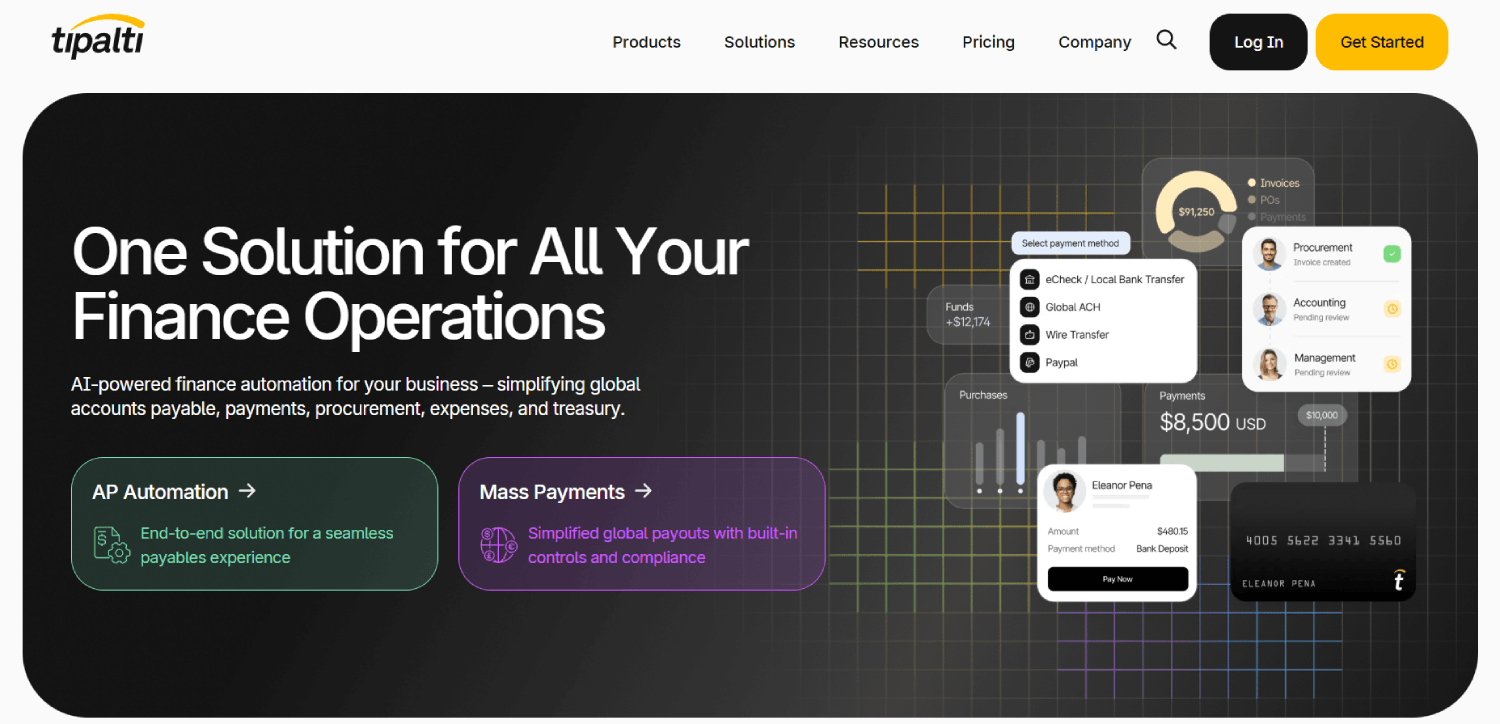
Tipalti is the most complete AP automation platform for mid-market companies with international payment complexity. It handles global supplier onboarding, tax form collection (W-9, W-8BEN), payment method selection by payee, and multi-entity payment runs across more than 190 countries. The approval workflow engine is mature, with conditional routing and a clear audit trail.
The ERP sync is deep. NetSuite users get a native module rather than a generic connector, which means class, department, and subsidiary dimensions carry over correctly. That matters at month-end. The tradeoff is cost and implementation time. Tipalti does not publish pricing publicly. Buyers at mid-market companies consistently report contract costs starting around $2,000 per month, with totals climbing well above $4,000 per month depending on payment volume and entity count, though Tipalti’s actual pricing is negotiated per contract and will vary. Implementation typically takes weeks rather than days.
Tipalti is the right call for any finance team paying more than 20 international vendors per month, running multiple legal entities, or under pressure from auditors on payment controls. It is overkill for a 30-person startup paying six domestic SaaS vendors.
2. Bill.com (BILL)
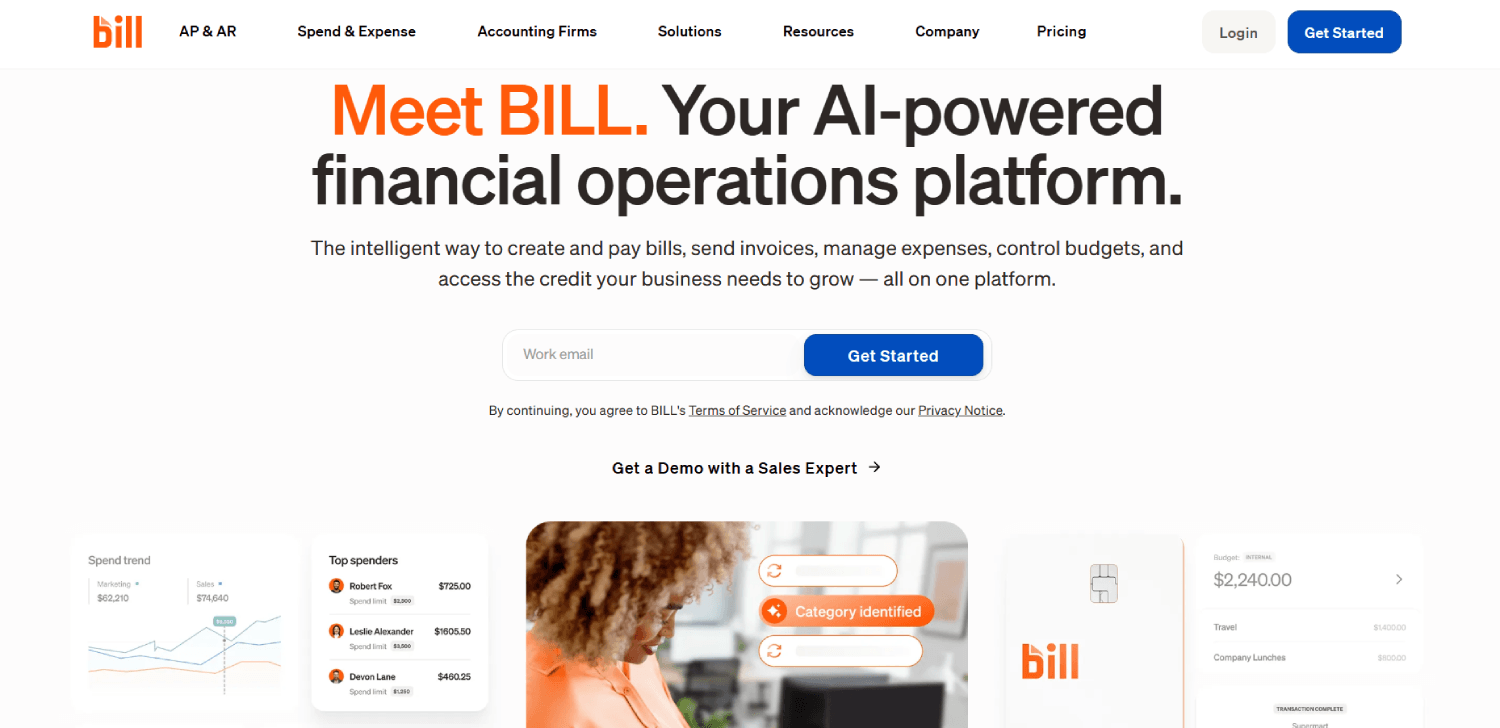
Bill.com is the most widely used AP automation tool for small to mid-size businesses in the US, and it has earned that position through simplicity and breadth of accounting integrations. It handles domestic ACH, checks, and international wire payments, and syncs with QuickBooks, Xero, Sage, and NetSuite.
The approval workflow is functional but linear. You can set up multi-level approvals, but conditional routing based on amount or cost center is limited compared to Tipalti or Stampli. The international payments product has improved, but FX fees and supported corridors still lag dedicated global payment tools. Bill.com lists its Essentials plan at $45 per user per month on its public pricing page; higher tiers add features and carry higher per-user costs.
Bill.com fits best for companies under 200 invoices per month, paying mostly US vendors, and running on QuickBooks or Xero. Teams on NetSuite often find the sync less clean than alternatives built specifically for that ERP.
3. Stampli
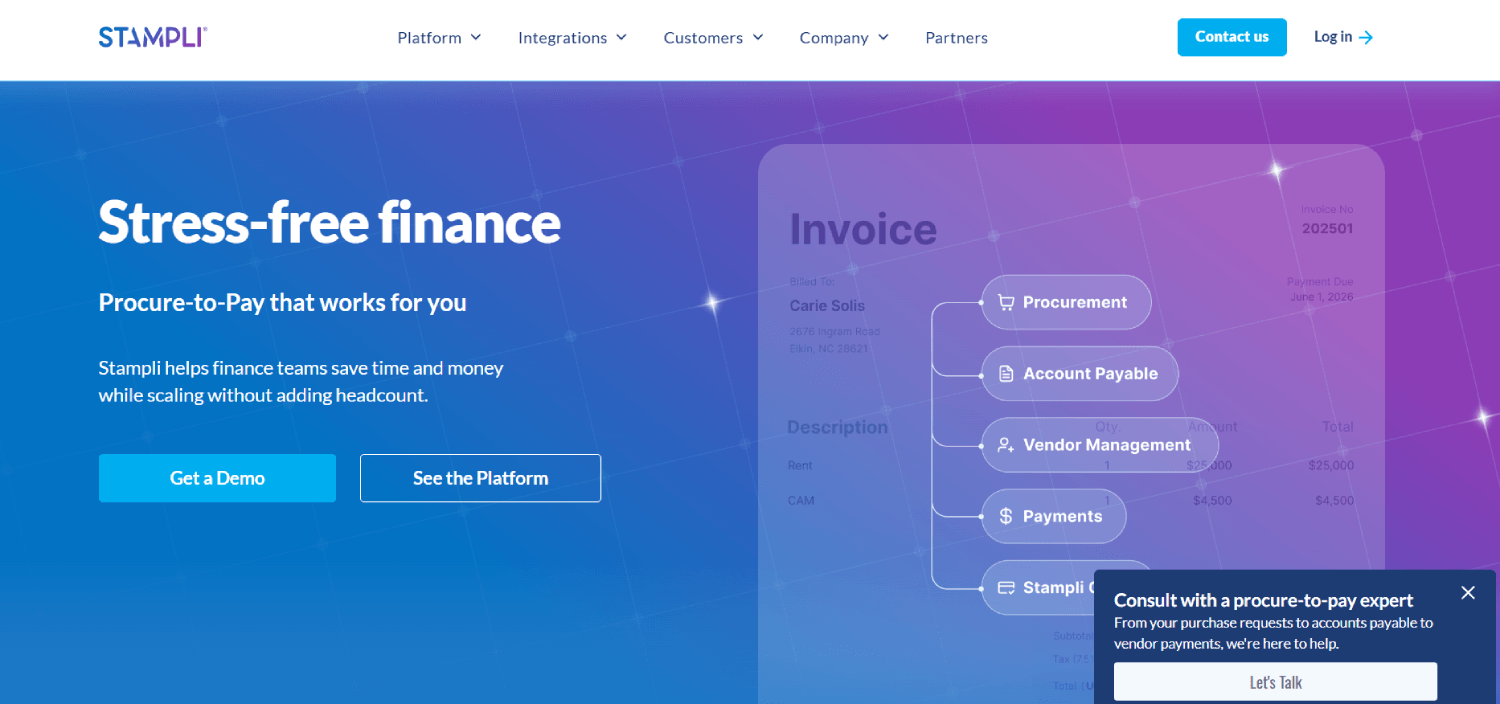
Stampli takes a different architectural approach. Instead of building AP around the payment rail, it builds around the invoice itself. Every invoice becomes a communication thread where approvers, accountants, and vendors can collaborate directly on the document. This matters in practice because a large share of AP delays come from questions sitting unanswered in someone’s email inbox, not from the payment mechanics.
Stampli’s AI assistant, Billy the Bot, learns your GL coding patterns and starts pre-coding invoices automatically. Teams with stable vendor relationships and consistent coding logic see measurable time savings here. The NetSuite integration is one of the strongest in this category, with native two-way sync that preserves ERP dimensions. Stampli does not publish pricing publicly; it requires a demo to get a quote.
Stampli fits best for mid-market teams on NetSuite or Sage Intacct where invoice collaboration and GL coding accuracy are the primary pain points. It is less suitable for companies whose primary need is global mass payments.
4. Ramp Bill Pay
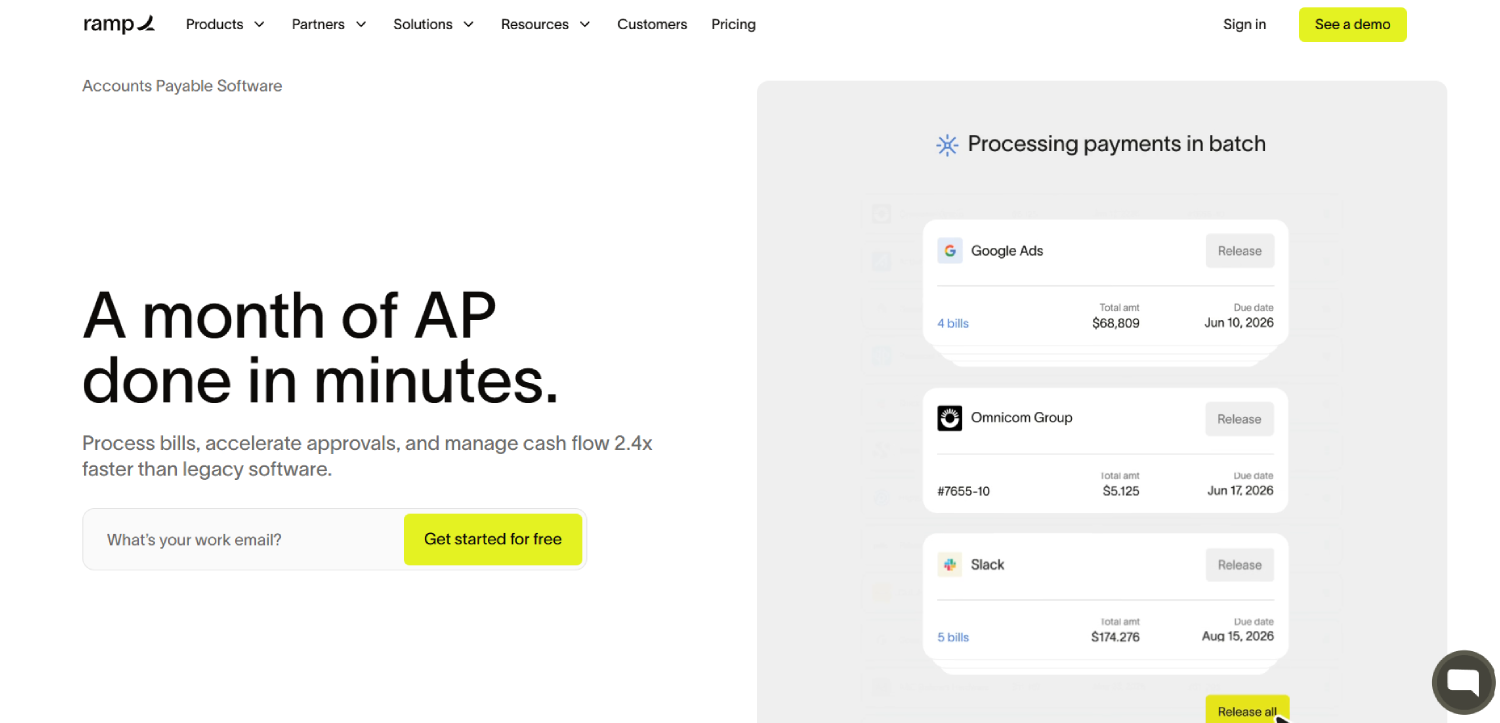
Ramp Bill Pay is the AP module within Ramp’s broader spend management platform. If your company already uses Ramp for corporate cards, adding Bill Pay consolidates AP, expense, and vendor spend into one ledger without a separate tool. The approval workflow is clean, the UI is one of the most approachable in the category, and the ERP sync covers QuickBooks, NetSuite, Sage, and Xero.
The limitation is that Ramp Bill Pay is strongest when AP volume is moderate and your team is already inside the Ramp platform. As a standalone AP tool, it competes on simplicity rather than depth. International payment support exists but is not Ramp’s primary strength. For teams evaluating Ramp against Brex and Airbase more broadly, the FintechSpecs spend platform comparison covers the full picture.
5. Airbase
Airbase (now part of Paylocity) covers AP, corporate cards, and employee expenses under one approval framework. The key differentiator is that approval policies apply consistently across all spend types. An invoice over $10,000 and an expense reimbursement over $10,000 can both route through the same CFO approval step, which simplifies policy management for ops-heavy teams.
The AP workflow handles PO creation, three-way matching, and vendor management. NetSuite and QuickBooks integrations are solid. International payments are handled through a partnership model rather than a native rail, which can add friction compared to Tipalti. Airbase fits best for Series B and Series C companies that want unified spend controls rather than the deepest AP functionality specifically.
6. Melio
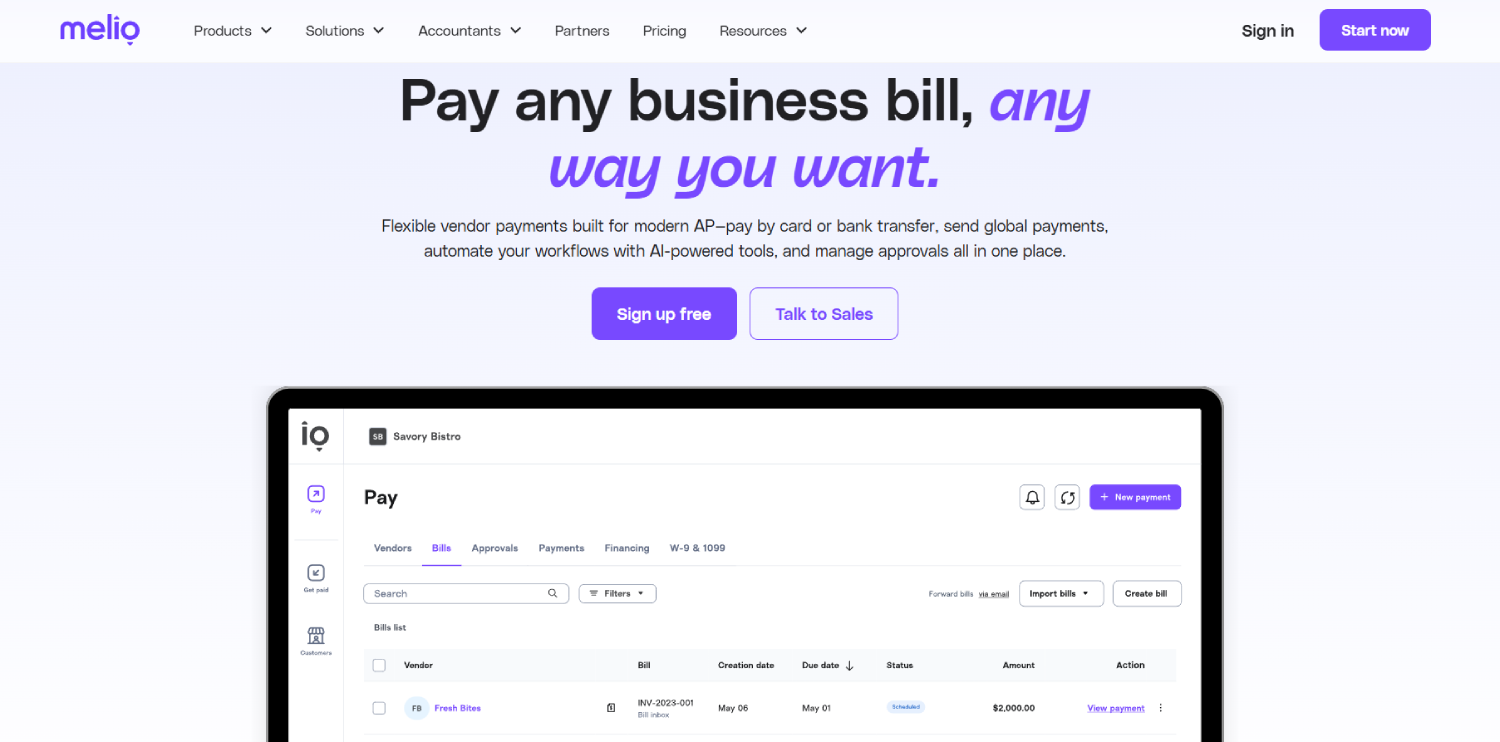
Melio is the lowest-friction entry point in this category for small businesses and early-stage startups. It allows you to pay vendors by ACH for free or by card (with a processing fee), even if the vendor only accepts checks. The approval workflow is simple: one or two approvers per payment. QuickBooks and Xero integrations are functional. International payments are available but limited in scope.
Melio’s pricing model is volume-based with no monthly platform fee for basic use, which makes it genuinely accessible for teams paying under 50 vendors. The tradeoff is that it is not built for complexity. No conditional approval routing, no PO matching, no multi-entity support. It is the right starting point, not the right long-term tool for a growing company. Think of it as the bridge tool before you actually need AP automation.
7. Coupa

Coupa is a full procure-to-pay platform used by larger enterprises. It covers sourcing, purchasing, invoice management, expenses, and payments within one system. Yes, it is an AP system, though it is more accurately described as a procurement platform that includes AP. For the record: Coupa is one of the tools people ask about when they see it in enterprise vendor lists and wonder if it fits mid-market.
The honest answer is that Coupa is built for companies with dedicated procurement teams, complex supplier management needs, and enterprise ERP environments. It is not a fit for a 50-person company looking to stop processing invoices by email. Pricing is enterprise-contract only. If you are at that scale, Coupa is worth evaluating. If you are not, the procurement overhead will create more problems than it solves.
8. NetSuite AP (Native)
NetSuite’s native AP module deserves a mention because many teams on NetSuite evaluate third-party tools without first understanding what the native module can handle. Native NetSuite AP covers vendor bills, payment runs, approval routing through SuiteFlow, and three-way PO matching. For teams running moderate invoice volume entirely within a NetSuite-centric operation, native AP is often sufficient and removes a vendor integration risk.
Where it falls short is OCR-based invoice capture, payment method diversity, and international payment rails. If your AP process involves ingesting invoices from email or a vendor portal, or paying internationally, native NetSuite AP will require supplemental tooling. Stampli and Tipalti both offer native NetSuite modules that extend rather than replace native functionality. Teams evaluating this path should factor in the accounting integration complexity, which the FintechSpecs accounting integration API comparison covers in detail.
9. Sage Intacct AP
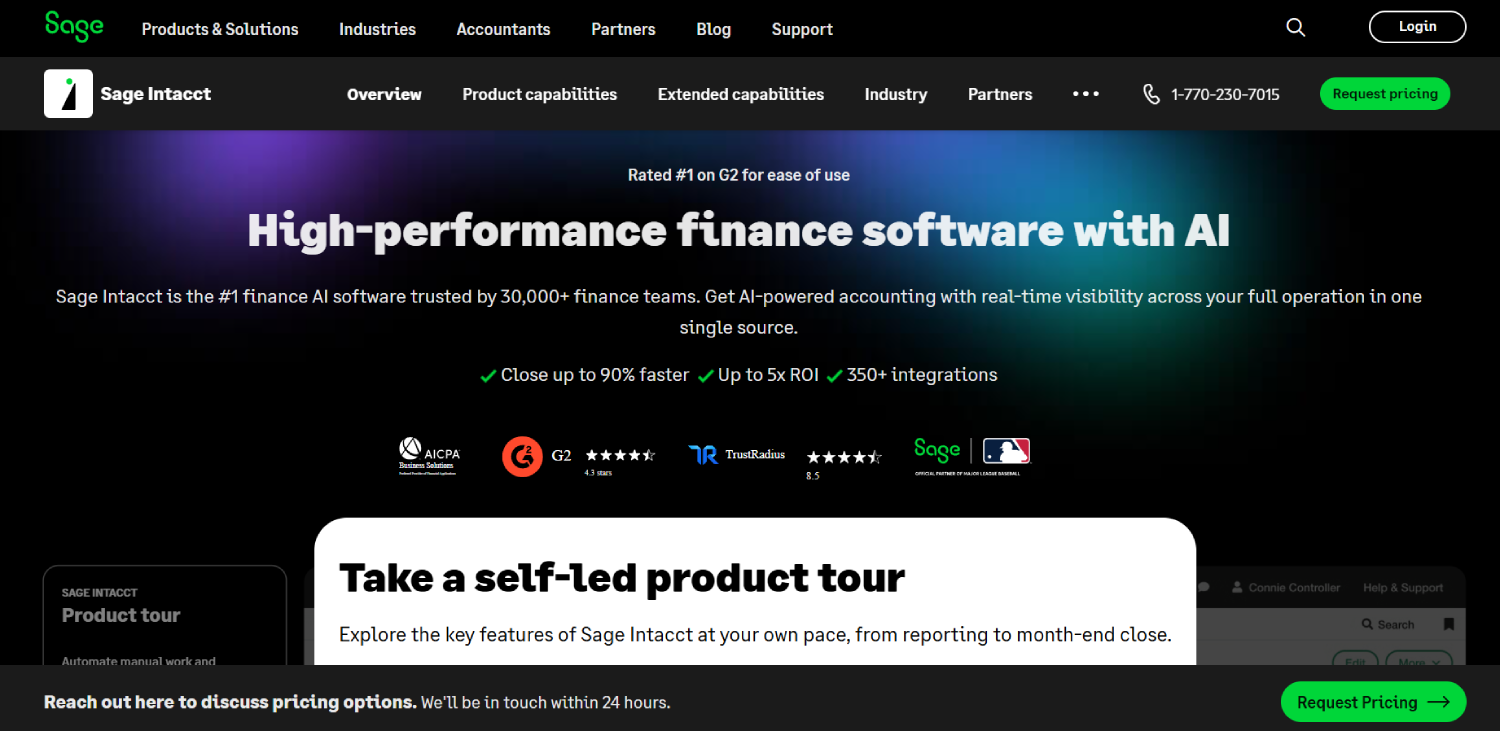
Sage Intacct‘s native AP module is worth considering for companies already in the Intacct environment, particularly multi-entity operations. It supports entity-level approval workflows, intercompany transactions, and dimensional coding natively. Like NetSuite, it covers the core bill management workflow well but requires additional tooling for OCR capture and international payments.
Third-party tools like Stampli and Tipalti offer Sage Intacct integrations that add the capture and payment layer on top of native Intacct AP. Teams choosing between native Intacct AP and a third-party layer should map their invoice sources and payment corridors first. If everything arrives as a clean PDF and goes out as domestic ACH, native may be sufficient. Otherwise, a dedicated AP layer earns its cost.
AP Automation Comparison: Approvals, ERP Sync, and International Payments
| Tool | Approval Workflow Depth | NetSuite Sync Quality | International Payments | Best Fit | Public Pricing Starting Point |
|---|---|---|---|---|---|
| Tipalti | Conditional, multi-entity, audit trail | Native module, strong dimension sync | 190+ countries, local rails, FX, tax forms | Mid-market, global vendors, multi-entity | Not publicly listed (enterprise contract) |
| Bill.com | Multi-level, limited conditional routing | Functional, some dimension gaps | USD wire and select currencies | SMB to mid-market, US-focused AP | $45/user/month (Essentials, per public pricing page) |
| Stampli | Invoice-threaded collaboration + AI coding | Native NetSuite, strong dimension sync | Via third-party rails, not primary strength | NetSuite/Intacct teams, complex GL coding | Not publicly listed (quote-based) |
| Ramp Bill Pay | Clean, policy-based within Ramp platform | Good via connector | Available, not primary strength | Teams already on Ramp spend platform | Included in Ramp (no extra platform fee) |
| Airbase | Unified across AP, cards, expenses | Solid NetSuite and QBO connector | Partnership-based, limited corridors | Series B/C unified spend control | Not publicly listed (quote-based) |
| Melio | Simple 1-2 approver linear flow | QBO and Xero functional | Limited | Early-stage, under 50 vendors, low volume | Free for ACH; card fees apply |
| Coupa | Enterprise-grade procure-to-pay | Enterprise ERP connectors | Yes, enterprise tier | Large enterprise with procurement teams | Enterprise contract only |
| NetSuite AP (Native) | SuiteFlow-based routing, 3-way matching | Native (no sync needed) | Limited, requires supplemental tooling | NetSuite shops with moderate volume | Included in NetSuite license |
| Sage Intacct AP (Native) | Multi-entity, dimensional coding native | Native for Intacct users | Limited | Multi-entity Intacct users, clean invoice sources | Included in Intacct license |
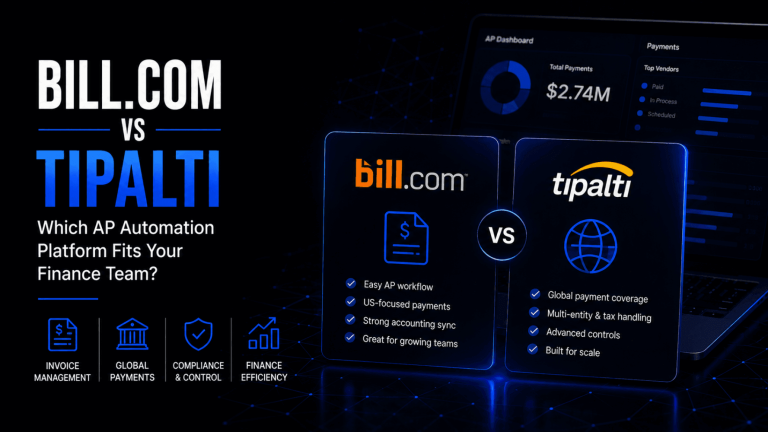
Tipalti vs Bill.com: Which One Fits Mid-Market Finance Teams?
This comparison comes up constantly, and the answer is cleaner than most vendor comparison posts suggest. Bill.com was built for the accountant at a small business who needs to pay vendors without printing checks. Tipalti was built for the controller at a growth-stage company who needs to pay 300 contractors in 40 countries without building a finance operations team to manage it.
The clearest decision point is international payment complexity. Bill.com supports international wires in a handful of currencies. Tipalti supports local payment rails, currency conversion, and payee-level tax form collection across 190+ countries. If you pay international vendors more than a handful of times per month, the operational difference is significant.
On ERP hygiene, Tipalti’s native NetSuite module handles subsidiary dimensions and intercompany allocations in a way that Bill.com’s connector does not consistently replicate. Teams that have spent hours reconciling GL export mismatches after a Bill.com-to-NetSuite sync will recognize this immediately. For companies scaling past $10M ARR with distributed vendor bases, the infrastructure investment considerations that apply to AP tooling are part of a broader stack decision covered in the FintechSpecs fintech SaaS scale checklist.
What Does AP Automation Software Actually Cost?
Pricing in this category ranges from free (Melio for ACH) to $45/user/month at the entry level (Bill.com Essentials, per their public pricing page) to enterprise contracts that run several thousand dollars per month for platforms like Tipalti and Coupa. Stampli, Airbase, and Ramp Bill Pay (beyond the base Ramp plan) all require quotes.
The number that matters more than the platform fee is the total cost including payment fees. Some tools charge a flat per-payment fee for ACH or wire. Others charge a percentage on international transfers on top of the FX spread. A company running 500 international payments per month at $0.50 per payment adds $3,000 per year in transaction costs alone, before any FX margin. Get the per-transaction fee schedule before signing anything.
Consider a company processing 300 domestic invoices and 80 international payments per month. On Bill.com at $45/user/month for four finance team users, the platform fee is $180/month. Add domestic ACH fees (Bill.com charges per transaction for some plans), international wire fees, and any FX margin, and the actual monthly cost can double. Tipalti at a higher platform cost may come out ahead on total cost once international payment fees are netted out. Run the math on your specific payment mix before anchoring on the base plan price. The FintechSpecs breakdown of hidden costs in fintech SaaS covers how per-transaction fees compound in ways that base pricing comparisons miss.
Which AP Tools Sync Cleanly with NetSuite?
The honest answer is that “syncs with NetSuite” covers a wide range of quality. At the bottom end, a tool exports a CSV that a human imports manually. At the top end, a native module reads and writes subsidiary, class, department, location, and project dimensions bidirectionally, and reconciles vendor balances in real time.
Stampli and Tipalti are the two AP tools most consistently cited by NetSuite users for sync depth. Both offer native SuiteApps on the NetSuite SuiteApp marketplace rather than generic API connectors. That distinction matters because a native SuiteApp respects NetSuite’s data model rather than working around it. Bill.com’s NetSuite connector is functional for basic use cases but frequently shows gaps when multi-subsidiary or advanced GL segment mapping is involved.
Ramp and Airbase use connector-based integrations with NetSuite that work reliably for standard cases. Teams running custom NetSuite configurations with non-standard segments should test dimension mapping explicitly in any proof-of-concept before committing. Vendor claims about NetSuite integration quality are one of the most consistently overstated things in AP software marketing.
How to Automate Invoice Approvals Without Creating a Bottleneck
The most common failure mode in AP automation implementation is treating the software as the solution to an approval problem that is actually a policy problem. If your team does not have documented approval thresholds by invoice amount, vendor type, and cost center before you implement a tool, the tool will not create that structure for you. It will just route invoices to the same inbox that was already slow.
Before configuring any AP tool’s approval workflow, write out three things: who can approve what dollar amount, what happens when the primary approver is unavailable, and what constitutes an auto-approve threshold for known recurring vendors. With those three policies documented, any tool in this list can be configured to enforce them. Without them, you will spend the first 60 days of your new AP tool implementation fielding approval escalations manually.
The tools that handle exceptions best are Stampli (because its invoice-threaded communication model makes it easier to resolve disputes without leaving the platform) and Tipalti (because its multi-entity routing logic handles org complexity without manual workarounds). Bill.com and Ramp Bill Pay handle the standard case well but require more manual intervention for edge cases. For operations teams building out the broader vendor oversight layer, the FintechSpecs vendor risk management comparison covers what to build around AP approval controls.
Frequently Asked Questions
How much does AP automation software cost?
Pricing ranges from free for basic ACH payments (Melio) to $45/user/month at the entry level (Bill.com Essentials, per their public pricing page) to enterprise contracts for platforms like Tipalti and Coupa that are not publicly listed. Most mid-market tools require a quote. The platform fee is only part of the cost. Per-transaction fees for ACH, wire, and international payments add meaningful cost at volume. Always request a full fee schedule including payment transaction costs before signing.
What is the difference between Stampli and Bill.com?
Stampli centers the AP workflow on the invoice itself, with AI-assisted GL coding and a collaboration thread where approvers can ask questions directly on the document. Bill.com centers the workflow on payment routing. Stampli integrates more deeply with NetSuite and Sage Intacct, handles invoice coding complexity better, and is better suited to teams with multi-department approval chains. Bill.com is simpler, less expensive to start, and works well for domestic AP on QuickBooks or Xero. They are not direct substitutes; the right choice depends on your ERP and invoice complexity.
What is the difference between Ramp and Bill.com?
Ramp is a spend management platform covering corporate cards, expense management, and AP payments. Bill.com is an AP-specific platform. Ramp Bill Pay makes sense if you already use Ramp for corporate cards and want to consolidate spend and AP in one tool. Bill.com makes sense if you want a dedicated AP product with broader accounting software compatibility and do not need the card or expense layer. Ramp does not charge a separate platform fee for Bill Pay; Bill.com charges per user per month.
Is Coupa an AP system?
Coupa is a procure-to-pay platform that includes AP as one component. It covers supplier sourcing, purchase orders, invoice management, and payments within a single enterprise system. Most companies that use Coupa are large enterprises with dedicated procurement teams. It is not designed for mid-market or startup use. If you are evaluating it because you saw it on an enterprise vendor list, it is worth knowing that the AP module exists within a much larger procurement framework that requires significant implementation work.
Which AP tool is best for a growing startup with international vendors?
Tipalti is the clearest fit for growth-stage companies paying international vendors at scale. It handles local payment rails, payee tax form collection, FX, and multi-entity payment runs across 190+ countries. Bill.com supports international payments but with limited corridors and no local rail support. Airbase and Ramp Bill Pay offer international payments but they are not those platforms’ primary strengths. For a startup expecting to scale international vendor payments significantly, Tipalti’s upfront implementation cost is typically recovered in reduced manual payment operations within six to nine months.
What AP automation features reduce fraud exposure?
The highest-value fraud controls in AP automation are vendor bank account change alerts, role separation between invoice approvers and payment executors, dual-control payment authorization above a threshold, and a full audit trail on every invoice and payment action. Tipalti and Stampli both support these controls natively. Bill.com has role separation and audit logs but vendor bank account change alerts are less comprehensive. Melio, as a lightweight tool, has limited fraud controls and is not suitable for environments with high vendor count or significant payment volume. The FintechSpecs fintech vendor evaluation framework includes security controls as a core assessment criterion.
Do I need a separate AP tool if I am already on NetSuite?
Not necessarily. NetSuite’s native AP module handles vendor bills, approval routing via SuiteFlow, and three-way PO matching adequately for teams with moderate volume and clean invoice sources. The gaps show up in OCR-based invoice capture from email, international payment rail support, and payment method diversity. If your invoices arrive as structured files and you only pay domestic vendors via ACH, native NetSuite AP may be sufficient. If you have high invoice volume from varied sources or international vendors, a native SuiteApp like Stampli or Tipalti adds meaningful capability on top of what NetSuite already does.
The AP Tool Decision Is an ERP and Volume Decision First
Every tool in this list solves the same surface problem: getting invoices approved and paid without someone manually keying data and chasing approvals by email. What separates them is how they handle the work around that core workflow. GL coding accuracy, ERP write-back quality, international payment rails, and fraud controls are where the real differences live, and they are differences that compound over time. A tool that creates 20 minutes of reconciliation work per close is manageable at $5M ARR and genuinely painful at $50M ARR.
The mental model worth keeping: match the tool to the constraint that is actually slowing your team down. If the constraint is international payment complexity, Tipalti. If it is GL coding accuracy and NetSuite hygiene, Stampli. If it is unified spend visibility, Ramp or Airbase. If it is cost and simplicity at low volume, Melio or Bill.com. Running a formal evaluation using the AP Stack Fit Matrix laid out earlier in this article will surface that constraint faster than any demo sequence will.
AP automation is also not a set-and-forget decision. Tools that fit well at 150 invoices per month often break down at 1,500. Build the migration path into your evaluation now, and prioritize tools whose data export is clean enough that switching in 18 months does not require rebuilding your vendor master from scratch. The ops teams who regret their AP tool choices most are the ones who optimized for the cheapest demo, not the cleanest close. For a fuller picture of where AP tooling fits within a fintech infrastructure decision, the FintechSpecs fintech infrastructure stack map lays out every layer.