
TLDR
- Most AP suites bundle a basic OCR layer that tops out at 85-92% field accuracy on clean PDFs. That gap drives the majority of exception queues.
- Three-way invoice matching quality depends entirely on what the capture layer sends downstream. Bad header extraction breaks PO matching before it starts.
- Purpose-built capture tools like Rossum, Nanonets, and Vic.ai use document-trained models that handle rotated scans, curved pages, and non-standard layouts that generic OCR misses.
- Pricing varies widely: some tools charge per document, others per seat, and a few bundle capture into a broader AP platform with a platform fee on top.
- The right choice depends on invoice volume, format mix (email PDF vs. EDI vs. paper scan), and whether you need a standalone capture layer or a full AP workflow.
The best invoice processing software for capture and three-way invoice matching includes Rossum, Nanonets, Vic.ai, Docsumo, Stampli, Medius, Dext, ABBYY FlexiCapture, Tungsten Automation (formerly Kofax), and Hypatos. Each handles document ingestion and field extraction differently. Rossum and Nanonets lead on extraction accuracy for varied document formats. Stampli and Medius include workflow and matching natively. The right tool depends on your invoice mix, ERP, and whether you need a capture-only layer or an end-to-end AP platform.
Why Does Invoice Capture Accuracy Determine Your AP Exception Rate?
Finance teams blame exception volume on vendor behavior: missing PO numbers, wrong quantities, invoices sent to the wrong email. That is rarely the root cause. When a capture layer misreads a line-item total, assigns a field to the wrong column, or drops a tax code, the downstream matching engine sees data that never existed on the original invoice. The exception is manufactured by the software, not the vendor.
For illustration: a company processing 2,000 invoices per month with a capture accuracy rate of 88% would see roughly 240 invoices exit the capture stage each month with at least one field error. In this scenario, if each exception takes a staff member 12 minutes to resolve, that is 48 hours of manual work per month, generated entirely by the capture layer before invoice matching even begins. Lift accuracy to 97% and that same volume produces fewer than 60 exceptions, cutting resolution time to under 12 hours.
Three-way matching, specifically reconciling the purchase order, goods receipt, and vendor invoice, amplifies any upstream error. A captured quantity of “10” when the PO says “1.0” (a decimal misread) triggers a quantity mismatch that routes to a buyer, a receiving manager, and an AP clerk. Each routing step adds days to payment cycle time. Capture accuracy is not a preprocessing concern. It is the primary driver of AP operating cost.
What Is the FintechSpecs Capture-to-Match Stack Test?
Before evaluating any tool on this list, finance teams should run what we call the FintechSpecs Capture-to-Match Stack Test, a four-checkpoint evaluation designed to surface where a tool breaks before you commit to a contract.
Checkpoint 1: Format Stress Test. Submit 50 invoices covering your real format mix: scanned paper with shadows, emailed PDFs with custom vendor templates, invoices in landscape orientation, and at least one handwritten field. Measure field-level accuracy, not document-level. A tool can “read” an invoice and still misextract a vendor ID.
Checkpoint 2: PO Linkage Rate. After extraction, check what percentage of invoices the system correctly links to an open PO without human intervention. This exposes header-matching logic, not just OCR performance.
Checkpoint 3: Exception Taxonomy. Run 200 invoices and categorize every exception by type: field extraction error, PO mismatch, tolerance breach, or duplicate detection. If more than 40% of exceptions trace back to extraction errors, the capture layer is undersized for your volume.
Checkpoint 4: Retraining Loop. Correct 20 extraction errors manually and measure whether the model improves on the next batch from the same vendor. Tools that do not adapt per-vendor are training you, not the other way around.
How Does Three-Way Matching Software Actually Work?
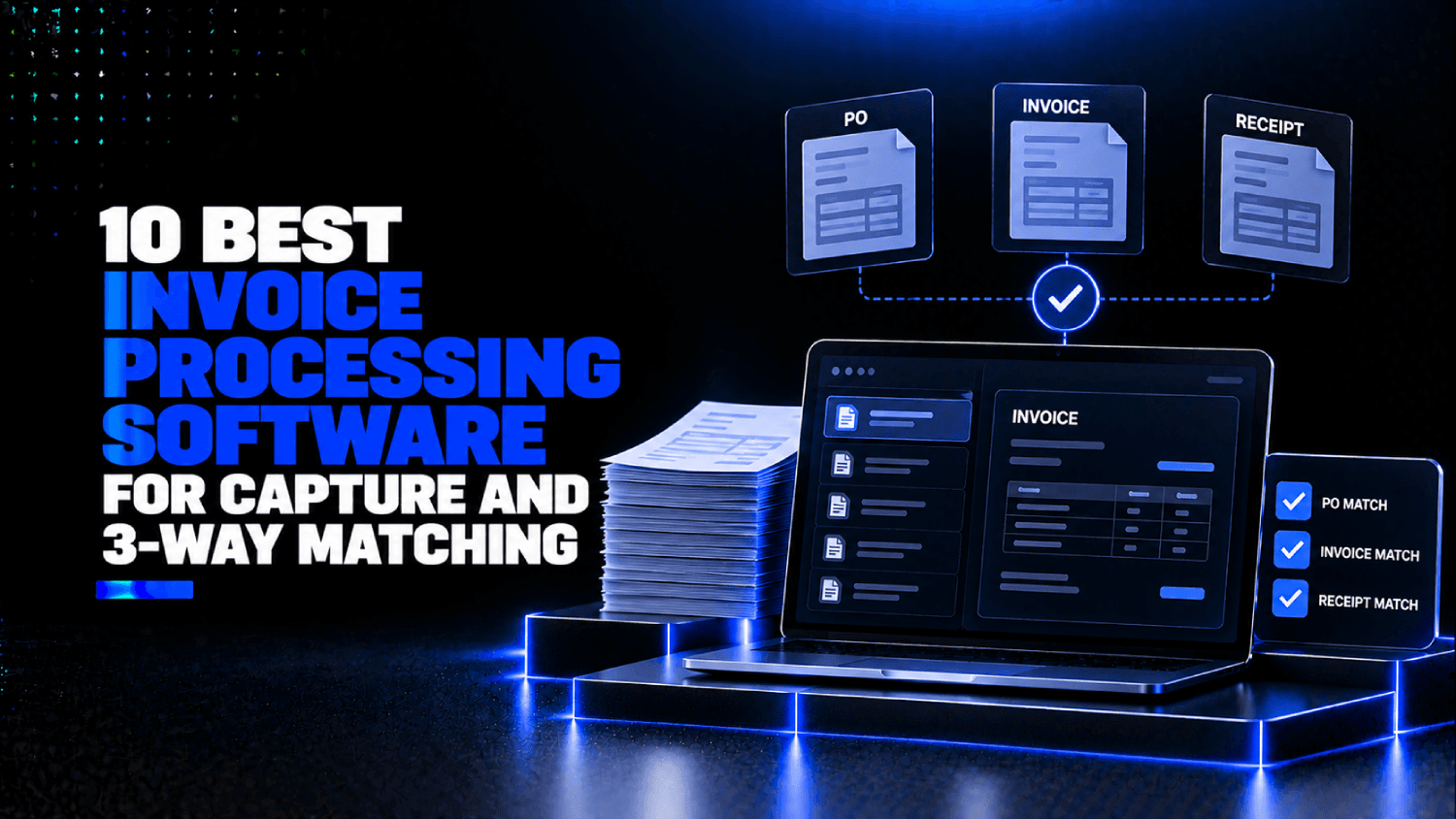
Three-way matching compares three documents: the purchase order (what you agreed to buy), the goods receipt or delivery confirmation (what you actually received), and the vendor invoice (what you are being asked to pay). A match means all three agree on vendor, line items, quantities, unit prices, and totals within a defined tolerance.
Where tools differ is in what they match and how they handle discrepancies. Some systems match only at the header level, comparing total invoice amount to total PO amount. That passes invoices with incorrect line items as long as the total is right. Line-item matching is more demanding: every SKU, quantity, and price must reconcile independently. For companies with multi-line POs across multiple delivery receipts, line-item matching is the only configuration that catches real problems.
Tolerance rules add another layer. Most platforms let you define a dollar or percentage threshold within which a mismatch is auto-approved rather than routed for review. A 2% tolerance on a $500 invoice is $10. On a $50,000 invoice, that same 2% is $1,000. Finance teams building matching rules need to think in absolute dollars, not just percentages, especially for high-value vendor categories.
Which 10 Invoice Processing Software Tools Are Worth Evaluating?
| Tool | Capture Approach | Three-Way Matching | Best For | Pricing Model |
|---|---|---|---|---|
| Rossum | Document AI, transformer-based | Via ERP integration | High-volume, varied formats | Per document (not publicly disclosed) |
| Nanonets | Custom-trained OCR + AI | Native workflow + ERP push | Mid-market, format diversity | Per page / custom (not publicly disclosed) |
| Vic.ai | Deep learning, continuous training | Native two- and three-way | Finance teams wanting AI-native AP | Platform fee, not publicly disclosed |
| Docsumo | API-first OCR + document parsing | Via downstream integration | Dev teams building capture into AP stack | Per page tiers, see public pricing page |
| Stampli | AI-assisted capture + collaboration | Native three-way matching | Teams with high PO invoice volume | Platform fee, not publicly disclosed |
| Medius | AI-driven autonomous AP | Native, autonomous matching | Mid-market to enterprise ERP users | Platform fee, not publicly disclosed |
| Dext | Mobile + email receipt/invoice capture | Via accounting integrations | SMB and accountants | Per seat/month, see public pricing page |
| ABBYY FlexiCapture | Enterprise OCR, rules-based + ML | Via ERP integration | Enterprise, complex document types | Volume licensing, not publicly disclosed |
| Tungsten Automation | Enterprise IDP, rules + AI | Via ERP integration | Large enterprises, legacy ERP environments | License-based, not publicly disclosed |
| Hypatos | Deep learning document processing | Via ERP/API integration | Finance teams automating complex line items | Not publicly disclosed |
Rossum
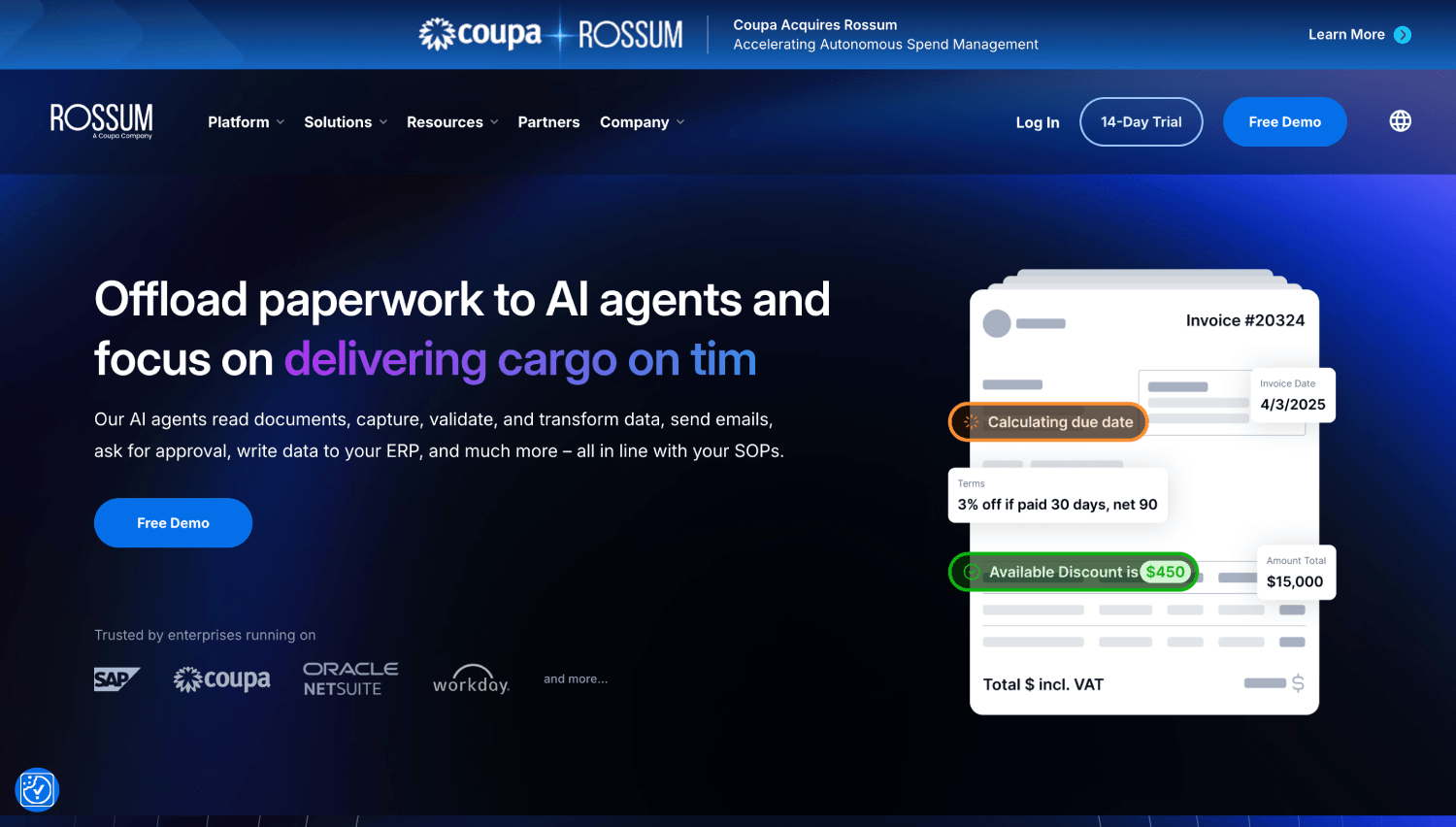
Rossum uses a transformer-based document understanding model, the same architectural approach behind large language models, applied specifically to business documents. Unlike tools that wrap commodity OCR in a workflow layer, Rossum’s engine reads spatial relationships between fields, which is why it handles rotated invoices, multi-column layouts, and vendor-specific templates that fail rule-based systems.
The platform is built for high-volume AP teams where format diversity is the main extraction challenge. It integrates with SAP, Oracle, Microsoft Dynamics, and most major ERPs, pushing extracted data downstream for matching. Matching itself happens in the ERP, not Rossum, so teams that want native three-way invoice matching will need to build that workflow on the ERP side. Pricing is not publicly disclosed; Rossum quotes per-document rates based on volume.
Nanonets
Nanonets lets finance teams train custom extraction models on their own invoice corpus, which matters when you process invoices from a concentrated vendor base with consistent but nonstandard layouts. The model improves as your AP team corrects outputs, making it better on vendor-specific formats over time without requiring manual rule configuration.
Nanonets includes native workflow routing and can push extracted data to NetSuite, QuickBooks, Xero, and other platforms for matching. For teams that want capture and light workflow in one tool without committing to a full AP platform, Nanonets sits in a practical middle position. Pricing is usage-based and available on request; the company does not publish standard per-page rates on its public pricing page.
Vic.ai
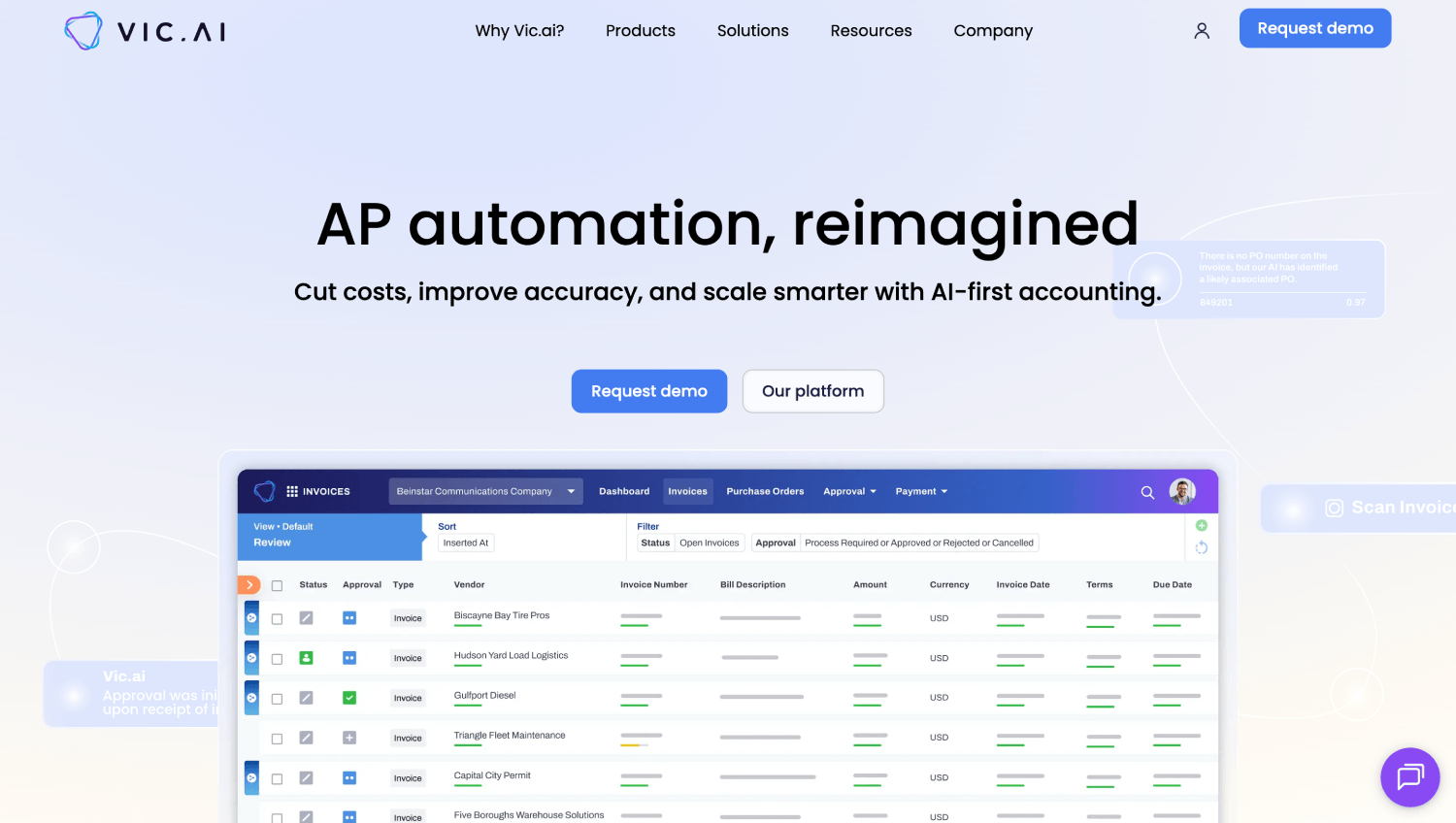
Vic.ai positions itself as an AI-native AP platform, meaning it was built around a deep learning model rather than retrofitted with AI on top of a legacy workflow engine. The extraction layer learns from every correction, and the matching layer uses probability scoring to recommend approvals rather than applying binary rules. Over time, invoices from known vendors with consistent formats should route with minimal human review.
Vic.ai includes native two-way and three-way invoice matching, which removes the dependency on ERP matching logic. That makes it a stronger choice for teams whose ERP matching is slow or unreliable. Platform pricing is not publicly disclosed, and Vic.ai is generally quoted as an enterprise product.
Docsumo
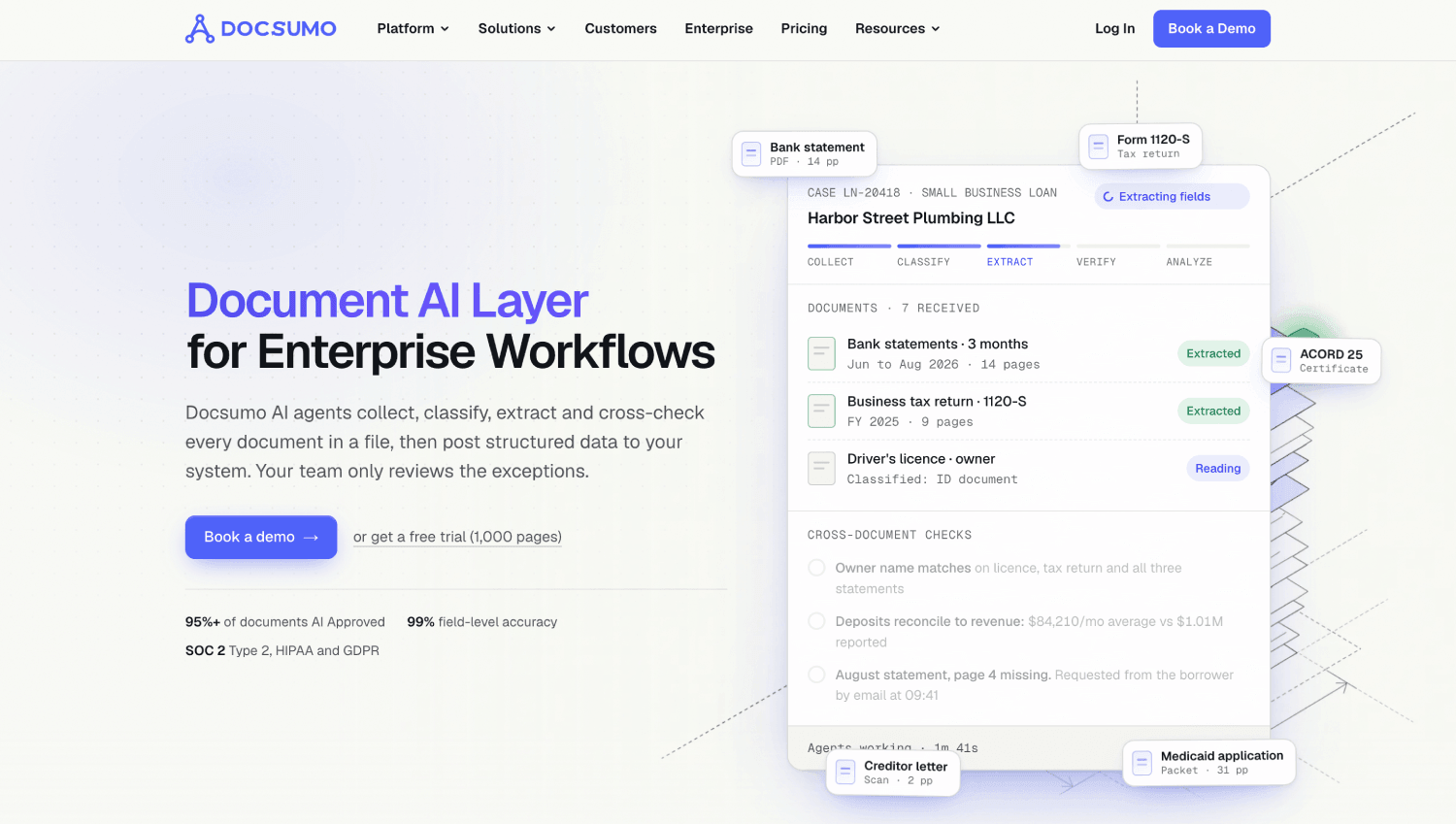
Docsumo is the most API-forward tool on this list. Rather than a workflow application, it is a document processing API that extracts structured data from invoices and returns JSON. Finance engineering teams or ops teams building a custom AP stack can call Docsumo at the ingestion layer and route output to any downstream system for matching.
Docsumo publishes tiered pricing on its public pricing page based on pages processed per month. This makes it one of the few tools here where you can calculate a per-document cost before signing a contract. For teams that have already built matching logic in their ERP or a workflow tool and only need a reliable extraction API, Docsumo is worth testing first.
Stampli
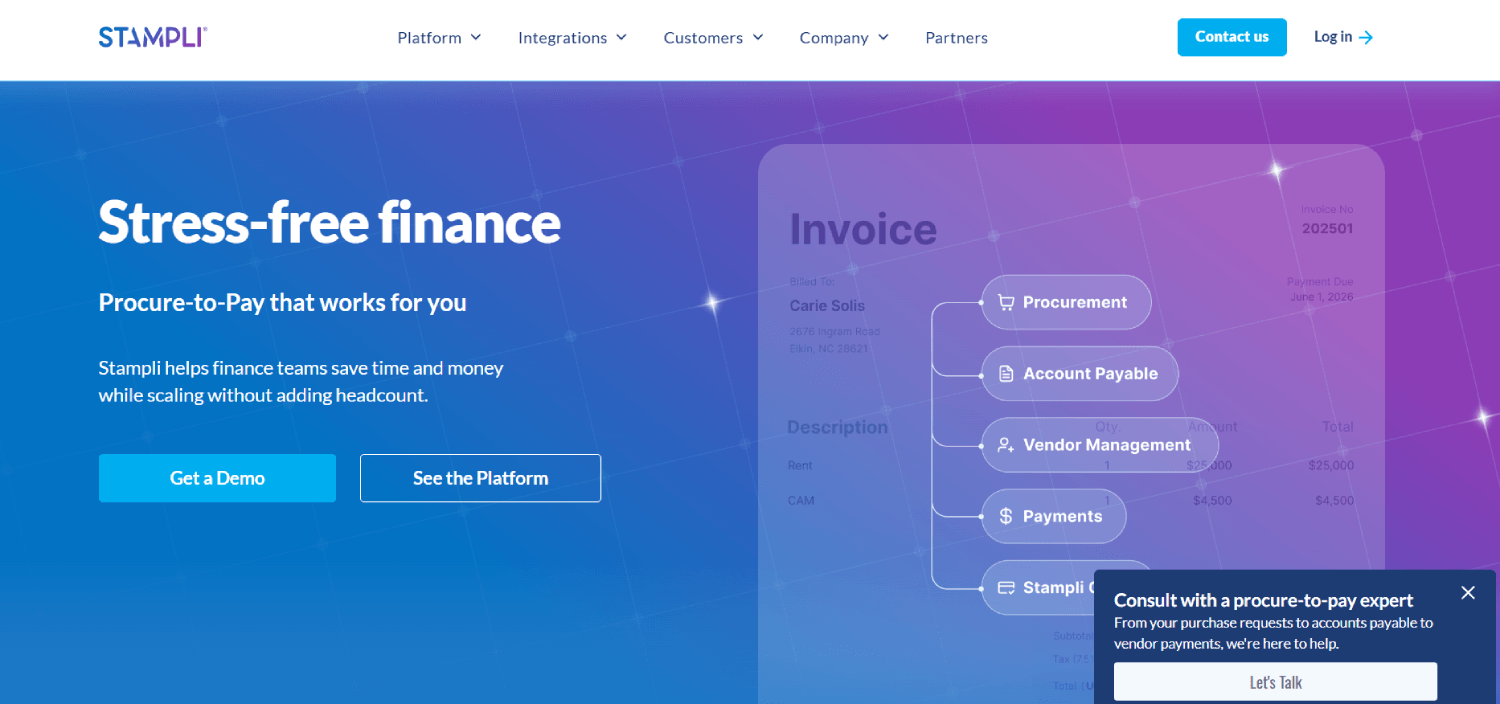
Stampli differentiates on collaboration. Its AI, branded Billy the Bot, learns from each company’s approval history and flags anomalies, but the product’s real strength is putting all communication about an invoice, approvals, questions, disputes, in a single thread attached to the invoice record. For AP teams that lose time chasing approvers across email chains, that threading model cuts cycle time more than any accuracy improvement.
Stampli includes native three-way invoice matching for PO-backed invoices and integrates with most major ERPs. It is a full AP platform, not a capture-only layer, so teams evaluating it should compare it against other AP suites rather than treating it as a drop-in capture tool. Our accounts payable automation software comparison covers the full suite in more depth.
Medius
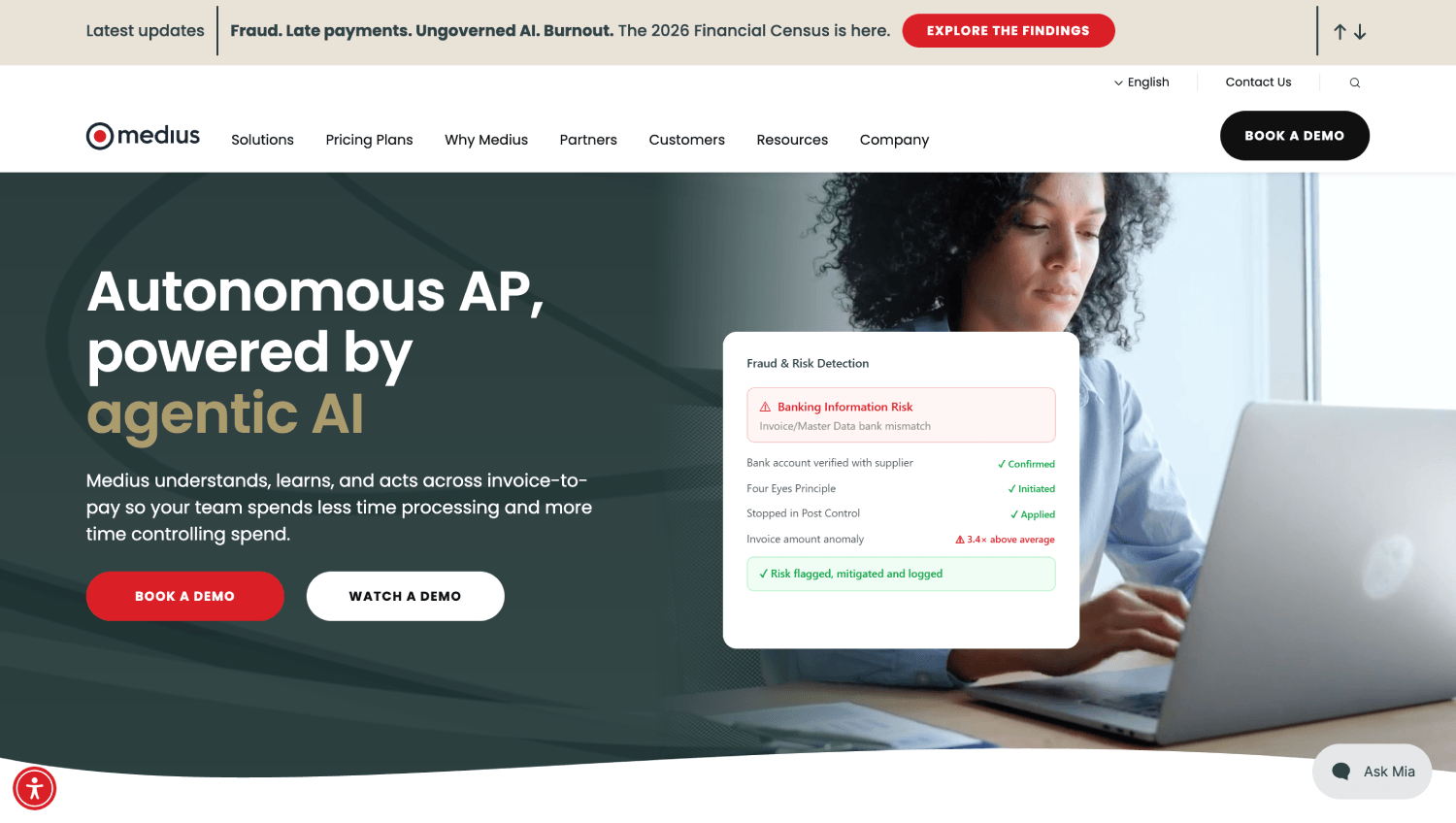
Medius markets its matching capability as autonomous, meaning the system attempts to approve matched invoices without requiring human sign-off for invoices that fall within defined parameters. The claimed benefit is that a high percentage of routine PO invoices flow through without any AP staff involvement. Medius targets mid-market and enterprise companies on SAP, Microsoft Dynamics, and Oracle.
The platform covers the full AP cycle: capture, matching, coding, approval routing, and payment. For companies that want a single vendor responsible for the entire invoice lifecycle, Medius reduces the integration surface compared to pairing a capture tool with a separate workflow platform. Pricing is not publicly disclosed.
Dext
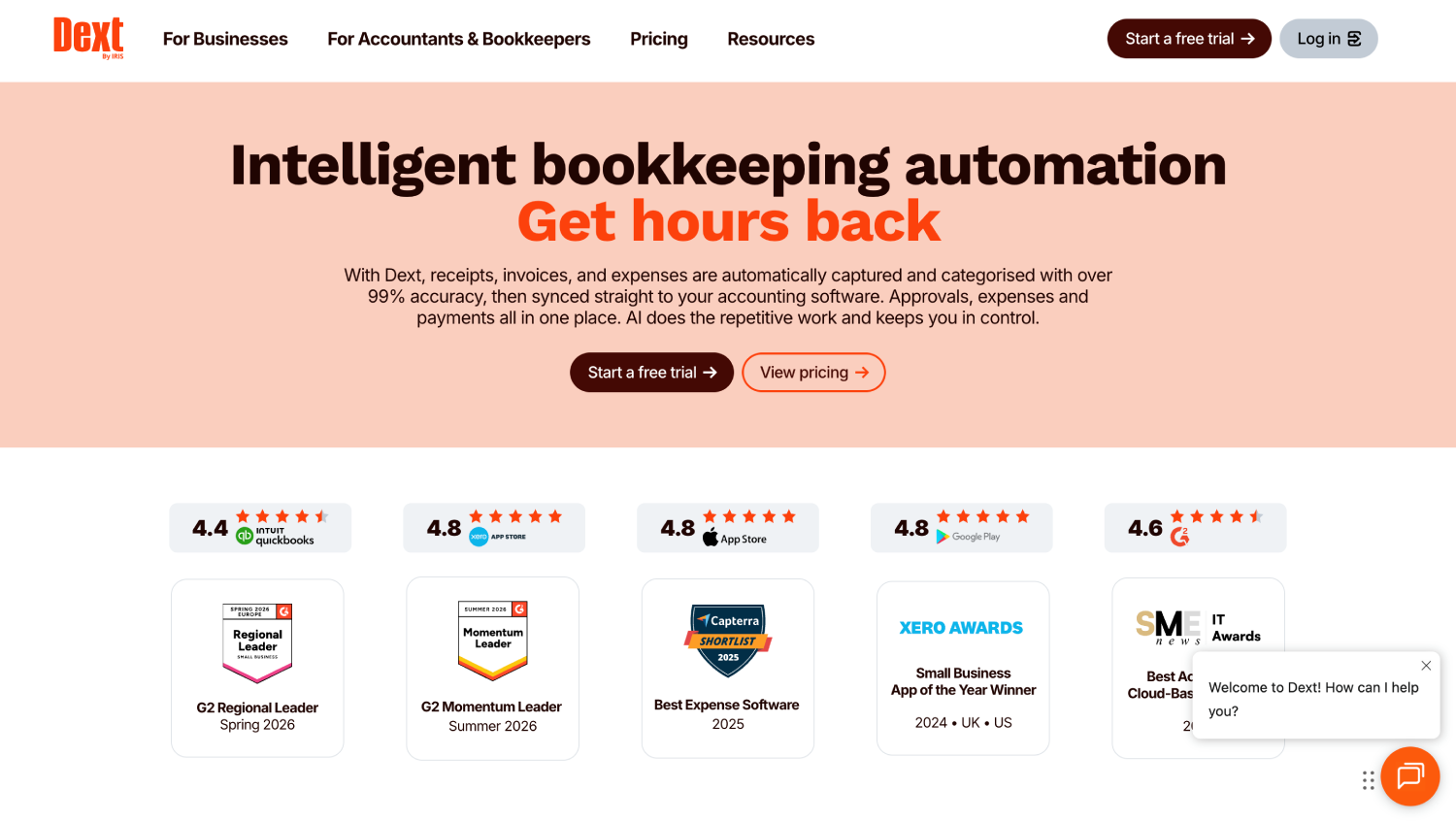
Dext (formerly Receipt Bank) is the most SMB-oriented tool on this list. Its primary use case is receipt and invoice capture via mobile photo or email forwarding, with automatic push to accounting platforms like QuickBooks, Xero, and Sage. Three-way matching is not native; it depends on the connected accounting system.
Dext publishes per-seat monthly pricing on its public pricing page, making it one of the easier tools to cost out without a sales call. For small businesses or accounting firms managing client books, Dext is a practical, low-overhead capture layer. For any company processing more than a few hundred invoices per month with PO-backed purchasing, it is undersized.
ABBYY FlexiCapture
ABBYY FlexiCapture has been in the enterprise document capture market longer than most of the AI-native tools on this list exist as companies. Its strength is handling complex document types at scale: multi-page invoices, invoices embedded in larger document packages, and documents in languages outside English. It supports rules-based extraction, machine learning extraction, and hybrid configurations.
FlexiCapture is an on-premise or cloud-deployable platform, which matters for companies with data residency requirements that prevent sending invoice images to third-party cloud APIs. Matching happens downstream in the ERP. Implementation is more involved than SaaS-first tools, and pricing is based on volume licensing rather than per-document SaaS tiers.
Tungsten Automation
Tungsten Automation, formerly Kofax, covers the full intelligent document processing spectrum. For AP specifically, its TotalAgility and ReadSoft products handle high-volume invoice capture with classification, extraction, and validation. Like ABBYY, it targets enterprises with legacy ERP environments and complex compliance requirements.
Tungsten integrates with SAP, Oracle, and Microsoft Dynamics natively. The tradeoff is implementation complexity: deploying Tungsten at scale typically involves a professional services engagement measured in weeks, not hours. For large enterprises with IT resources and volume to justify it, the platform handles document diversity that lighter SaaS tools cannot. Pricing is license-based and not publicly disclosed.
Hypatos
Hypatos uses deep learning specifically trained on financial documents to extract and classify invoice data at the line-item level. The product targets finance automation teams that need accurate line-item extraction for complex invoices, particularly multi-line POs where header-only extraction is insufficient for invoice matching.
Hypatos connects to ERP and AP platforms via API, positioning it as a processing layer rather than a standalone AP tool. For engineering teams building custom AP workflows, it offers a model-driven alternative to building extraction in-house. Pricing is not publicly disclosed.
What Does Invoice OCR Software Miss That Purpose-Built Capture Tools Catch?
Standard OCR, the kind bundled into most document management systems and older AP platforms, converts image pixels to characters. It does not understand document structure. Ask it to find the “net amount due” on an invoice from a vendor who labels that field “Total Payable” in a footer column and positions it next to a differently formatted discount line, and it will either miss the field or return the wrong value.
Purpose-built invoice OCR software uses spatial document understanding: the model knows that an invoice header typically contains vendor name, invoice number, and invoice date within a predictable region, even when the exact coordinates differ by vendor. When a new vendor template appears, the model generalizes from training data rather than failing to find a rule it was never given. The practical difference shows in exception rates on first-time vendor invoices, which are where rule-based systems consistently break.
For teams building AP infrastructure from scratch, the distinction between an invoice OCR API (Docsumo, Hypatos, ABBYY) and a full invoice automation software platform (Medius, Stampli, Vic.ai) matters structurally. An API gives you control and flexibility but requires you to build the matching workflow. A platform gives you matching out of the box but constrains how you configure it. Finance and engineering teams evaluating broader fintech ops tooling should map that build vs. configure decision before starting vendor conversations.
How Do These Tools Handle Invoice Data Capture From Different Sources?
Invoice ingestion channels matter as much as extraction accuracy. Most companies receive invoices via email attachment, supplier portal, EDI, direct AP inbox, or physical mail scan. A tool that excels on clean email PDFs may perform poorly on scanned paper with background noise or on EDI-formatted invoices that do not require OCR at all.
Rossum, Nanonets, and Vic.ai all handle email-to-capture workflows natively, typically via a dedicated AP inbox that feeds the extraction engine automatically. ABBYY and Tungsten add scanning integrations for physical mail workflows. Docsumo operates via API, so ingestion depends on how the calling system delivers the file. Dext handles mobile photo capture, which no other tool on this list prioritizes.
EDI handling is a separate capability that most capture tools do not address. EDI invoices arrive as structured data, not documents, so there is nothing to extract. AP platforms that handle both EDI and non-EDI invoices in the same workflow, routing structured EDI data and extracted document data to the same matching engine, reduce the number of systems your AP team needs to monitor. Teams with significant EDI volume should ask vendors explicitly whether EDI invoices flow through the same invoice matching queue as captured invoices.
Capture and Matching Accuracy: What the Data Shows
| Tool | Reported Extraction Accuracy | Matching Type | Handles Handwritten Fields | Per-Vendor Model Training |
|---|---|---|---|---|
| Rossum | Not publicly disclosed | Via ERP | Yes (limited) | Yes |
| Nanonets | Not publicly disclosed | Native workflow + ERP | Yes | Yes |
| Vic.ai | Not publicly disclosed | Native two- and three-way | Limited | Yes, continuous |
| Docsumo | Not publicly disclosed | Via integration | Yes | Yes |
| Stampli | Not publicly disclosed | Native three-way | Limited | Yes |
| Medius | Not publicly disclosed | Native, autonomous | Limited | Yes |
| Dext | Not publicly disclosed | Via accounting platform | Yes | Limited |
| ABBYY FlexiCapture | Not publicly disclosed | Via ERP | Yes | Yes |
| Tungsten Automation | Not publicly disclosed | Via ERP | Yes | Yes |
| Hypatos | Not publicly disclosed | Via API/ERP | Limited | Yes |
None of the vendors on this list publicly disclose verified extraction accuracy rates in a format that allows direct comparison. Any published accuracy figure (98%, 99.5%, etc.) in vendor marketing should be treated as performance under ideal conditions on representative test data, not a guarantee on your invoice mix. The only way to measure accuracy on your documents is to run a proof of concept with your own invoice corpus before signing.
What Should Finance Teams Consider When Choosing Invoice Automation Software?
Volume is the first filter. At fewer than 500 invoices per month, most well-configured AP suites with basic OCR handle the load without dedicated capture software. Between 500 and 5,000 per month, extraction accuracy starts affecting staffing costs visibly. Above 5,000 per month, a 2% accuracy gap at that volume is 100 exceptions per month, and a purpose-built capture layer with per-vendor training pays for itself quickly.
ERP compatibility is the second filter. Most tools on this list push extracted data to the ERP for matching and coding. If your ERP’s matching module is the bottleneck, replacing the capture layer alone will not solve the problem. Teams running SAP or Oracle at scale should evaluate whether invoice matching happens in the ERP or in the AP tool, and which configuration their ERP team can support. Our comparison of AP automation tools for NetSuite covers ERP-specific considerations in more detail.
The third filter is who owns the integration. API-first tools like Docsumo and Hypatos give engineering teams control over the capture pipeline but require building the workflow layer. Platform tools like Stampli and Medius own the workflow but constrain customization. Companies still evaluating their broader finance infrastructure should read about common fintech infrastructure mistakes before locking into a vendor architecture that is hard to unwind.
Frequently Asked Questions
What is three-way matching in accounts payable?
Three-way matching compares three documents: the purchase order, the goods receipt or delivery note, and the vendor invoice. All three must agree on vendor identity, line items, quantities, unit prices, and total amounts within a defined tolerance before the invoice is approved for payment. Mismatches route to the relevant stakeholder for resolution. Two-way matching skips the goods receipt and only compares the PO to the invoice, which is common for service-based purchases where there is no physical delivery to confirm.
How accurate is invoice OCR software on real-world documents?
Field-level accuracy on clean, standard PDF invoices typically runs above 95% for most modern AI-based tools. Accuracy drops on scanned paper with shadows or skew, invoices with nonstandard layouts, handwritten fields, and documents in multiple languages. The published accuracy numbers in vendor marketing reflect best-case conditions. The only reliable measure is running a pilot on your actual invoice corpus, covering your full format mix including the worst 10% of documents you regularly receive.
Can invoice capture software integrate with any ERP?
Most tools on this list have native integrations with SAP, Oracle, Microsoft Dynamics, NetSuite, and QuickBooks. Coverage beyond these depends on the vendor. API-first tools like Docsumo and Hypatos integrate with any ERP that accepts structured data inputs. Platform tools like Stampli and Medius maintain their own integration libraries and add connectors on a roadmap schedule. Before finalizing a vendor, confirm that the specific ERP version and configuration you run is supported, not just the ERP brand.
What is the difference between invoice capture software and full AP automation software?
Invoice capture software extracts structured data from invoice documents: vendor name, invoice number, date, line items, totals, and tax fields. It outputs that data to another system for matching, coding, approval routing, and payment. Full AP automation software covers the entire workflow from capture through payment, including the matching engine, approval routing, GL coding, and often payment execution. Choosing a capture-only tool gives you flexibility in downstream workflow. Choosing a full AP platform reduces integration overhead but constrains how each step is configured.
How does per-vendor model training improve invoice data capture?
Most vendors send invoices in consistent formats. Once a capture model has seen 20 to 50 invoices from a specific vendor, it learns that vendor’s layout: where the invoice number appears, how line items are formatted, and what field labels map to standard AP fields. Per-vendor training means the model applies vendor-specific rules rather than relying on generalized extraction. The result is lower error rates on recurring vendors and faster improvement over time, since each correction from an AP team member updates the model for that vendor’s future invoices.
Is Dext suitable for mid-market AP teams?
Dext is designed for SMBs and accountants managing client bookkeeping. It excels at receipt capture, low-volume invoice ingestion, and pushing data to Xero, QuickBooks, or Sage. It does not include native three-way invoice matching, does not handle EDI, and does not offer the per-vendor model training that mid-market AP teams need for format diversity at volume. Companies processing more than a few hundred invoices per month with PO-backed purchasing should evaluate Stampli, Medius, Nanonets, or Vic.ai instead.
Do any of these tools handle e-invoicing mandates?
E-invoicing mandates, which require structured invoice formats like PEPPOL BIS or country-specific XML schemas, are separate from the capture and OCR problem. Most tools on this list process document-based invoices rather than mandate-compliant structured data. Teams operating in countries with active or upcoming e-invoicing requirements should evaluate dedicated e-invoicing compliance tools alongside their AP capture stack. Our coverage of e-invoicing compliance APIs addresses that layer in detail.
What should I test during an invoice processing software proof of concept?
Run at least 200 invoices from your real invoice corpus, not a sample the vendor provides. Measure field-level extraction accuracy on at least six fields: vendor name, invoice number, invoice date, line item description, line item amount, and total amount due. Track the percentage of invoices that link correctly to an open PO without human intervention. Log every exception by category. Then correct 20 errors manually and run another 50 invoices from the same vendors to see whether accuracy improved. If it did not, the model is not adapting to your data.
The Capture Layer Is Not Commodity Infrastructure
The assumption that every AP suite comes with good-enough invoice capture is what keeps exception queues full. The capture layer determines data quality for every downstream step: invoice matching, coding, approval routing, and payment. Teams that treat it as a checkbox during AP platform selection end up rebuilding it 18 months later after the exception rate makes the original cost calculation look very different.
The tools that win for high-volume, format-diverse AP teams are the ones that train per vendor, adapt from corrections, and return structured line-item data rather than document-level summaries. Rossum, Nanonets, and Vic.ai clear that bar consistently. Docsumo and Hypatos clear it for teams that want API control. ABBYY and Tungsten clear it for enterprises with legacy infrastructure constraints. Stampli and Medius clear it for teams that want matching and workflow in the same product.
Run the FintechSpecs Capture-to-Match Stack Test on two or three finalists with your own invoice corpus. The results will tell you more than any vendor demo. Teams looking at broader finance operations infrastructure should also consider how the capture decision connects to their accounts receivable cycle. Our analysis of accounts receivable automation tools for B2B SaaS covers how cash flow visibility on both sides of the ledger compounds over time when both layers are optimized.