
TLDR
- Chargebee’s published pricing has two tiers with a performance tier that adds overage fees once your billing volume crosses a threshold, meaning your monthly cost is not fixed.
- Chargebee publishes two self-serve plans: a free Starter plan capped at $250,000 in annual billing revenue, and a Performance plan with volume-based pricing above a monthly threshold. The exact overage rate and base fee structure are based on Chargebee’s public pricing page; verify current figures directly at chargebee.com/pricing before modeling your costs.
- Add-ons for revenue recognition, advanced analytics, and customer portal features are priced separately and stack on top of base plan costs.
- Teams growing past $1M ARR need to run a total cost projection, not just look at the base plan fee, before committing to a billing stack.
- If Chargebee’s volume-based pricing becomes a margin problem at scale, there are alternatives worth evaluating before renewal.
Chargebee publishes two self-serve pricing tiers. The Starter plan is free and capped at $250,000 in annual billing revenue. The Performance plan moves to a volume-based model above a monthly billing threshold. Add-ons and enterprise pricing require a sales conversation. Total cost grows with your billing volume, not a flat rate. For current plan names, base fees, and overage rates, check Chargebee’s public pricing page directly, as these figures change periodically.
Why Most SaaS Teams Misread Chargebee Pricing
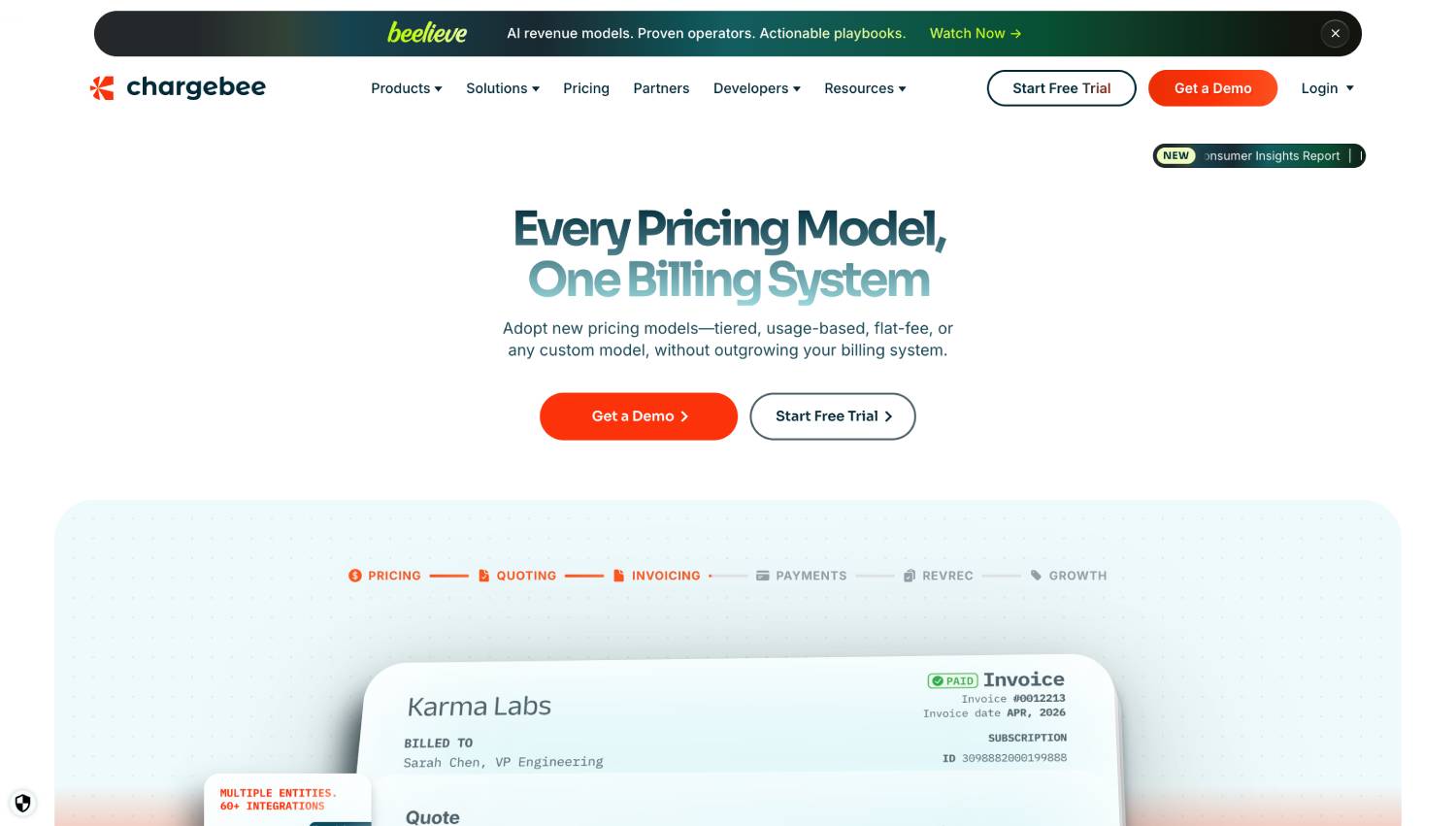
The common assumption is that Chargebee charges a flat monthly fee, pick a tier, pay the number on the card, done. That works if you stay inside the Starter plan’s revenue ceiling. Once you cross it, the billing model changes in a way that can meaningfully increase what you pay each month.
Chargebee’s pricing is structured as a platform fee plus a revenue-based overage above a threshold. That structure is common in subscription billing software but easy to miss when you’re scanning a pricing page. The number that matters is not the base fee; it is the overage rate multiplied by your billing volume above the included tier.
This matters most for companies between $1M and $5M ARR, where growth is fast enough that the overage compounds quickly but slow enough that teams haven’t yet run a full total cost of ownership analysis on their billing stack. Teams in that range often discover the real cost of Chargebee at renewal, not at signup.
What Does Chargebee’s Pricing Structure Actually Look Like?
Chargebee publishes its pricing at chargebee.com/pricing. The pricing table shows two self-serve plans and a custom enterprise option. The structure below reflects the general model; verify exact base fees, overage rates, and tier names directly on the pricing page before modeling your costs, as Chargebee updates these periodically.
| Plan | Base Fee | Revenue Threshold | Overage Model | Best For |
|---|---|---|---|---|
| Starter | Free | Up to $250,000/year in billing revenue | None | Early-stage products under $250K ARR |
| Performance | Published on pricing page | Volume-based threshold included | Percentage on revenue above threshold (see pricing page) | Growing SaaS with $1M to $10M+ ARR |
| Enterprise | Quote-based | Custom | Negotiated | High-volume or compliance-heavy teams |
The Starter plan is genuinely free with no time limit, but it is hard-capped at $250,000 in annual billing revenue. Exceeding that ceiling requires a move to Performance. The Performance plan includes a monthly billing volume allowance before overage fees apply. Enterprise pricing is quote-based. Chargebee does not publish the rates, and the drivers are typically billing volume, number of entities, contract length, and which add-on modules are required. If you are above roughly $10M ARR, expect a sales-led process.
How Do Chargebee Overage Fees Add Up at Different Revenue Scales?
The revenue-based overage on billing volume above the monthly threshold is where Chargebee pricing gets non-linear. The precise overage rate and included volume are published at chargebee.com/pricing. To illustrate the general structure with a hypothetical: if the Performance plan included $100,000 per month and charged a percentage on volume above that, a company billing $300,000 per month would pay the base fee plus that percentage applied to $200,000. The overage is what makes the total cost non-linear at growth.
At high monthly billing volumes, typically above $500,000 per month, most finance teams start asking whether an enterprise negotiation or a migration to a flat-fee alternative makes more sense. The math on add-ons matters too, covered below.
What Are the Chargebee Add-Ons and What Do They Cost?
Chargebee’s base Performance plan covers core subscription management, invoicing, dunning, and basic reporting. Several features that billing teams often need are priced separately.
Chargebee does not publish line-item pricing for most add-ons on its public pricing page. The company indicates that features including RevRec (revenue recognition compliant with ASC 606), advanced analytics dashboards, and Chargebee Retention , a churn deflection tool that presents cancellation-intent customers with targeted offers, pauses, or downgrades before they leave , are available but require a conversation with sales for pricing. Assuming these are included in your base cost is a common and expensive miscalculation.
The categories where add-on costs appear most frequently in practice are:
- Revenue recognition: needed for teams preparing for audit or operating under ASC 606/IFRS 15 requirements
- Customer portal customization beyond defaults
- Retention and churn-reduction tooling
- Advanced reporting and cohort analytics
- Multi-entity or multi-currency support at scale
Because these are quote-based, the only reliable way to know your all-in cost is to scope your full requirements with a Chargebee account executive before signing. Teams that buy the base Performance plan and then add modules three months later frequently find the total cost is 30 to 50 percent higher than the initial number they budgeted.
What Does the Chargebee Performance Plan Include vs. Exclude?
The Performance plan is the tier most SaaS companies in the $1M to $10M ARR range land on. Understanding what is inside the base fee versus what requires an upgrade or add-on is the most useful thing a finance team can do before signing a contract.
Included in Performance
- Subscription and billing lifecycle management
- Automated invoicing and payment collection
- Dunning and failed payment retry logic
- Coupon and discount management
- Basic customer portal
- Webhook and API access
- Integrations with major payment gateways including Stripe, Braintree, and PayPal
- Standard reporting and dashboards
Requires Add-On or Enterprise Tier
- ASC 606-compliant revenue recognition
- Advanced analytics and custom cohort reporting
- Chargebee Retention (churn deflection flows)
- White-labeled customer portal
- Priority support SLAs beyond standard channels
For a SaaS company that is approaching a Series B or preparing for an audit, the revenue recognition gap is the most material one. Running RevRec out of spreadsheets while using Chargebee for billing is a common interim state, but it does not survive audit scrutiny. Factor the RevRec module cost into your TCO before you hit that wall. Our piece on hidden costs killing SaaS margins covers this pattern in more detail.
How Does Chargebee Pricing Compare to Recurly and Maxio?
Chargebee, Recurly, and Maxio are the three platforms most commonly evaluated together by SaaS billing teams. The pricing structures are similar in category but different in detail, and those details compound at volume. Our detailed breakdown of Chargebee vs. Recurly vs. Maxio for fintech SaaS billing ops covers the full feature comparison, but the pricing structure summary is worth noting here.
| Platform | Entry-Level Pricing | Overage Model | Revenue Recognition |
|---|---|---|---|
| Chargebee | Free Starter; Performance base fee on pricing page | Volume-based overage above monthly threshold | Add-on, quote-based |
| Recurly | Quote-based for most tiers | Revenue-based, quote-based | Included in higher tiers |
| Maxio | Quote-based | Quote-based | Included in platform |
Recurly and Maxio do not publish granular self-serve pricing, which makes Chargebee’s published rates easier to model but does not mean Chargebee is cheaper. Teams that get quotes from all three often find that the all-in cost at a given ARR level varies significantly based on which add-ons each vendor includes by default.
The FintechSpecs Billing Cost Pressure Test
Most SaaS teams evaluate billing software on features. The pricing surface area only becomes obvious after signing. To avoid that problem, run what we call the Billing Cost Pressure Test before you commit to any subscription management platform. It is four checks applied to your projected billing volumes over a 24-month horizon.
Check 1: Volume crossover point. At your current monthly growth rate, calculate the month when your billing revenue crosses the overage threshold. Confirm the exact threshold from Chargebee’s pricing page. If you cross it within six months, model months 7 through 24 with the overage applied.
Check 2: Feature completeness at your stage. List every billing, RevRec, reporting, and retention feature your team will need within 18 months. Map each to the base plan or add-on. Get a price for every add-on before you sign.
Check 3: Contract flexibility. If you grow faster than projected, can you renegotiate mid-contract or move to enterprise pricing without a penalty? Chargebee’s self-serve plans are month-to-month by default, but annual contracts for the Performance tier typically lock you in at a rate that may not reflect your volume 12 months later.
Check 4: Migration cost. Subscription billing data is sticky. Customer records, plan configurations, and payment method tokens are difficult to move. Before signing with any platform, estimate the engineering hours required to migrate out. That cost effectively adds to the total price of staying on a platform that becomes uneconomic at scale.
When Does Chargebee Pricing Make Sense?
Chargebee’s Starter plan is one of the few genuinely free subscription billing tools with a real feature set and no time limit. For a company under $250,000 ARR that needs invoicing, dunning, and basic portal functionality, it is hard to beat on cost.
The Performance plan makes sense for companies that need more than basic billing but are not yet large enough to justify the friction of a fully custom enterprise contract. The volume-based overage is consistent with what other platforms charge in the same tier, and Chargebee’s integration network , including native connections to Stripe, Braintree, Salesforce, and NetSuite , reduces the integration engineering burden that a cheaper but less connected tool would require.
Teams where Chargebee pricing starts to work against them are those billing at higher monthly volumes, where the overage alone becomes material before add-ons, and teams that need revenue recognition built into the base price rather than sold separately. At that scale, the total cost of Chargebee often exceeds a negotiated enterprise contract with a competitor that bundles RevRec by default. Understanding how fintech SaaS pricing models affect your vendor costs helps frame that decision.
What Drives Enterprise Pricing for Chargebee?
Chargebee does not publish enterprise pricing. The drivers of an enterprise quote typically include:
- Total monthly billing volume processed through the platform
- Number of active subscriptions
- Number of legal entities or business units
- Contract length (annual vs. multi-year)
- Required add-on modules, particularly RevRec and Retention
- Support tier requirements
- Number of payment gateway connections
Companies above $10M ARR should treat the published Performance pricing as a floor, not a ceiling. Enterprise negotiations can bring the effective rate down significantly, especially if you commit to a multi-year contract. The negotiating point is volume: Chargebee’s overage model means that at high billing volumes, the enterprise rate almost always beats the self-serve overage math.
Bring a 12-month billing volume forecast and a clear list of required modules to that conversation. Sales teams respond to specifics, and arriving without a volume projection puts you at a disadvantage in rate negotiations. If you’re thinking through the broader cost structure of your fintech infrastructure, our guide to why fintech SaaS gross margins are worse than founders think is a useful frame for where billing software fits.
What Are the Key Questions to Ask Before Signing a Chargebee Contract?
Beyond the published rate, six questions determine whether the total cost is what you expect.
- Is revenue recognition included in the base plan, or does it require the RevRec add-on? Get the add-on price in writing.
- What happens if your monthly billing volume drops below the Performance threshold? Does the plan auto-downgrade or do you pay the base fee regardless?
- Are there per-user fees for admin seats, or is access unlimited within the plan?
- What is the overage rate if you exceed a custom enterprise volume cap mid-contract?
- What is the minimum annual commitment for the Performance plan, and what is the penalty for early termination?
- Which payment gateways are included, and are there additional fees for connecting non-standard processors?
Chargebee’s sales team is generally willing to negotiate on multi-year deals. The published self-serve pricing is the ceiling, not the floor, once you are in a direct sales conversation.
Frequently Asked Questions About Chargebee Pricing
What is the Chargebee Starter plan and who qualifies for it?
The Chargebee Starter plan is free, per Chargebee’s public pricing page. It covers subscription billing, invoicing, and basic dunning for companies with up to $250,000 in annual billing revenue. There is no time limit, but the plan is capped at that revenue threshold. Once a company’s annual billing exceeds $250,000, it must move to the Performance plan or negotiate an enterprise contract. The Starter plan does not include revenue recognition or advanced analytics.
How does Chargebee’s overage fee work on the Performance plan?
The Performance plan includes a monthly billing volume allowance before overage fees apply. Any billing revenue above that threshold is charged at a percentage rate published on Chargebee’s pricing page. Check chargebee.com/pricing for the current rate and threshold before modeling your costs. The overage is calculated monthly and does not roll over or average across months. The base fee applies regardless of volume.
Does Chargebee include revenue recognition in its base plans?
Revenue recognition compliant with ASC 606 and IFRS 15 is not included in the Chargebee Starter or Performance base plans. It is available as a separate add-on, referred to as Chargebee RevRec, priced via a sales quote. This is a meaningful gap for companies approaching a funding round or audit, where revenue recognition needs to be system-managed rather than spreadsheet-managed. Get the RevRec add-on price before signing the base contract.
Is Chargebee pricing negotiable?
The self-serve Starter and Performance plans have fixed published rates. Enterprise pricing is fully negotiable and driven by billing volume, contract length, number of entities, and add-on modules required. At higher billing volumes, moving to an enterprise negotiation almost always produces a lower effective rate than the self-serve overage math. Bringing a 12-month volume forecast to the negotiation gives you the best outcome.
Can multi-year contracts reduce the total cost of Chargebee?
Yes, though Chargebee does not publish multi-year discount rates. In a direct sales conversation, committing to a two- or three-year contract is the primary point of negotiation for reducing the effective per-unit cost. The discount varies based on volume, which add-ons are included, and the competitive context of the deal. Teams above $500,000 per month in billing volume should always request a multi-year quote alongside the standard annual rate before signing anything, and compare the total commitment against what the self-serve overage would cost over the same period.
How does Chargebee billing cost change as a company scales from $1M to $10M ARR?
The cost trajectory depends on the current overage rate and included volume published at chargebee.com/pricing. The general pattern: at lower ARR, monthly billing volume may fall below the overage threshold, so you pay primarily the base fee. As ARR grows and monthly volume consistently exceeds the threshold, overage becomes the dominant cost driver. By the time a company reaches $8M to $10M ARR, the monthly Chargebee cost before add-ons is typically large enough that most finance teams open an enterprise negotiation or re-evaluate alternatives. That trajectory is when most teams re-examine their billing vendor relationship.
What are the main alternatives to Chargebee for SaaS billing?
The primary alternatives evaluated alongside Chargebee are Recurly, Maxio, and for usage-based billing, Metronome, Orb, and Lago. For companies that want a merchant of record model rather than pure billing infrastructure, Paddle and FastSpring take on tax and compliance liability in addition to billing. Stripe Billing is also commonly compared, though its native subscription features are less full-featured than Chargebee’s at the enterprise level. The right choice depends on whether your pricing model is seat-based, usage-based, or a hybrid.
The Pricing Surface No One Calculates Until It Is Too Late
Chargebee’s published pricing is transparent by subscription billing software standards. The Starter plan is free, and the Performance plan’s overage structure is published at chargebee.com/pricing. What is not transparent is the total cost once you add the modules that most growing SaaS companies actually need: RevRec, advanced analytics, retention tooling. Those are where the gap between the number on the pricing page and the number on your invoice opens up.
The teams that get this right treat Chargebee pricing as a three-variable equation: base fee plus overage plus add-ons, projected over 24 months of billing volume growth. Teams that look only at the base fee sign contracts that look cheap today and expensive at renewal. Running the Billing Cost Pressure Test before signing gives you a number you can actually budget against, rather than one you discover mid-year.
If the 24-month projection puts your total Chargebee cost above what alternatives charge for the same feature set, that is the time to evaluate. Not at renewal, not after a painful migration sprint, and not after you’ve already negotiated a multi-year contract. Subscription billing infrastructure is expensive to switch, but it is not impossible, and the cost of staying on the wrong platform at scale compounds faster than the overage itself. If you want to pressure-test alternatives before that conversation, the Chargebee vs. Recurly vs. Maxio comparison is the right starting point.